Designing Clean Inbound Call Flows with FreePBX: Time Conditions, IVR, Queues and Ring Groups
Learn how businesses design clean, reliable inbound call flows using FreePBX modules like Time Conditions, IVR, Queues, and Ring Groups—without complex drag-and-drop builders.
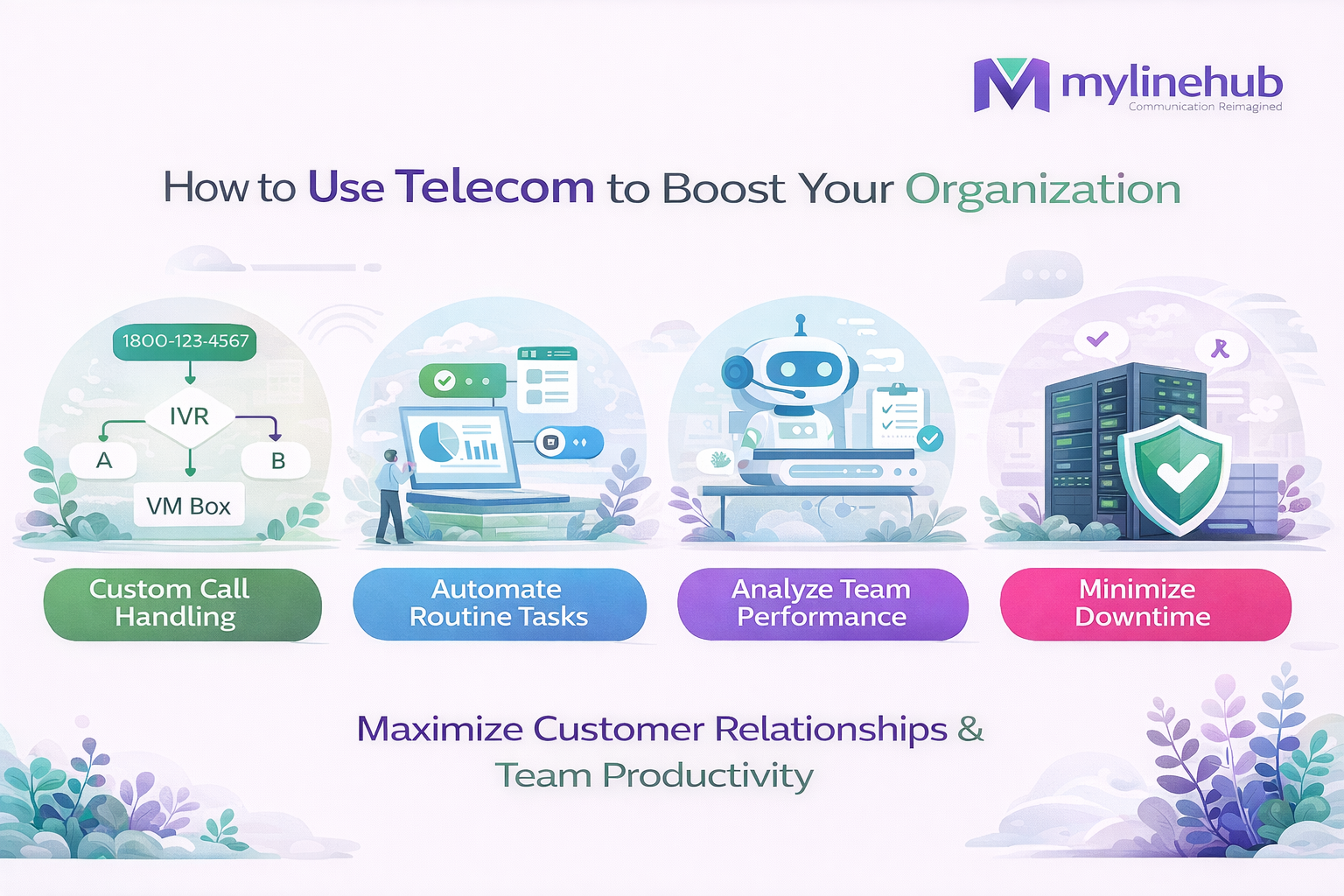
Every organization wants inbound calls to feel structured, professional, and predictable. Customers should reach the right team quickly, agents should not be disturbed after office hours, and missed calls should still convert into follow-ups.
Many platforms offer visually fancy drag-and-drop flow builders. While attractive, they often become difficult to maintain as flows grow.
FreePBX follows a simpler, proven approach: small, focused modules connected together. This feels less like drawing a complex graph and more like writing clear routing rules — which is faster, safer, and easier to operate long-term.
The Practical FreePBX Call Flow Blueprint
A clean inbound flow used by many real-world organizations:
- Time Conditions – decide open, closed, or holiday routing
- IVR – collect caller intent
- Queue – manage high call volume fairly
- Ring Group – quickly ring a small team
- Voicemail / Callback – capture demand when no one is available
Why Modular Flows Work Better Than Drag & Drop
Drag-and-drop builders look simple at first, but over time:
- Flows become visually complex and hard to debug
- Small changes require editing large graphs
- Only one person often understands the flow
FreePBX modules are easier because each module has a single responsibility. You connect destinations instead of redrawing logic.
This makes the system: easy to modify, easy to audit, and easy to train new admins on.
Time Conditions: Control Calls by Business Hours
Time Conditions are one of the most important tools for inbound call control. They route calls differently based on time, date, or special events.
Common usage
- Office hours → IVR or Queue
- After hours → Announcement + Voicemail
- Holidays → Short message + callback capture
This prevents agents from being disturbed after hours while still respecting the caller’s intent.
IVR: Collect Intent Before Routing
IVR (Interactive Voice Response) allows callers to select what they want before being routed.
Best practices
- Keep options limited (4–6 maximum)
- Route based on departments, not people
- Always define a fallback option
In FreePBX, IVR outputs are simply destinations. That makes it easy to connect IVR directly to a Queue or Ring Group.
Queue vs Ring Group: When to Use What
Use a Queue when:
- Incoming calls are more than available agents
- You need hold music, wait announcements, max wait time
- You want fair call distribution
- You need reporting and performance tracking
Use a Ring Group when:
- Call volume is low
- You want fast pickup
- A small group handles the calls
- You want simple hunt or ring-all behavior
Connecting IVR to Queue
One of the most common and reliable patterns:
Time Conditions → IVR → Queue
This ensures callers self-select first, then wait in an organized manner with fair distribution among agents.
Queue Distribution Strategies That Matter
- Least Recent – agent who answered least recently gets next call
- Fewest Calls – balances load evenly
- RRMemory / RROrdered – round robin with memory
- Linear – fixed order routing
- Random / Weighted Random – random with priority control
These strategies are critical for fairness and agent burnout prevention.
Ring Groups for Fast Human Pickup
Ring Groups are ideal for reception desks, small support teams, or internal departments.
- Ring all at once
- Ring sequentially
- Confirm pickup before connecting
After-Hours and “Wrapped Up for the Day” Flows
A professional after-hours flow builds trust.
- Play a clear announcement
- Offer voicemail or callback
- Optionally route emergencies to on-call staff
Time Conditions ensure this happens automatically without manual intervention.
Why This Approach Is Widely Used
- Faster to deploy
- Stable and predictable
- Easy to train teams on
- Scales as call volume grows
Key Takeaway
FreePBX inbound call design is powerful because it stays simple.
By combining Time Conditions, IVR, Queue, Ring Groups, and Voicemail, businesses get reliable call handling without complex visual builders.
Want to see API-driven CRM + Telecom workflows in action? Try the WhatsApp bot or explore the demos.
Comments (0)
Be the first to comment.