Prepare yourself for Deep Telephony Tech.
Telephony is built from several layers, technologies and sources of information. You do not need to learn everything at once. The steps below guide you through the stack in a practical order and show you where to go deeper.
Experience AI calling on your own infrastructure.
Request an on-premise AI calling demo configured around your requirement. We can prepare the telephony and AI calling flow on your infrastructure so your team can experience how it works in its own environment.
Final charges depend on the required call flow, infrastructure, integrations and configuration. More involved requirements may exceed ₹10,000.
Learn the stack. Then build it yourself.
Start with Asterisk, move through PBX configuration and telecom connectivity, understand networking and media flow, then connect MYLINEHUB on top.
Learn the Asterisk Base Layer
Start with the telecom engine so everything above it makes practical sense.
Many beginner tutorials online are based on legacy SIP (chan_sip). MYLINEHUB documentation is aligned with modern PJSIP architecture, helping you move from basic PBX learning to real production telecom deployments.
View Asterisk series checklist
- Asterisk Dialplan: Asterisk dialplan intro (Latest Versions) • 7 min
- Asterisk Dialplan: Asterisk dial application (Latest Versions) • 9 min
- Asterisk Dialplan: Dialplan shortcuts (Latest Versions) • 9 min
- Asterisk Dialplan: Playback Application (Latest Versions) • 9 min
- Asterisk Dialplan: Incoming Call Simulation (Latest Versions) • 9 min
- Asterisk Dialplan: Another Context Outgoing Call (Latest Versions) • 9 min
- Asterisk Dialplan: Regular Expressions (Latest Versions) • 9 min
- Asterisk Dialplan: Variables (Latest Versions) • 9 min
- Asterisk Dialplan: Time Conditions (Latest Versions) • 10 min
- Asterisk Dialplan: Subroutines (Latest Versions) • 9 min
- Asterisk Call Center: Call Distribution Intro (Latest Versions) • 7 min
- Asterisk Call Center: Intro to call Queuing (Latest Versions) • 7 min
- Asterisk Call Center: Queuing Strategies (Latest Versions) • 10 min
- Asterisk Call Center: Dynamic Queue Members (Latest Versions) • 10 min
- Asterisk Call Center: Music On Hold (Latest Versions) • 9 min
- Asterisk Call Center: Dynamic Queue Agents (Latest Versions) • 10 min
- Asterisk IVR: IVR and Custom Prompt Intro (Latest Versions) • 7 min
- Asterisk Dialplan: Installing Custom Prompts (Latest Versions) • 9 min
- Asterisk IVR: IVR Guidance Link (Latest Versions) • 7 min
- Asterisk IVR: Basic IVR Configuration (Latest Versions) • 9 min
- Asterisk IVR: Advance IVR Asterisk (Latest Versions) • 10 min
- Asterisk IVR: Looping IVR menu (Latest Versions) • 9 min
- Asterisk PJSIP: SIP Providers Intro (Latest Versions) • 7 min
- Asterisk PJSIP: Registratiom SIP Providers (Latest Versions) • 10 min
- Asterisk PJSIP: Adding SIP Provider Peer (Latest Versions) • 10 min
- Asterisk PJSIP: Provider Inbound Call (Latest Versions) • 9 min
- Asterisk PJSIP: Provider Outbound Call (Latest Versions) • 9 min
- Asterisk PJSIP: Provider Caller ID (Latest Versions) • 9 min
- Asterisk PJSIP: Provider Caller ID (Advanced / P-Asserted-Identity) (Latest Versions) • 10 min
- Asterisk PJSIP: Endpoint Identify & Match (Fix 401/No Matching Endpoint) (Latest Versions) • 10 min
- Asterisk PJSIP: Registration Auth Failures (403/401) and How to Fix (Latest Versions) • 10 min
- Asterisk Troubleshooting: One-Way Audio (PJSIP/RTP) Root Causes (Latest Versions) • 10 min
- Asterisk Dialplan: Advanced Dialplan Pattern Matching (X., _9NXX, etc.) (Latest Versions) • 10 min
- Asterisk Call Center: Dynamic Queue Membership Using Asterisk DB (ASTDB) (Latest Versions) • 10 min
- Asterisk Call Center: Queue Strategies (ringall, leastrecent, fewestcalls, linear) (Latest Versions) • 10 min
Configure FreePBX Properly
Move into extensions, trunks, IVR, queues and business-ready PBX configuration.
If you don’t want to write dialplan or manage raw Asterisk configs, FreePBX lets you control your PBX through a UI. These tutorials are written for FreePBX 16/17 with PJSIP (modern SIP), and every guide includes step-by-step screenshots so you can configure safely.
Recommended routing order: Trunks → Inbound Routes → Outbound Routes (so calls can enter, route correctly, and exit).
View FreePBX series checklist (15 guides)
- FreePBX SysAdmin Module: Updates, Backups, and Security • 10 min
- FreePBX Certificate Management: HTTPS, PEM, and Renewals • 7 min
- FreePBX Advanced Settings (Asterisk 20): Secure and Correct Defaults • 10 min
- FreePBX Bulk Handler / Admin: Handling Bulk Updates Safely • 6 min
- FreePBX SIP Settings: NAT, RTP Ports, and Codec Choices • 10 min
- Reset Network for SIP in FreePBX: Fix NAT, RTP, and One-Way Audio • 6 min
- FreePBX Firewall: Trusted Networks, Ports, and ARI/AMI Access • 10 min
- FreePBX Trunks: SIP Provider Setup, Registration, and Identify/Match • 9 min
- FreePBX Inbound Routes: DID Mapping, Time Conditions, and Destinations • 11 min
- FreePBX Outbound Routes: Patterns, Trunks, and CallerID • 7 min
- FreePBX Extensions: PJSIP Extensions and Common Pitfalls • 10 min
- FreePBX IVR: Menus, Prompts, and Clean Customer Journeys • 10 min
- FreePBX Queues: Strategies, Agents, and Monitoring • 10 min
- FreePBX Conference: MeetMe/ConfBridge Setup Basics • 6 min
- FreePBX Dynamic Routes: Build Smart Routing Logic • 7 min
Connect GSM or SIP Calling
Connect the telecom provider layer according to the calling method and infrastructure available to you.
Explore how a GSM gateway bridges SIM-based mobile calling with IP telephony systems. This guide covers SIM status, SIP / VoIP endpoint setup, client, server, and IP-based registration modes, routing rules, and practical integration with FreePBX, Asterisk, and similar telecom platforms.
Understand Router, NAT, Firewall & Media
Get the network path right so registration, signaling and audio work correctly in real deployments.
Before blaming trunks or codecs, fix networking first. This guide explains NAT, port forwarding, RTP ranges, and the common reasons for one-way audio and registration failures.
Install and Connect MYLINEHUB
Complete the path by connecting the application layer to the telephony foundation you now understand.
View installation checklist
- Install MYLINEHUB on Ubuntu Server (Complete Production Guide)
- Install PostgreSQL and PGVector for MYLINEHUB AI Features
- Configure SSL Using Let’s Encrypt for MYLINEHUB
- Nginx Reverse Proxy Configuration for MYLINEHUB Services
- Create systemd Service for MYLINEHUB VoiceBridge
- How to Load Initial Telecom Data Safely in MYLINEHUB (Organization, AMI, SSH, Users, IVR, Queue)
- VoiceBridge DB-Driven Configuration: stasis_app_config + Instructions (Safe Initial Data)
- Fetch & Clear Backend Service Logs (MYLINEHUB Debugging Guide)
- Monitor Spring Boot JMX Over SSH for MYLINEHUB
- Increase Linux ulimit for MYLINEHUB (Fix Too Many Open Files)
- Troubleshoot HTTP Connection Reset Issues in MYLINEHUB
- Reset Database for New Customer in MYLINEHUB
- Setup Gitea Git Server for MYLINEHUB Open-Source
- Reset Angular Setup for MYLINEHUB UI (Clean Rebuild & Fix Broken Builds)
Premium Open-Source Telecom Features Unlimited power to personalize
Explore real product features and implementation patterns — dialer, CRM workflows, AI calling, automation, reporting, roles, and white-label UI.


- Call centers / BPOs with in-house PBX/telecom
- Businesses wanting WhatsApp CRM under their own brand
- CRM resellers / agencies building white-label offerings
- Founders / tech leads tired of vendor lock-in
- Teams who want their own API layer + data ownership
- Total beginners with zero telecom context
- People who want “done-for-you SaaS cloud”
- Anyone expecting Asterisk installation training




Product Videos - Open Source Premium CRM + Autodialer


Best Return on Investment Deal + Fabulous Features
- 🚀 Launch Campaign
- 📩 Customer WhatsApp Message
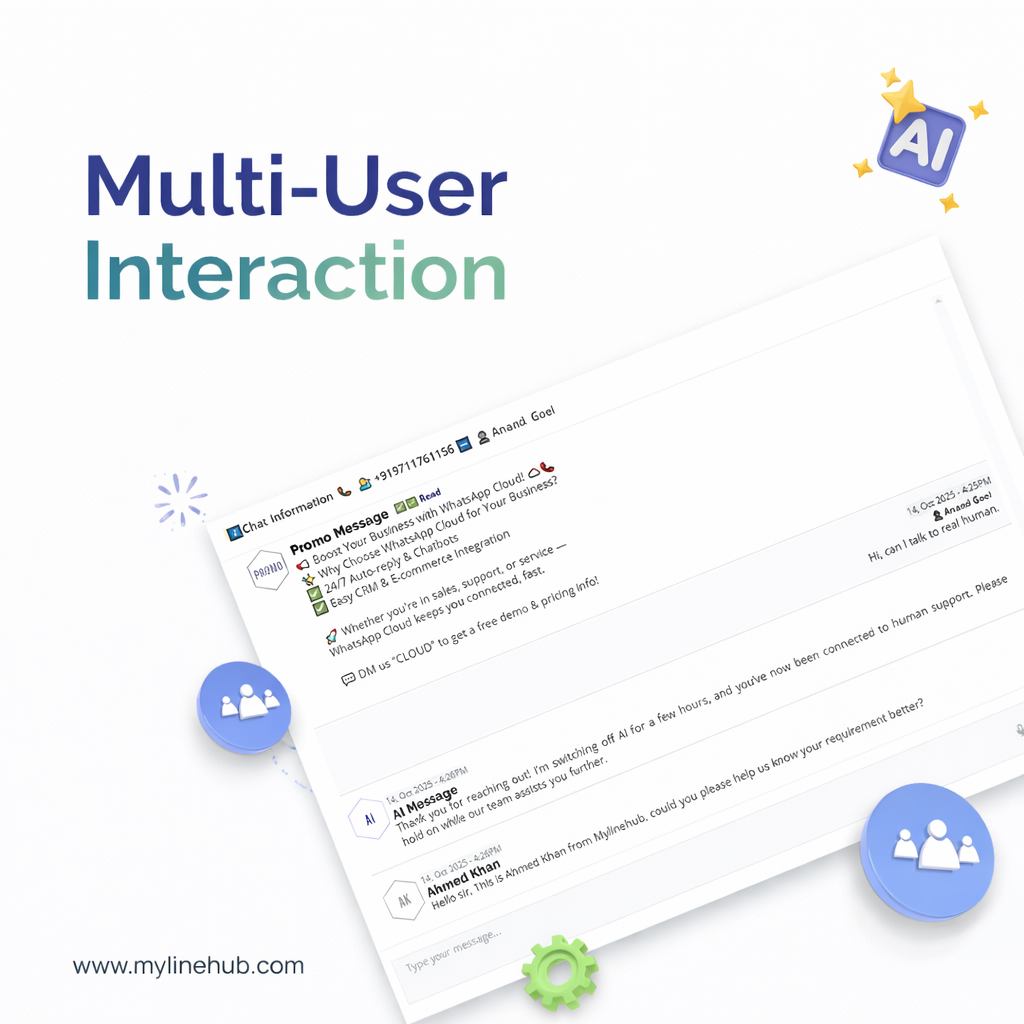
- 🤖 AI-Powered Instant Reply
- 📅 AI-Assisted Call Schedule
- 📊 Insightful Performance Reports
- 💡 Expert Support & Guidance
Our Solutions
🤖 TRY WHATSAPP BOT
Empower your business with smart, AI-driven solutions.
🤖 WhatsApp AI Bot
Engage customers automatically via WhatsApp.
📡 Telecom Solutions
Integrate voice, SMS, and WhatsApp seamlessly.
📊 CRM Integration
Create unified sales workflows.
⚙️ Business Automation
Automate repetitive workflows.