Install MYLINEHUB on Ubuntu Server (Complete Production Guide)
Step-by-step production installation of MYLINEHUB on Ubuntu including DNS, firewall, PostgreSQL, NGINX, Java, SSL, and backend deployment.
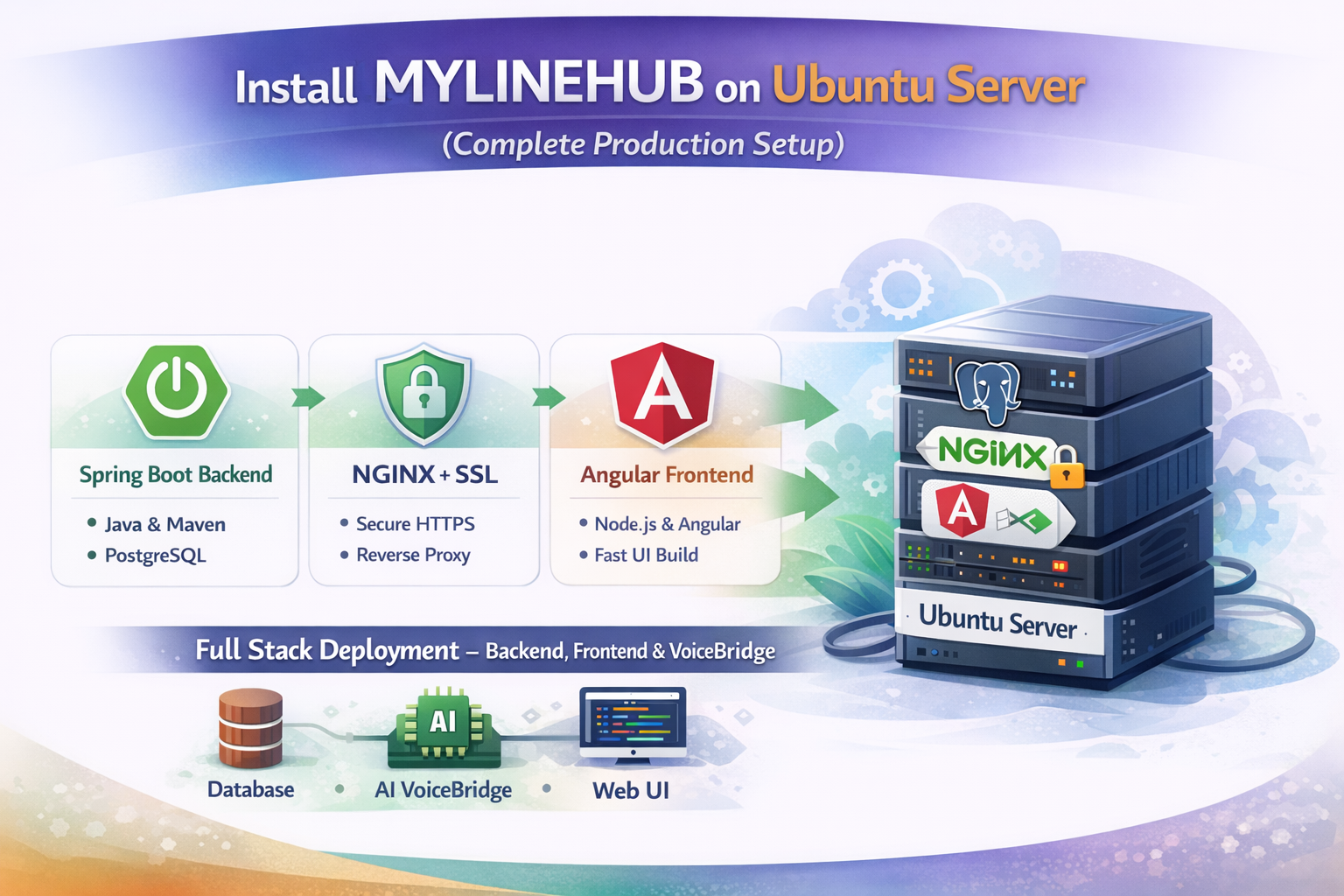
VoiceBridge is the real-time media + AI bridge that connects your telecom system (Asterisk / FreePBX) to AI voice bots and MYLINEHUB CRM workflows.
It does three important jobs:
- Receives calls/events from telecom (via ARI WebSocket + REST)
- Streams audio (RTP/media pipeline) into AI (OpenAI realtime / Gemini live / External bot)
- Writes outcomes back to MYLINEHUB (CDR, customer lookup, deductions, summaries)
This guide explains:
- Prerequisites (Asterisk/FreePBX + ARI + network)
- VoiceBridge install on Ubuntu 24.04
- Database configuration:
stasis_app_configandstasis_app_instruction - How VoiceBridge “takes control” per stasis app (your bot behavior changes per row)
Prerequisites
1) Telecom Server
VoiceBridge expects a telephony server such as:
- Asterisk (recommended for custom media control)
- FreePBX (works as PBX UI + dialplan + queues)
Your telecom should be able to route calls into a Stasis application (VoiceBridge listens to ARI events and controls audio behavior).
2) ARI must be enabled
- ARI WebSocket URL (example):
ws://ASTERISK_IP:8088/ari/events?api_key=user:pass&app=yourApp - ARI REST base URL (example):
http://ASTERISK_IP:8088/ari - ARI username/password configured
3) Network
- Stable low-latency connectivity between VoiceBridge and Asterisk
- RTP ports allowed (UDP) between systems if you do direct RTP
- Public IP + NAT awareness (if telecom is outside)
Architecture Overview
VoiceBridge is intentionally designed as a control-layer service:
- Asterisk/FreePBX remains stable: IVR, queues, dialplan stay clean
- VoiceBridge controls AI logic, call behavior, recording, RAG, and CRM API calls
- Per-bot behavior is stored in DB (no redeploy needed for most changes)
The heart of this design is two tables:
stasis_app_config→ connection + runtime configuration per stasis appstasis_app_instruction→ system prompts / instructions per stasis app
1) Install VoiceBridge on Ubuntu 24.04
1.1 Install Java
sudo apt-get update
sudo apt-get install -y openjdk-17-jdk
java -version
1.2 Create folders
mkdir -p /home/ubuntu/voicebridge
mkdir -p /home/ubuntu/voicebridge/logs
1.3 Copy the jar
scp target/voicebridge-mylinehub.jar ubuntu@app.mylinehub.com:/home/ubuntu/voicebridge/voicebridge.jar1.4 Create logs
sudo touch /home/ubuntu/voicebridge/logs/output.log
sudo touch /home/ubuntu/voicebridge/logs/error.log
2) VoiceBridge application.properties (Core Service Settings)
Important rule: application.properties is for global service settings:
- Database connection
- Service port
- Spring Boot tuning
- General logging
Per-bot config (ARI URLs, OpenAI key, barge-in, RTP ports, RAG flags, etc.) should live in
stasis_app_config.
Example (simplified):
server.port=8090

spring.datasource.url=jdbc:postgresql://127.0.0.1:5432/voicebridge
spring.datasource.username=postgres
spring.datasource.password=YOUR_PASSWORD

spring.jpa.hibernate.ddl-auto=update
spring.jpa.properties.hibernate.jdbc.lob.non_contextual_creation=true
Keep VoiceBridge internal (127.0.0.1 behind Nginx) unless you explicitly need external access.
3) Run VoiceBridge (Quick)
cd /home/ubuntu/voicebridge

nohup java -Xms1G -Xmx2G -jar /home/ubuntu/voicebridge/voicebridge.jar \
  > /home/ubuntu/voicebridge/logs/output.log 2> /home/ubuntu/voicebridge/logs/error.log &

tail -f /home/ubuntu/voicebridge/logs/output.log
4) Run VoiceBridge with systemd (Recommended)
sudo nano /etc/systemd/system/voicebridge.service[Unit]
Description=MYLINEHUB VoiceBridge
After=network.target
[Service]
User=ubuntu
WorkingDirectory=/home/ubuntu/voicebridge
ExecStart=/usr/bin/java -Xms1G -Xmx2G -jar /home/ubuntu/voicebridge/voicebridge.jar
Restart=always
RestartSec=3
StandardOutput=append:/home/ubuntu/voicebridge/logs/output.log
StandardError=append:/home/ubuntu/voicebridge/logs/error.log
[Install]
WantedBy=multi-user.targetsudo systemctl daemon-reload
sudo systemctl enable voicebridge
sudo systemctl start voicebridge
sudo systemctl status voicebridge5) Database Configuration: stasis_app_config
This entity (and table) defines how VoiceBridge behaves for a given stasis app name. One row = one AI bot + one call flow behavior.
Your code uses:
StasisAppConfig mapped to table stasis_app_config.
This is the configuration you pasted (ARI, RTP, AI keys, RAG flags, queue settings, costs, etc.).
5.1 What “stasis_app_name” means
stasis_app_name must match the Asterisk ARI app name you route calls into. Example:
- Asterisk routes call into stasis app:
caden_ai - You must have a DB row where
stasis_app_name = 'caden_ai' - VoiceBridge loads that row and runs the configured behavior
5.2 Minimum fields you must fill for a working AI call
active=trueari_ws_url,ari_rest_baseUrl,ari_username,ari_passwordrtp_bind_ip(or correct bind interface),rtp_codec,rtp_clock_rate- AI mode + key (example:
ai_openai_apiKey+ realtime ws url)
5.3 Example row (conceptual)
Below is not your full schema, but a conceptual snapshot to show what matters:
stasis_app_name = 'caden_ai'
active = true

# ARI / Asterisk
ari_ws_url = 'ws://10.0.0.10:8088/ari/events?app=caden_ai'
ari_rest_base_url = 'http://10.0.0.10:8088/ari'
ari_username = 'ariuser'
ari_password = 'aripass'

# RTP / Audio
rtp_codec = 'PCMU'
rtp_payload_pt = 0
rtp_bind_ip = '0.0.0.0'
rtp_clock_rate = 8000
rtp_frame_ms = 20
rtp_bind_port = 40000

# AI
ai_realtime_ws_url = 'wss://api.openai.com/v1/realtime?model=...'
ai_openai_api_key = 'sk-....'
ai_pcm_sample_rate_hz = 8000
ai_voice = 'alloy'

# CRM callbacks
mylinehub_base_url = 'https://app.mylinehub.com'
mylinehub_crm_cdr_url = '/api/v1/cdr/create'
...
5.4 Critical: NAT / External Host
If your VoiceBridge is behind NAT or has a public DNS, you must set:
rtp_external_hostto the correct public hostname/IPrtp_bind_ipto the correct local interface
Wrong RTP bind/external host is the #1 reason for one-way audio or no audio.
6) Database Configuration: stasis_app_instruction
This table stores your system prompts (long instructions).
It maps to StasisAppInstruction entity.
Why it matters:
- You can change bot behavior without redeploying VoiceBridge
- You can run multiple bots by inserting multiple rows
- Prompts can include:
- language rules
- business workflow questions
- JSON output format rules
- RAG instructions
6.1 Example behavior model
instructions= main system promptcompletionInstructions= summarization prompt (optional)fetchCustomerInfo= whether to call CRM lookup before speaking
If fetchCustomerInfo=true, your runtime can:
- call
mylinehub_crm_customer_get_by_phone_url - inject customer context into the bot prompt
- personalize the conversation automatically
7) How VoiceBridge “Takes Control” Using ARI
Once Asterisk sends the call into a Stasis app, ARI gives VoiceBridge control of:
- Call lifecycle events (start, hangup, transfers)
- Audio routing (bridge creation, channel control)
- Media streams (RTP handling, codec assumptions)
- Recording triggers
The key idea: Asterisk remains the telecom engine, and VoiceBridge becomes the call brain.
8) Integration With MYLINEHUB CRM (URLs in StasisAppConfig)
These URLs let VoiceBridge push data into CRM:
mylinehub_crm_cdr_url→ save call recordmylinehub_crm_customer_get_by_phone_url→ fetch customer infomylinehub_crm_customer_update_by_org_url→ update customer by orgmylinehub_crm_deduct_ai_amount_url→ deduct AI credits/cost
This design is powerful because VoiceBridge stays generic and the “business rules” stay inside:
- the DB config rows
- the prompt/instruction rows
- your CRM endpoints
9) AI Modes (OpenAI / Gemini Live / External Bot)
OpenAI Realtime
ai_realtime_ws_urlai_openai_apiKeyai_model_realtime,ai_model_transcribe,ai_model_tts
Google Gemini Live
ai_google_live_ws_urlai_google_live_apiKeyai_google_live_model
External Bot Mode
bot_modedecides whether to use external botbot_external_ws_urlfor websocket bot- auth options: basic/token flags
You can run multiple bots simultaneously using multiple stasis_app_name rows.
10) Performance & Queue Controls
Your config contains queue + jitter + executor pool controls:
queue_maxMs,queue_pauseMsto protect real-time streamingqueue_watermarkHighPercent,queue_watermarkLowPercentto prevent buffer bloatexecutor_media_poolSize,executor_io_poolSizeto avoid blocking under load
Why this matters: AI services may return audio in bursts. The queue protects user experience by pacing playback so browser/telecom hears smooth audio, not “13 sec audio in 2 sec”.
11) Practical Checklist Before First Live Call
- Is the Asterisk call entering the correct Stasis app name?
- Does a matching row exist in
stasis_app_configwithactive=true? - Are ARI URLs reachable from VoiceBridge server?
- Are RTP bind + external host correct for your network?
- Is AI key valid and model names correct?
- Do CRM URLs respond and accept auth if required?
- Is prompt row present in
stasis_app_instruction?
12) Next Steps (Optional): Browser Calling
Today, VoiceBridge is built around Asterisk + RTP flows. If you later add browser WebRTC calling, you will add:
- ICE/STUN/TURN for NAT traversal
- DTLS-SRTP media security
- Opus audio (browser default) → transcoding / resampling pipeline
The same DB-driven design can still apply:
each bot remains a stasis_app_name “profile” with instructions + config.
Final Note
VoiceBridge is intentionally configurable by database so your operations team can:
- Turn bots on/off per client (active flag)
- Change prompts instantly
- Switch AI providers without code changes
- Adjust RTP/queue settings for real call quality
This is what makes your MYLINEHUB + VoiceBridge system scalable: telecom stability stays in Asterisk/FreePBX, and intelligence lives in config + prompts.
Want to see API-driven CRM + Telecom workflows in action? Try the WhatsApp bot or explore the demos.
Comments (0)
Be the first to comment.