Create systemd Service for MYLINEHUB VoiceBridge
Run VoiceBridge as a managed background service with start/stop scripts, logging, restart policies, and graceful shutdown handling.
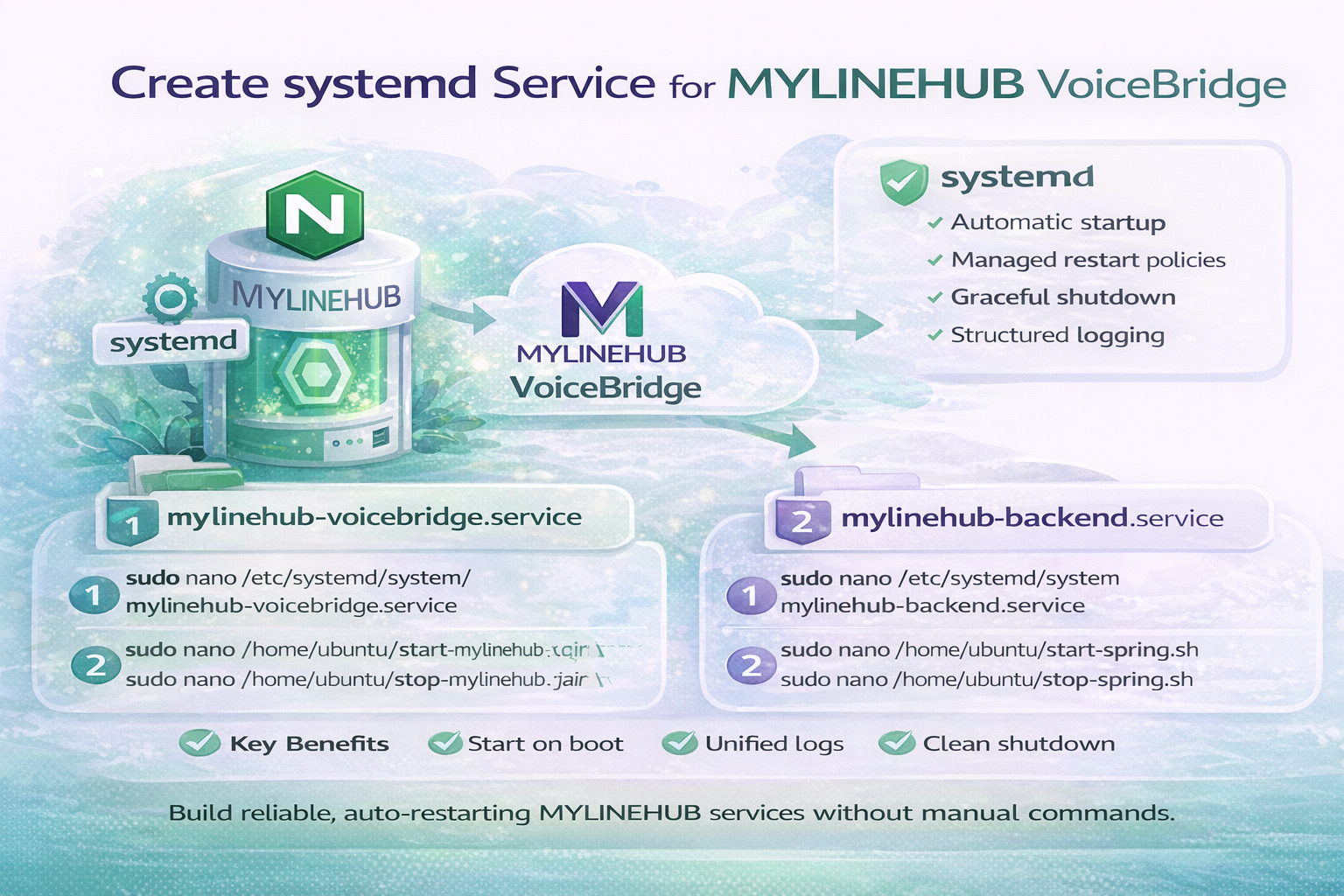
Production systems must run reliably without manual intervention.
Restarting Java processes manually, losing logs, or forgetting startup commands creates instability in telecom and AI-driven environments.
This is why systemd services are critical for MYLINEHUB deployments.
In this guide, you will configure:
- VoiceBridge systemd service
- MYLINEHUB Backend systemd service
- Graceful shutdown scripts
- Centralized logging and monitoring
Why systemd Matters in Telecom & AI Calling
MYLINEHUB is not a simple web application. It runs real-time voice processing, AI streaming, RTP handling, and telecom integrations that must remain available 24×7.
systemd ensures:
- Automatic startup after reboot
- Crash recovery with restart policies
- Structured logging using journalctl
- Clean shutdown without killing active calls
Step 0 — Fix Sudo Access for Deployment Scripts
Grant password-less sudo access for the deployment user:
sudo visudo -f /etc/sudoers.d/mylinehub

ubuntu ALL=(ALL) NOPASSWD:ALL
Restart SSH service after modification:
sudo systemctl restart sshd
Part 1 — VoiceBridge systemd Service
Create Service Definition
sudo nano /etc/systemd/system/mylinehub-voicebridge.service
[Unit]
Description=Mylinehub voicebridge Java REST bridge

[Service]
User=ubuntu
WorkingDirectory=/home/ubuntu
ExecStart=/home/ubuntu/start-mylinehub-voicebridge.sh
ExecStop=/home/ubuntu/stop-mylinehub-voicebridge.sh
StandardOutput=file:voicebridge-mylinehub-output.log
StandardError=file:voicebridge-mylinehub-error.log
SuccessExitStatus=143
TimeoutStopSec=10
Restart=on-failure
RestartSec=5

[Install]
WantedBy=multi-user.target
Create Start Script
sudo nano /home/ubuntu/start-mylinehub-voicebridge.sh
#!/bin/bash
sudo java -Xms3G -Xmx5G -jar "/home/ubuntu/voicebridge-mylinehub.jar" --spring.profiles.active=mylinehub
Create Graceful Stop Script
sudo nano /home/ubuntu/stop-mylinehub-voicebridge.sh
#!/bin/bash
PORT=8082
PID=$(sudo lsof -ti :$PORT)

if [ -z "$PID" ]; then
  echo "No app running on port $PORT"
  exit 0
fi

sudo kill -15 $PID

for i in {1..40}; do
  if ps -p $PID > /dev/null; then
    sleep 1
  else
    exit 0
  fi
done

sudo kill -9 $PID
Enable and Start VoiceBridge
sudo chmod +x /home/ubuntu/start-mylinehub-voicebridge.sh
sudo chmod +x /home/ubuntu/stop-mylinehub-voicebridge.sh

sudo systemctl daemon-reload
sudo systemctl enable mylinehub-voicebridge
sudo systemctl start mylinehub-voicebridge
Part 2 — MYLINEHUB Backend systemd Service
Create Backend Service
sudo nano /etc/systemd/system/mylinehub-backend.service
[Unit]
Description=Mylinehub Backend Java REST Service

[Service]
User=ubuntu
WorkingDirectory=/home/ubuntu
ExecStart=/home/ubuntu/start-spring.sh
ExecStop=/home/ubuntu/stop-spring.sh
StandardOutput=file:crm-output.log
StandardError=file:crm-error.log
SuccessExitStatus=143
TimeoutStopSec=10
Restart=on-failure
RestartSec=5

[Install]
WantedBy=multi-user.target
Start Script with JMX Enabled
#!/bin/bash
sudo java -Dcom.sun.management.jmxremote \
     -Dcom.sun.management.jmxremote.port=1099 \
     -Dcom.sun.management.jmxremote.rmi.port=1099 \
     -Dcom.sun.management.jmxremote.authenticate=false \
     -Dcom.sun.management.jmxremote.ssl=false \
     -Xms3G -Xmx5G -jar "/home/ubuntu/crm.jar"
Graceful Stop Script
#!/bin/bash
PORT=8080
PID=$(sudo lsof -ti :$PORT)

if [ -z "$PID" ]; then
  exit 0
fi

sudo kill -15 $PID

for i in {1..40}; do
  if ps -p $PID > /dev/null; then
    sleep 1
  else
    exit 0
  fi
done

sudo kill -9 $PID
Enable Backend Service
sudo chmod +x /home/ubuntu/start-spring.sh
sudo chmod +x /home/ubuntu/stop-spring.sh

sudo systemctl daemon-reload
sudo systemctl enable mylinehub-backend
sudo systemctl start mylinehub-backend
Logging & Monitoring
View logs in real time:
sudo journalctl -f -u mylinehub-voicebridge
sudo journalctl -f -u mylinehub-backend
View last 1000 lines:
sudo journalctl -n 1000 -u mylinehub-backend
View logs after specific time:
sudo journalctl -u mylinehub-backend --since "2025-09-26 15:40:00"
Operational Lifecycle
- Boot → systemd auto-starts services
- Crash → automatic restart
- Deployment → restart without server reboot
- Logs → centralized via journalctl
Final Thought
Reliable telecom and AI calling systems are not built only with code. They are built with stable operations.
systemd transforms MYLINEHUB from a simple Java application into a production-ready communication platform.
Want to see API-driven CRM + Telecom workflows in action? Try the WhatsApp bot or explore the demos.
Comments (0)
Be the first to comment.