Install PostgreSQL and PGVector for MYLINEHUB AI Features
Set up PostgreSQL with PGVector, create embedding tables, indexes, and enable fast vector similarity search for AI features.
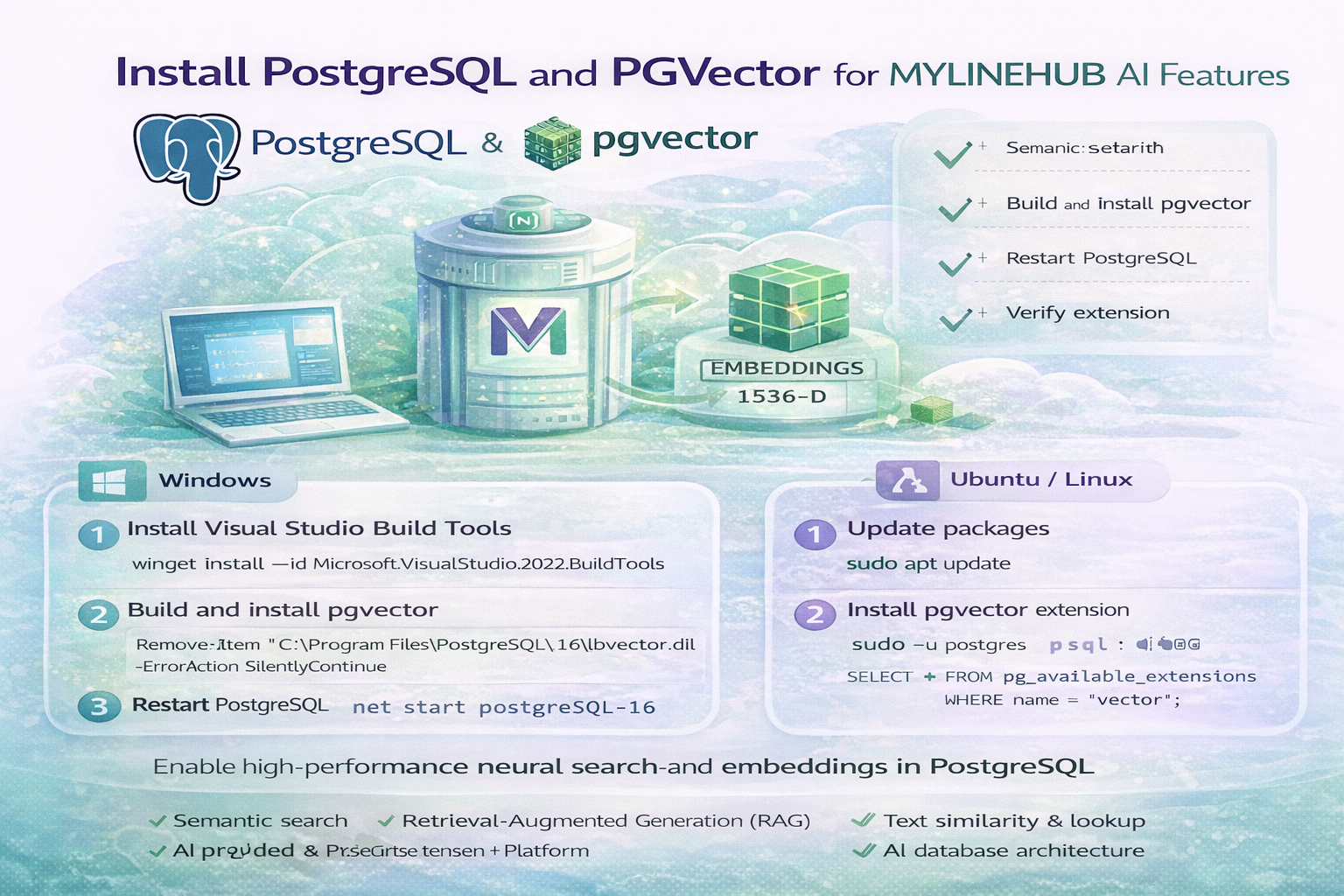
Modern MYLINEHUB deployments are no longer limited to calls, CRM, and automation. AI-powered search, summarization, and contextual responses now require a vector database layer.
This guide explains how to install PostgreSQL and enable PGVector so MYLINEHUB AI modules such as RAG search, embeddings, and semantic lookup can function correctly.
Why PGVector Is Required for MYLINEHUB AI
PGVector enables PostgreSQL to store and search embeddings efficiently.
- Semantic customer search
- AI knowledge base retrieval (RAG)
- Fast similarity comparison between texts
- Scalable AI-ready database architecture
Without PGVector, MYLINEHUB AI features cannot perform contextual understanding or intelligent lookup.
Windows Installation
1. Install Visual Studio Build Tools
winget install --id Microsoft.VisualStudio.2022.BuildTools
Clean any previous pgvector files:
Remove-Item "C:\Program Files\PostgreSQL\16\lib\vector.dll" -ErrorAction SilentlyContinue
Remove-Item "C:\Program Files\PostgreSQL\16\share\extension\vector*" -ErrorAction SilentlyContinue
2. Open Developer Command Prompt
Search for x64 Native Tools Command Prompt for VS 2022, right-click and run as administrator.
3. Build and Install pgvector
rmdir /S /Q "C:\Program Files\PostgreSQL\16\include\server\extension\vector"
cd /d %TEMP%
rmdir /S /Q pgvector
git clone https://github.com/pgvector/pgvector.git
cd pgvector
set PGROOT=C:\Progra~1\PostgreSQL\16
nmake /f Makefile.win PG_CONFIG="%PGROOT%\bin\pg_config.exe" install
4. Restart PostgreSQL
net stop postgresql-x64-16
net start postgresql-x64-16
5. Verify Extension
DROP EXTENSION IF EXISTS vector CASCADE;
CREATE EXTENSION vector;
SELECT extversion FROM pg_extension WHERE extname = 'vector';
Ubuntu / Linux Installation
1. Update Packages
sudo apt update
2. Install PGVector
sudo apt install -y postgresql-contrib postgresql-16-pgvector
If using a different PostgreSQL version:
sudo apt install -y postgresql-contrib postgresql-15-pgvector
3. Verify Installation
sudo -u postgres psql
SELECT * FROM pg_available_extensions WHERE name = 'vector';
Creating an Embedding Table (MYLINEHUB Ready)
After installing PGVector, create a table for storing embeddings used by MYLINEHUB RAG or AI search modules.
CREATE TABLE ai_embeddings (
  id SERIAL PRIMARY KEY,
  content TEXT,
  embedding VECTOR(1536)
);
Create a similarity index:
CREATE INDEX ai_embeddings_idx
ON ai_embeddings
USING ivfflat (embedding vector_cosine_ops)
WITH (lists = 100);
How MYLINEHUB Uses This
- Stores knowledge-base embeddings
- Finds nearest semantic matches during AI calls
- Powers RAG responses inside VoiceBridge
- Improves AI accuracy without external vector DB
This keeps the entire AI pipeline inside your self-hosted PostgreSQL infrastructure.
Security & Production Notes
- Restrict PostgreSQL external access via firewall
- Enable authentication and strong passwords
- Back up embedding tables regularly
- Monitor index size and vacuum performance
Final Thought
Installing PGVector transforms PostgreSQL from a simple relational database into a full AI-ready semantic engine.
With this foundation in place, MYLINEHUB can deliver intelligent search, contextual AI conversations, and scalable RAG features — all within your own infrastructure.
Want to see API-driven CRM + Telecom workflows in action? Try the WhatsApp bot or explore the demos.
Comments (0)
Be the first to comment.