FreePBX + MYLINEHUB Integration Flow: Keeping Telephony Clean While Scaling Operations
Learn how MYLINEHUB integrates with FreePBX using a clean, non-intrusive approach—keeping IVRs and queues stable while enabling advanced dialing, CRM workflows, and reporting.
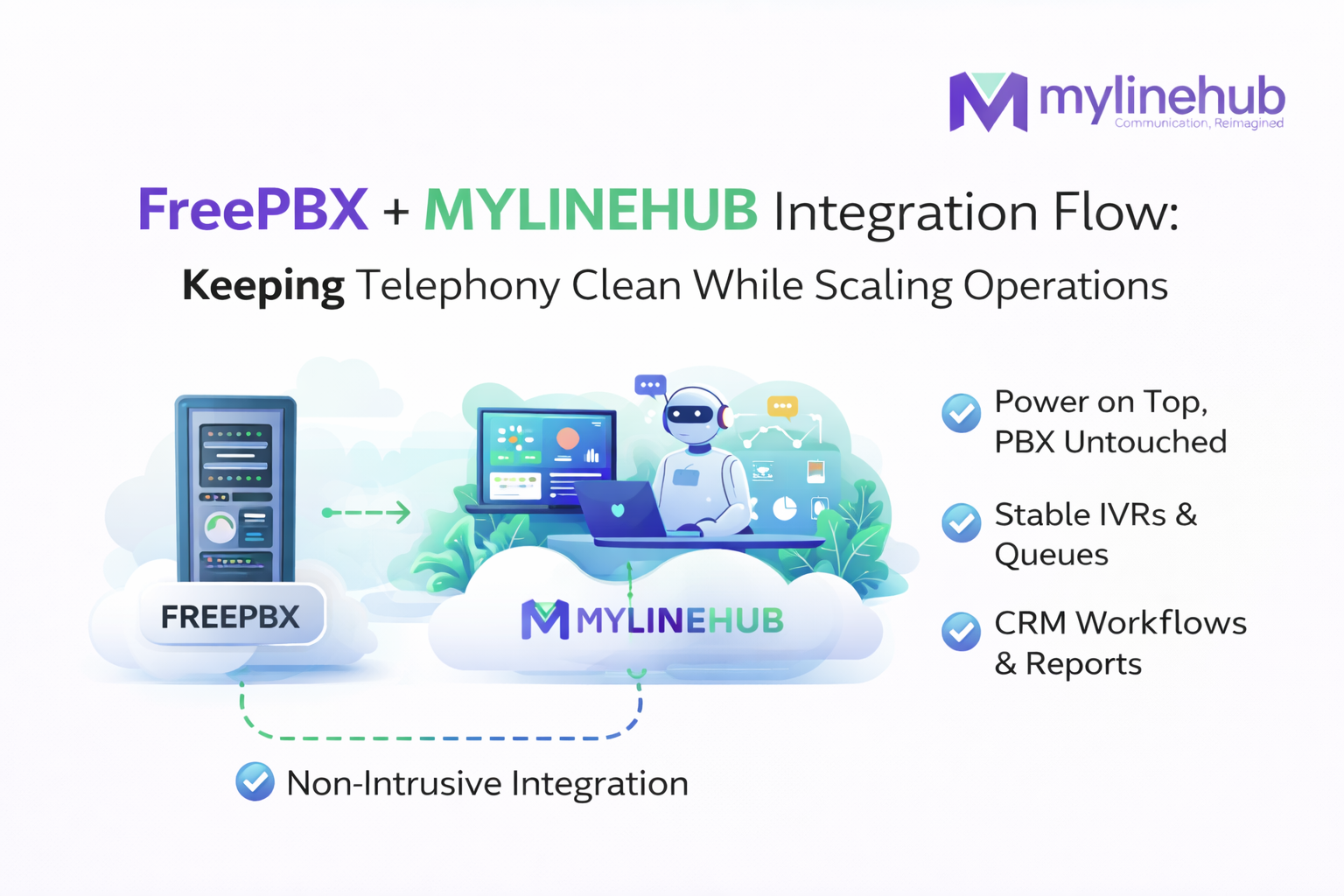
FreePBX is one of the most trusted PBX systems in the world 📞 It handles extensions, IVRs, queues, and SIP routing extremely well.
But as soon as teams try to run autodialing, CRM workflows, and reporting directly inside FreePBX, things start to get messy.
This article explains how MYLINEHUB integrates with FreePBX without breaking its core purpose — keeping telephony clean while enabling modern contact center operations.
What FreePBX Does Best
FreePBX shines when it focuses on what it was designed for:
- Managing extensions and SIP devices
- Building IVRs and call flows
- Handling queues and ring strategies
- Routing calls reliably at scale
In short, FreePBX is an excellent telephony engine.
Where FreePBX Starts to Struggle
Problems appear when teams expect FreePBX to also behave like:
- An autodialer
- A CRM workflow engine
- A reporting and analytics platform
- An agent productivity system
These responsibilities introduce complexity that does not belong inside a PBX ⚠️
The Clean Integration Principle
MYLINEHUB follows a simple rule:
Never push business logic into FreePBX.
Instead:
- FreePBX continues to manage IVRs, queues, and extensions
- MYLINEHUB connects via AMI
- Dialing logic, campaigns, and workflows stay outside
FreePBX + MYLINEHUB Integration Flow
Diagram: FreePBX handles calls, MYLINEHUB controls logic, CRM drives decisions
Why This Separation Matters
Keeping FreePBX clean delivers real operational benefits:
- PBX upgrades without fear
- Stable IVRs and queues
- No hidden dialer hacks inside PBX
- Clear ownership of responsibilities
Common FreePBX + MYLINEHUB Use Cases
| Scenario | How It Works |
|---|---|
| Outbound campaigns | MYLINEHUB dials, FreePBX routes |
| Inbound IVR | FreePBX handles IVR, hands off to agents |
| CRM-triggered calls | CRM → MYLINEHUB → FreePBX |
| Reporting & monitoring | Handled entirely in MYLINEHUB |
Key Takeaway
FreePBX should stay focused on telephony. Autodialing, CRM workflows, and reporting belong elsewhere.
MYLINEHUB bridges that gap cleanly — giving teams power without complexity ⚡
Want to see API-driven CRM + Telecom workflows in action? Try the WhatsApp bot or explore the demos.
Comments (0)
Be the first to comment.