Connect Your Frontend with Telecom APIs: Build Your Own Omnichannel Suite
If you're building your own frontend + backend, you don’t need CPaaS lock-in. Learn how to connect your app to a real telecom suite (calls, WhatsApp, IVR, reporting) using MYLINEHUB as the open-source control layer.
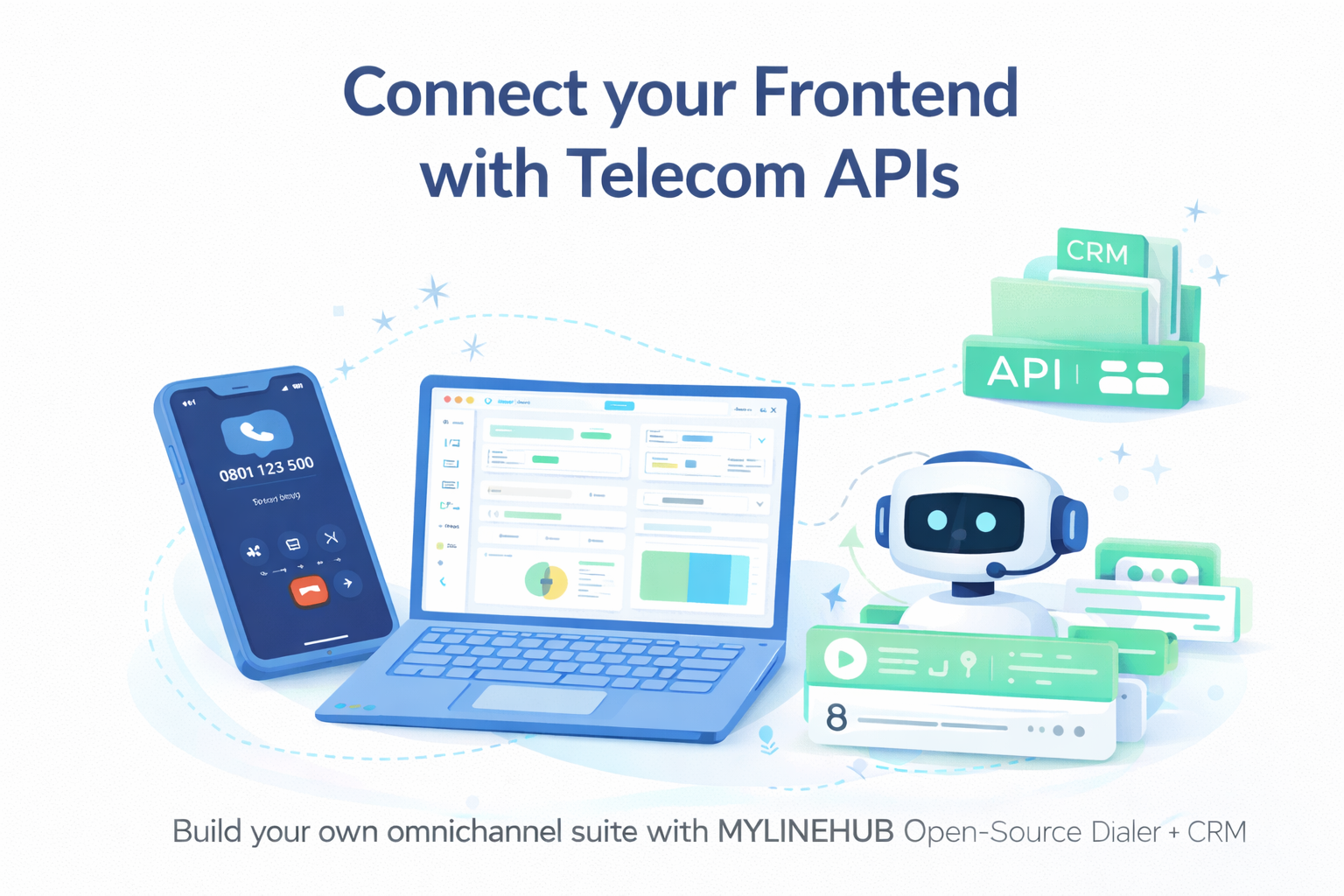
Connect Your Frontend with Telecom APIs: Build Your Own Omnichannel Suite
Many teams today are building their own frontend (web/mobile) and their own backend because they want full control over UX, pricing, customer data, and scaling. But when it comes to telecom (calls, IVR, WhatsApp, SMS, agent workflows), most products force you into a vendor UI, vendor logic, and vendor limitations.
If your goal is to build something truly yours — your own product, your own workflows, your own UI — then the right approach is simple: use a telecom suite as an API control layer, not as a UI you must live inside.
This article explains how to connect your existing frontend/backend with a telecom stack and why MYLINEHUB Open-Source Dialer + CRM is designed exactly for this purpose.
Who This Is For
- You are building a custom web app (React/Next.js/Vue/Angular) or mobile app.
- You have your own backend (Java/Spring Boot, Node, Python, PHP, etc.).
- You want a telecom suite (calls + WhatsApp + workflows) but still want to keep your app as the main UI.
- You want ownership of code, data, and deployment — not CPaaS lock-in.
The Problem People Face
Most “telecom products” are built like closed platforms. They give you a dashboard UI and a few APIs, but they don’t let you truly control:
- How your agents work (your UI, your workflow)
- How follow-ups happen (your logic, your CRM rules)
- How data is stored (your DB, your security)
- How scaling happens (your infra, your rules)
Result: companies end up using 3–5 tools together and still can’t build clean automation. And the moment you want “custom”, the product says “not possible”.
The Better Model: Telecom as APIs (Not as a UI)
A modern telecom setup should behave like infrastructure: your frontend triggers actions, your backend controls logic, and the telecom layer executes communication.
Example flow (simple):
- Your frontend shows a “Call Now” button.
- Your backend decides which agent/bot should call.
- Telecom layer places the call, records it, tracks events, pushes status back via webhooks.
- Your backend stores the timeline, follow-ups, outcomes, and analytics in your own DB.
This is exactly how MYLINEHUB is designed: use it with your own UI, or use its UI if you want. You are not forced into one way of working.
What MYLINEHUB Gives You (Extensive Features)
When you connect your app with MYLINEHUB, you get a complete telecom + workflow foundation:
- Calling control: outbound dialing, inbound routing, status events, transfers
- Autodialer: power/predictive/IVR-style flows (as per your campaign rules)
- Omnichannel CRM timeline: calls + WhatsApp + SMS + email context in one customer view
- Call recordings + searchable logs + operational debugging
- Workflow automation: callbacks, reminders, lead status changes, follow-up scheduling
- On-prem / hybrid deployment: your server, your data, your policies
- Integrations: connect any frontend (React/Vue/Next/Angular/WordPress)
How the Integration Looks (High-Level)
Think of MYLINEHUB as the “execution engine” for communication, while your app remains the “product layer”.
- Your Frontend → triggers actions (call, WhatsApp send, open ticket, start campaign)
- Your Backend → applies rules (who to call, when, what script, what retries)
- MYLINEHUB → executes telecom (dial, route, record, track events, deliver webhooks)
- Your DB → stores the timeline (customer history stays yours)
Real Examples You Can Build
- Real estate: call leads + WhatsApp brochure + auto follow-up schedule
- Hiring: AI interview calling + result summary + pipeline automation
- Support: missed-call tracking + automatic WhatsApp reply + ticket creation
- Collections: multi-step reminders + call escalation rules + compliance logs
Why Open-Source Matters Here
Telecom becomes expensive when your business grows — not because calls are expensive, but because vendor dependency becomes expensive.
MYLINEHUB being open-source means:
- You can audit and understand what runs in production.
- You can extend features without waiting for a vendor roadmap.
- You can self-host and keep data ownership.
- You can build a long-term product with stable architecture.
Start Here (Recommended Path)
- Install MYLINEHUB on Ubuntu (production setup)
- Set up PostgreSQL + PGVector (for AI search/knowledge if you use it)
- Enable SSL + NGINX reverse proxy
- Run backend + VoiceBridge services using systemd
- Use logs + ulimit + JMX monitoring to keep production stable
- Integrate your UI using APIs + webhooks
Tip: if you’re building a browser dialer, you’ll also connect WebRTC → telecom bridge (VoiceBridge) to handle media.
Conclusion
If you’re building your own frontend and backend, you don’t need to accept a closed telecom dashboard or vendor lock-in. You can build a clean product with a proper telecom execution layer underneath.
Check out MYLINEHUB Open-Source Dialer + CRM and integrate it into your app as APIs — so your UI remains yours, your data remains yours, and your telecom stack scales with you.
Want to see API-driven CRM + Telecom workflows in action? Try the WhatsApp bot or explore the demos.
Comments (0)
Be the first to comment.