How Clinics Can Use IVR for Appointments and Patient Enquiries
A clinic can use an interactive voice response menu to separate appointment requests from general enquiries before a receptionist answers.
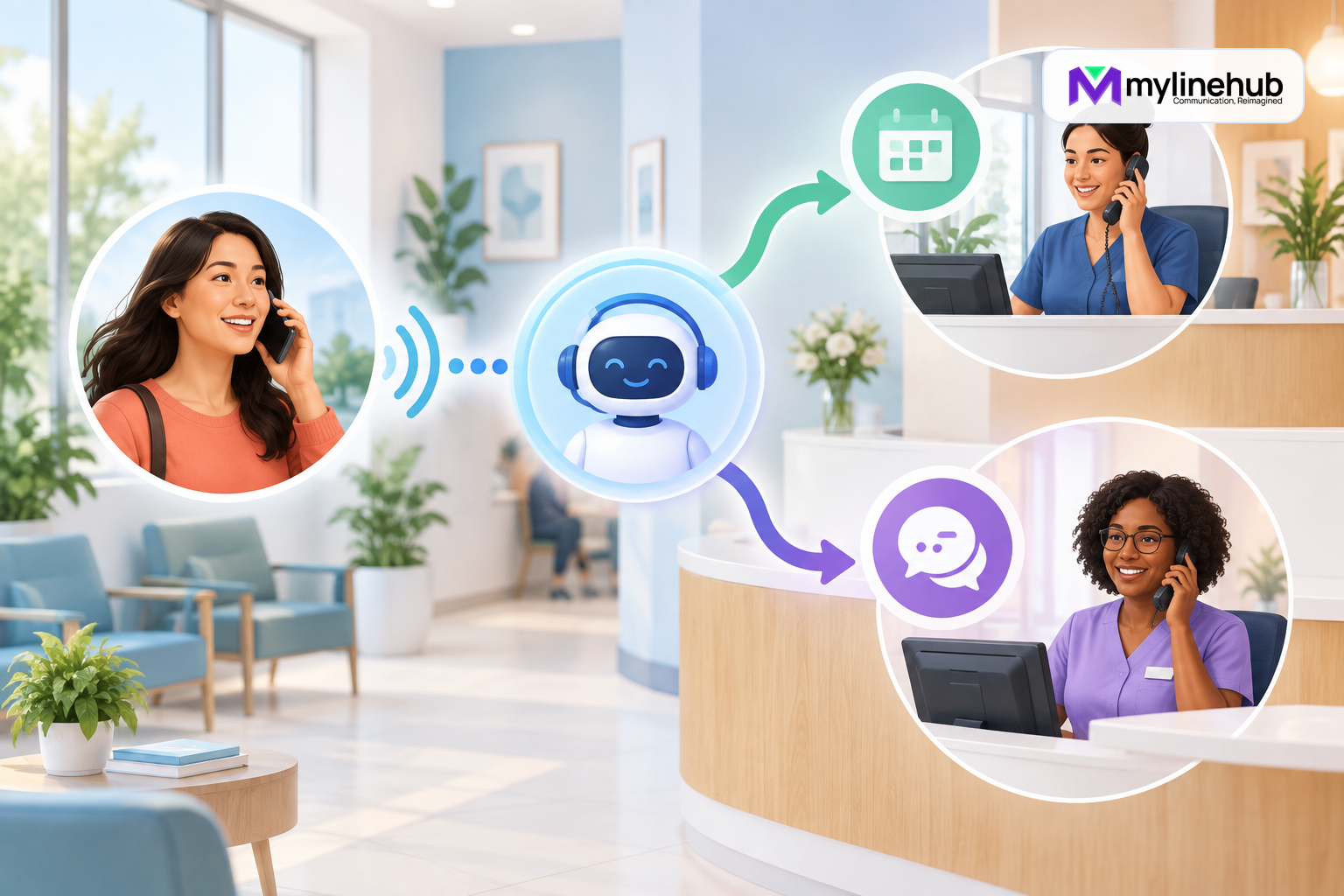
A clinic can use an interactive voice response menu to separate appointment requests from general enquiries before a receptionist answers. A simple opening such as “press 1 for appointments, press 2 for reports and billing, or stay on the line for reception” gives each caller a clearer path and lets staff recognise the reason for a call. The aim is not to replace clinical judgement or turn the phone system into a medical system. It is to organise routine telephone traffic so that administrative staff can respond more consistently while urgent-health instructions remain explicit and safely outside the menu.
Start With the Calls the Clinic Actually Receives
A useful clinic IVR begins with observation, not a long list of imagined departments. For one or two weeks, staff can note the broad purpose of incoming calls: new appointments, changes to existing appointments, directions, availability of a report, billing questions, pharmacy or supplier calls, and requests to speak to a named staff member. Personal medical details do not need to be copied into this planning list. Counts by category and time of day are enough to show where routing could help.
The results may show that appointment calls dominate in the morning, while report and billing questions arrive throughout the day. The clinic can then give the appointment desk a direct queue or ring group while sending general questions to reception. If the same two people handle everything, the menu can still help: the receiving phone can display or announce which option the caller selected, allowing the employee to answer with the right context.
Avoid building an option for every service. A caller should not need to remember eight choices or navigate several layers. Three or four clear options, spoken slowly and in the language callers understand, are usually more useful than a menu that mirrors the clinic’s internal organisation chart.
A Practical Routing Design
A small outpatient clinic might use the following call path:
- The clinic’s telecom provider delivers a call to its published business number.
- The phone system plays a short welcome and a clear emergency notice.
- The caller chooses appointments, reports and accounts, or reception.
- The selected route rings an appropriate group for a defined period.
- If nobody answers, the route follows an approved fallback such as another desk, a controlled voicemail box, or a request to call during stated hours.
- After-hours callers hear the clinic’s current opening times and the approved route for urgent assistance.
“Appointments” can ring employees trained to create or change bookings. “Reports and accounts” can reach administrative staff who are authorised to handle those enquiries. Reception remains the human fallback for callers who are uncertain, cannot use keypad input, or have a request that does not fit the menu. The clinic should also decide what happens if the caller enters nothing, enters an invalid digit, or calls from a connection where DTMF tones do not reach the system correctly.
Keep Health Urgency Outside Ordinary Queue Logic
A business phone menu cannot assess symptoms, confirm urgency, or provide medical advice. The greeting should state, in language approved by the clinic, what a caller should do for an emergency or urgent medical situation. That instruction may direct callers to the appropriate emergency service or another approved clinical route. It must not imply that leaving a message or waiting in an appointment queue is suitable for urgent care.
The IVR should not ask callers to describe symptoms in a general voicemail box merely to improve routing. If the clinic deliberately collects sensitive information, it must define who may access it, how it is protected, how long it is retained, and how requests are handled when the system is unavailable. MYLO can support bounded telephony routing; it does not decide clinical priority and is not an electronic health record, appointment-management platform, or medical decision system.
Plan for Busy, Unanswered, and After-Hours Calls
Routing improves the first step, but it does not create more staff. Each destination therefore needs a documented answer for busy and unanswered conditions. A clinic might ring the appointment group for 20 seconds, then include reception for another 20 seconds. If the call remains unanswered, it may offer a callback request or voicemail. The exact timings should reflect staffing and should be tested rather than copied from another organisation.
Voicemail requires operational ownership. Someone must check it at stated intervals, distinguish routine administration from messages that require immediate escalation under clinic policy, and record that a response was made. If nobody owns the mailbox, the safer design may be to state office hours and ask callers to try again. A promise such as “we will call you shortly” should appear only when the clinic has a measured process capable of meeting it.
After-hours behaviour should be deliberate. The clinic may play opening hours, offer directions, and state the approved urgent-care instructions. It should not leave callers circulating through groups where no employee is signed in. Holiday dates and temporary closures also need a maintenance owner so yesterday’s announcement does not become today’s misinformation.
Use Names That Make Sense to Callers
Internal labels such as “front office”, “operations”, or “desk three” may be obvious to employees but meaningless to patients. Menu wording should describe the caller’s purpose: book or change an appointment, ask about an account, or speak with reception. If reports have a specific collection process, the announcement can state that process without revealing personal information.
Recordings should be brief, calm, and easy to hear on an ordinary mobile call. Background music and promotional sentences can make important choices harder to understand. Ask several people who were not involved in the design to listen once and repeat what each option does. Their mistakes reveal confusing language more reliably than a configuration review.
Privacy and Access Responsibilities
Clinics handle information that may be sensitive even when it sounds administrative. A caller’s identity, the fact that the person attends the clinic, appointment details, recordings, voicemail, caller ID, and call notes can all require protection. The clinic remains responsible for applicable privacy, healthcare, employment, and telecommunications obligations. It should seek appropriate professional advice rather than treating a phone-system feature as evidence of compliance.
- Give voicemail and call information access only to authorised roles.
- Use individual accounts instead of shared administrator credentials.
- Collect only the information necessary for the defined purpose.
- Set retention and deletion rules for recordings, messages, and logs.
- Inform callers when recording or data collection requires notice or consent.
- Keep exports, backups, and emailed notifications under the same controls as the live system.
- Review access promptly when an employee changes role or leaves.
Call recording should be disabled unless the clinic has a valid purpose, a lawful basis, an approved notice, and a controlled review process. Routing can work without recording the conversation.
Where MYLO Fits
An authorised administrator can use MYLO’s guided workflow to describe a supported inbound-call outcome in ordinary language. MYLO can help gather destinations, business hours, fallback rules, and menu wording, then present a structured proposal. The responsible person reviews and approves consequential changes. Deterministic services validate and apply supported operations, while Asterisk executes the actual call path.
MYLO does not become the clinic’s medical, patient-record, booking, billing, or compliance system. Integrations or workflows beyond the supported appliance boundary may require a separately scoped MyLineHub implementation. Provider numbers, SIP service, suitable channels, endpoints, a reliable network, and backup power also remain necessary parts of the complete calling chain.
Test the Experience Before Publishing the Number
An internal extension test is not enough. Place real calls through the public number from more than one external network. Confirm that the correct greeting plays, every digit is recognised, each destination rings, the caller and employee hear one another in both directions, and busy, no-answer, invalid-input, after-hours, and voicemail paths behave as approved. Test transfers as well as the first answer.
Repeat the test after provider changes, network changes, major configuration work, staff moves, or new announcements. Keep a short acceptance record with date, test number, options exercised, result, and owner of any correction. This turns “the configuration loaded” into evidence that the caller journey actually works.
Clinic IVR Checklist
- Count real call reasons before choosing menu options.
- Keep the first menu short and preserve an easy route to reception.
- Use clinic-approved emergency and urgent-care wording.
- Assign an owner to every queue, mailbox, announcement, and fallback.
- Document opening hours, holidays, busy behaviour, and no-answer behaviour.
- Protect caller information with role-based access and retention rules.
- Test the published number from outside with two-way audio.
A clinic IVR is successful when callers reach the right administrative help with less uncertainty and staff can operate the route every day. Start with a small, measurable call flow, protect sensitive information, and expand only when real call evidence shows a need.
Continue planning
Continue with How Can a Small Business Set Up an Inbound Support Number?; When Should a Business Use Multiple Incoming Numbers?; How Schools Can Route Admission and Fee Enquiries. For deeper implementation context, use MyLineHub technical architecture guidance.
For a requirement outside the prepared MYLO scope, discuss the exact outcome with MyLineHub.
Want to see API-driven CRM + Telecom workflows in action? Try the WhatsApp bot or explore the demos.
Comments (0)
Be the first to comment.