How to Use the MYLO API: Login, Bearer Token and Authentication First
Before a developer places a call or downloads a report, the integration must authenticate correctly. MYLO customer-facing APIs use a Bearer access token, and the current API catalogue is the authority for which endpoints a signed-in user may see and use.
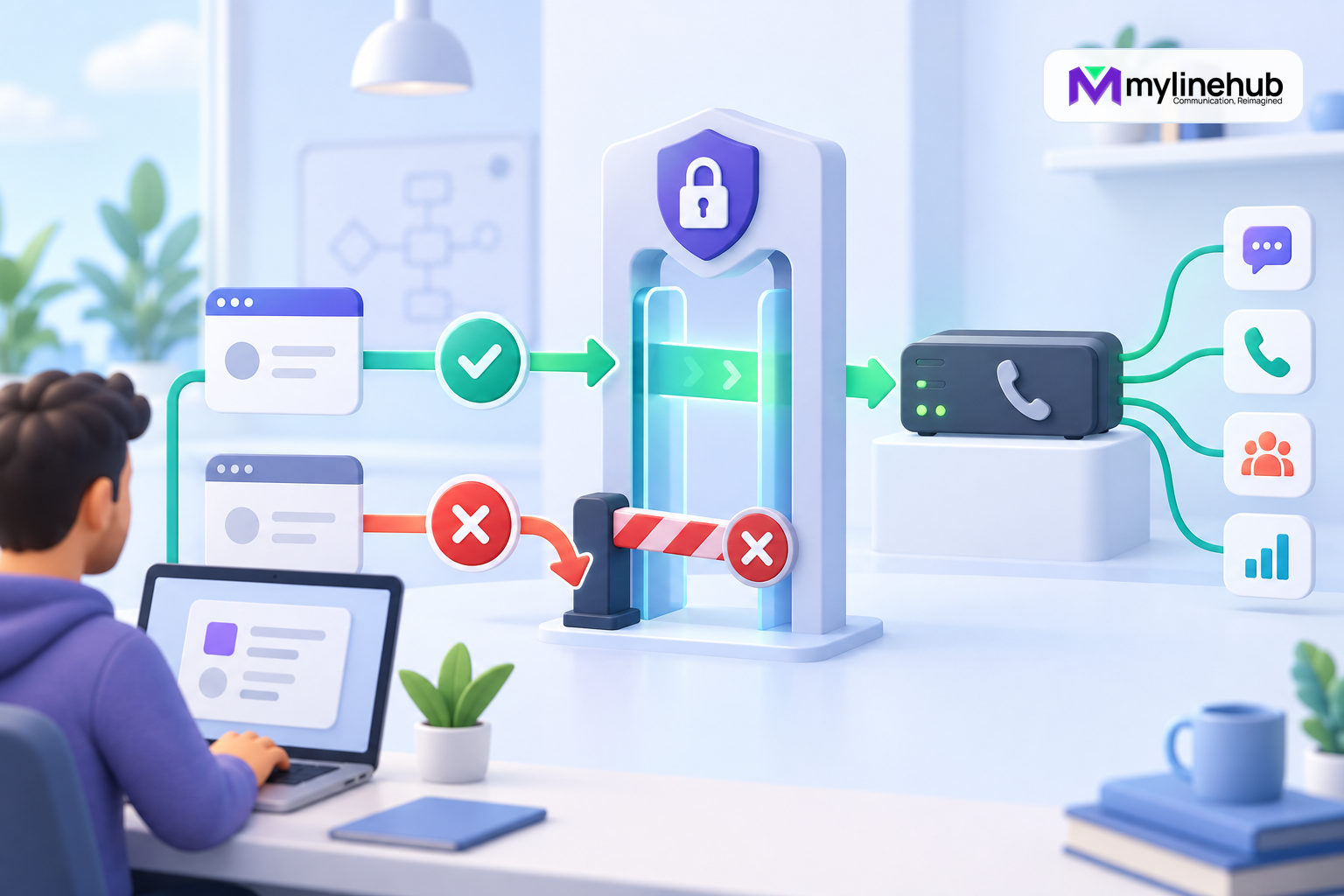
Before a developer places a call or downloads a report, the integration must authenticate correctly. MYLO customer-facing APIs use a Bearer access token, and the current API catalogue is the authority for which endpoints a signed-in user may see and use. Authentication is not a line to add after the integration works. It is the first design decision because token ownership, storage, permissions, expiry, logging, and revocation determine whether every later request is safe.
Do Not Confuse API Access With Telecom Credentials
The MYLO Bearer token authenticates the customer-facing application request. SIP authentication usernames and secrets belong to the provider and telephony configuration boundary and must not be copied into API requests, chat prompts, or client-side settings. Keeping these identities separate reduces exposure and makes responsibility clear when a call fails after the API request was accepted.
Prepare for Credential Incidents
Write a short response procedure before production use. It should name who can revoke a token, how integrations are stopped, how a replacement is distributed, which logs can establish the exposure window, and how affected operations are reconciled. Do not delay revocation because the team first wants to prove misuse. Contain the credential, preserve bounded evidence, and then investigate according to the business incident process.
After rotation, verify both positive and negative cases: the new token can perform the intended permitted request, and the old token can no longer do so. Review unusual calls, report access, and administrative activity for the relevant period without assuming every authenticated action was malicious. Update the cause—such as a debug log, repository commit, copied command, or vendor handoff—so the same leak path is closed.
Move From Test to Production Deliberately
Use placeholder customer information and an approved test destination while developing. Before production, confirm the base URL, certificate trust, network restrictions, integration identity, role, secret source, request timeout, retry rules, idempotency behaviour, log redaction, monitoring, and owner escalation. Run one authorised end-to-end test and verify the resulting MYLO record.
Review access periodically and whenever the business purpose, vendor, deployment host, or responsible employee changes. Remove unused identities and revoke credentials instead of leaving them dormant. Authentication-first is maintained through its lifecycle; it is not completed when the first request returns a success status.
Begin With the Current API Catalogue
Open the MYLO API page while signed in as the intended integration user. The page lists only intentionally customer-facing APIs appropriate to that user’s access. Do not discover capabilities by guessing URLs, copying an old screenshot, or examining an internal route. The controlled /api/v1/catalog and the actual backend contract remain authoritative.
Confirm the appliance base URL, API version, HTTP method, path, authentication requirement, accepted variables, allowed values, and documented errors. A copied example is a starting point, not permission to substitute undocumented fields. If the page and a saved integration note disagree, stop and use the current catalogue.
Create a Dedicated Integration Identity
Use an identity owned by the business and assigned to the integration. Do not build production automation around an employee’s everyday administrator login. A dedicated identity makes ownership, rotation, audit, and removal clear when staff or vendors change. Grant only the roles required for the intended calling or reporting workflow.
Separate environments and purposes where practical. A reporting process should not automatically receive permission to initiate calls. A test integration should not share a production credential. Record the business owner, technical owner, approved scope, creation date, review date, and revocation procedure without recording the secret itself.
Send the Bearer Token Correctly
MYLO API requests place the access token in the HTTP Authorization header using the Bearer scheme: Authorization: Bearer <ACCESS_TOKEN>. Use the actual appliance URL and a token issued through the supported administrative process. Keep placeholder values in documentation and source-control examples.
Send requests over the approved encrypted connection. Do not place a token in a query string, filename, browser bookmark, spreadsheet, chat message, or copied ticket. Query strings and command history often travel into logs and analytics. A header is not magically safe either: clients, proxies, tracing systems, and debug tools must be configured not to record it.
Store Secrets Outside Application Code
Load the token at runtime from an approved secret store or a protected deployment mechanism. Limit filesystem and operator access, prevent the value from reaching source control, and make production secrets unavailable to ordinary development jobs. A masked value in a user interface should not be retrievable through client-side state or diagnostic exports.
Review third-party SDKs and HTTP clients before enabling verbose logging. Redact the complete Authorization header, not only a few visible characters. Crash reports, failed request dumps, CI output, shell history, screenshots, and support bundles are common secondary leak paths. If exposure is suspected, revoke and replace the token rather than relying on deletion of one copy.
Test Authentication With a Read-Only Request
Start with a documented read-only endpoint the role is allowed to use, such as the supported DID listing where appropriate. A successful authenticated response proves that the client can reach the correct base URL, negotiate the secured connection, present the token, and pass the API permission check. It does not prove that the identity may place calls or read every campaign.
Record the status code, request time, request or correlation identifier when supplied, and the endpoint used. Do not record the token or unnecessarily retain the full response. If the test fails, distinguish name resolution, connectivity, certificate, authentication, authorisation, validation, and server errors instead of labelling every result “bad credentials.”
Understand Authentication and Authorisation
Authentication establishes which MYLO identity presented the token. Authorisation determines what that identity may do. A token can be valid while an endpoint is forbidden. That is a useful security boundary, not a reason to grant administrator access. Ask the authorised MYLO administrator to review the intended role and current API catalogue.
Do not automatically retry an authentication or permission failure at high frequency. Repeated attempts can conceal configuration mistakes and create noisy evidence. Return a clear operational error, preserve a bounded diagnostic record, and require human action when credentials, roles, or access policy must change.
Treat Expiry and Rotation as Normal Operations
Design the client so a token can be replaced without editing code or rebuilding the whole application. Document how the credential is issued, activated, tested, rotated, and revoked. Where the supported product contract provides an expiry or renewal mechanism, follow it exactly; do not invent a refresh flow from conventions used by unrelated APIs.
Use a controlled cutover: provision the approved replacement, update the secret store, test a read-only request, verify the intended operation, and revoke the old token. If overlapping validity is supported, keep it short and accountable. If it is not supported, plan a maintenance window rather than maintaining an undocumented workaround.
Protect Requests That Change State
Authentication does not by itself make a mutating request safe. The outbound calling API and other consequential operations require validated business inputs, permission checks, and operational controls. Where the current contract specifies Idempotency-Key, supply a stable unique key for one intended business action and reuse that same key only when safely retrying the same action.
Never use a new idempotency value merely to force an uncertain request through. First determine whether the earlier request was accepted by retrieving its call or operation record through the supported API. Blind retries can produce duplicate calls, duplicate customer contact, and misleading downstream records.
Handle Responses Without Leaking Data
Keep the response status, MYLO identifiers, bounded error code, and correlation data required for support. Avoid logging complete customer phone numbers, recording locations, personal data, or response bodies by default. Apply access control and retention rules to integration logs just as you would to call reports.
A developer-facing message should explain whether the operator can retry, must correct input, must obtain permission, or should contact an administrator. It should not echo a token, internal stack trace, filesystem path, or provider secret. Unknown outcomes should remain unknown until the supported status endpoint resolves them.
Production Authentication Checklist
- Confirm the current endpoint and authentication rule in the MYLO API catalogue.
- Create a business-owned integration identity with minimum necessary access.
- Store the Bearer token in an approved secret mechanism, never in code.
- Redact credentials from HTTP logs, traces, tickets, screenshots, and exports.
- Prove connectivity and permissions with an approved read-only request.
- Implement bounded error handling and avoid automatic credential retries.
- Use documented idempotency controls for mutating requests.
- Document ownership, review, rotation, revocation, and incident response.
Authentication-first integration means the security and operating model is settled before production traffic begins. With a dedicated identity, least privilege, protected Bearer token, authoritative catalogue, careful logging, and a tested rotation path, later calling and reporting work starts on a boundary the business can understand and control.
Continue planning
Continue with Is MYLO a PBX, an AI Agent or a Complete Appliance?; What Is the MYLO Call-Event History?; How to Place and Track a Business Call Through the MYLO API. For deeper implementation context, use MyLineHub technical architecture guidance.
For a requirement outside the prepared MYLO scope, discuss the exact outcome with MyLineHub.
Want to see API-driven CRM + Telecom workflows in action? Try the WhatsApp bot or explore the demos.
Comments (0)
Be the first to comment.