Why MYLO Shows a Proposal Before Applying a Change
A proposal connects conversational intent to a controlled configuration operation. It shows the requested outcome, observed current state, proposed difference, protected values and decision needed before execution.
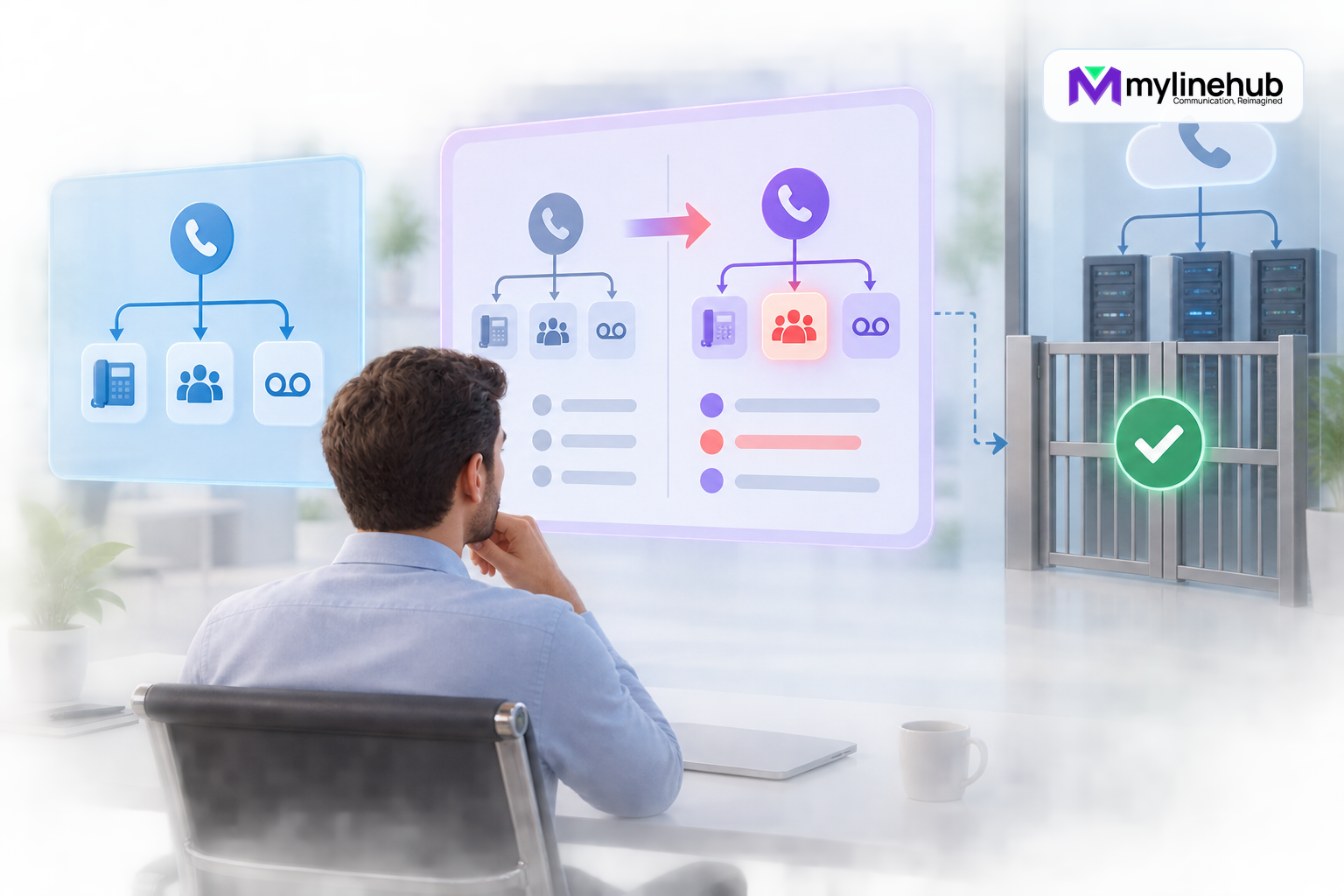
A proposal connects conversational intent to a controlled configuration operation. It shows the requested outcome, observed current state, proposed difference, protected values and decision needed before execution. The value comes from the layers working together while each retains a clear responsibility. This makes changes explainable, reviewable and recoverable rather than dependent on an opaque model response.
Requested outcome
A proposal connects conversational intent to a controlled configuration operation. It shows the requested outcome, observed current state, proposed difference, protected values and decision needed before execution. Operators should confirm this boundary through current evidence and avoid assumptions inherited from old documentation.
Current state
MYLO presents relevant evidence in business language while preserving permission and approval controls.
Proposed difference
The proposed operation names its scope, protected inputs, dependencies and expected result before execution.
Protected values
Deterministic checks make the behaviour repeatable, auditable and safe to stop when evidence disagrees.
Administrator decision
Completion requires verification against the running system, not merely a successful save message.
From Request to Controlled Operation
- An authorised person states the desired business outcome.
- AI assistance interprets language, retrieves relevant approved knowledge and asks for missing information.
- Deterministic code observes current authoritative state and validates values, permission and scope.
- MYLO presents a structured proposal showing intended differences and protected values.
- A responsible administrator approves when the effect is consequential.
- Deterministic services create required backups, apply the bounded operation and reload safely.
- MYLO verifies configuration and live evidence, records the result and offers a defined recovery path.
Limits and Operating Checklist
- Does each fact come from its authoritative source?
- Is the requested outcome and exact scope clear?
- Are permission, provider and product boundaries explicit?
- Does the proposal show meaningful before-and-after differences?
- Has the responsible person approved consequential effects?
- Is there a scoped snapshot and manifest before mutation?
- Did deterministic validation and execution complete?
- Was the real customer outcome verified?
- Can failure be explained and restored without inventing state?
What a Useful Proposal Shows
A proposal should identify the current authoritative state, requested business outcome, exact change, dependencies, customer impact, protected values, verification method and recovery boundary. For a DID destination change, it should show the received number, current route, proposed destination, business-hours behaviour and test call—not merely “Update successful.”
Approval Is Informed, Not Ceremonial
The approver needs enough information to notice a wrong destination, missing fallback or unexpected recording effect. Approval authorises the displayed scope; it does not make incorrect data true or permit unrelated edits. If live state changes before execution, MYLO should revalidate and present the conflict rather than applying a stale plan.
After approval, deterministic services create the required backup, apply the bounded change and verify the result. The operation record should connect the request, proposal, approver and evidence.
Continue planning
Continue with Is MYLO a PBX, an AI Agent or a Complete Appliance?; Why Linux Remains the Source of Network Truth; Which MYLO Changes Require Human Approval?. For deeper implementation context, use MyLineHub technical architecture guidance.
For a requirement outside the prepared MYLO scope, discuss the exact outcome with MyLineHub.
Want to see API-driven CRM + Telecom workflows in action? Try the WhatsApp bot or explore the demos.
Comments (0)
Be the first to comment.