Telecom Go-Live Checklist for Inbound and Outbound Calling
A telecom go-live should prove complete business journeys, not merely show that a server starts or one extension registers. The checklist must cover ownership, numbers, trunks, routing, endpoints, network, security, operations, reporting, and failure handling.
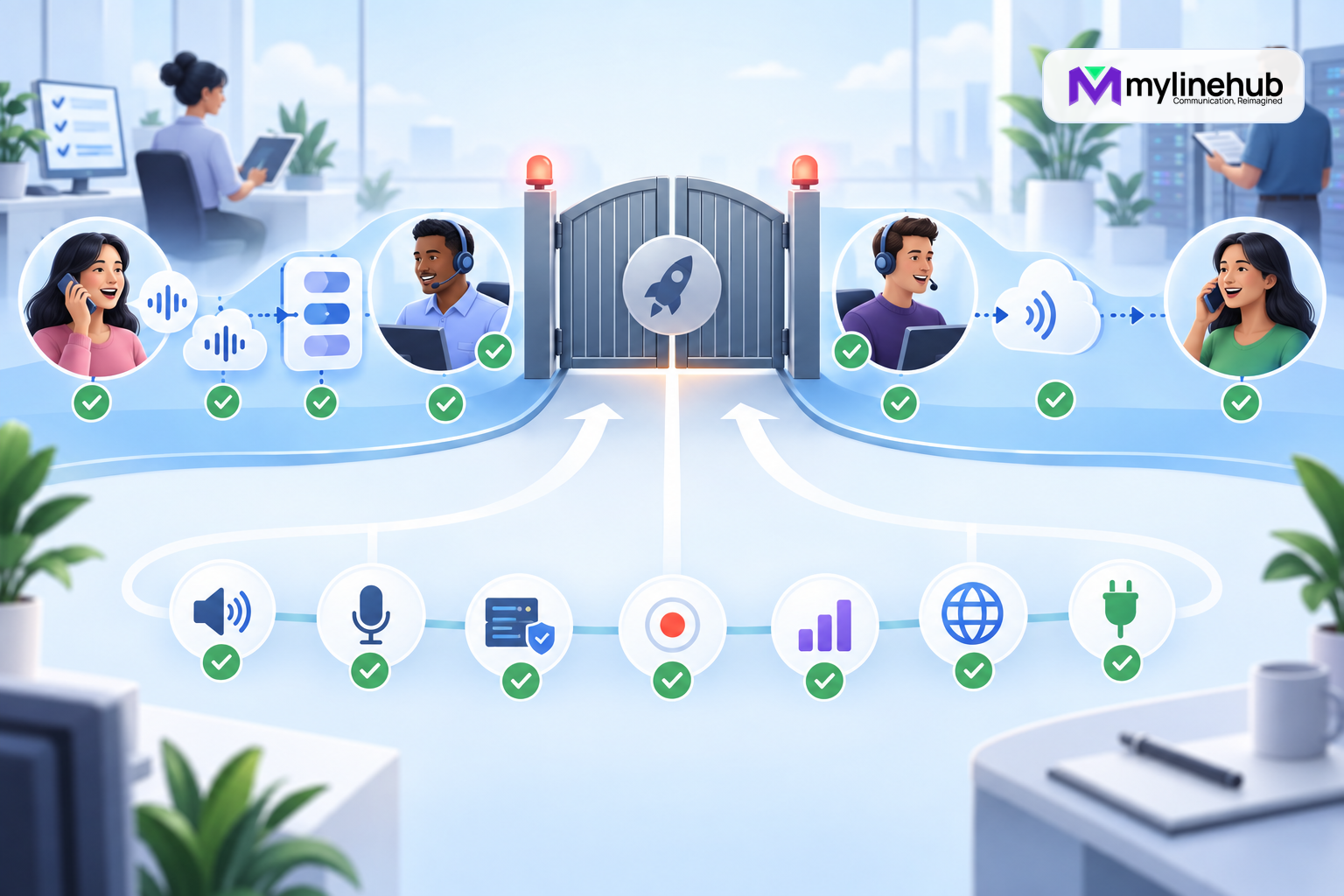
A telecom go-live should prove complete business journeys, not merely show that a server starts or one extension registers. The checklist must cover ownership, numbers, trunks, routing, endpoints, network, security, operations, reporting, and failure handling. Use authorised test destinations and protect real customers until acceptance criteria pass.
Confirm Scope and Acceptance
List the locations, departments, business numbers, inbound routes, outbound flows, agents, IVRs, queues, campaigns, integrations, recording decisions, and operating hours included in the release. Name the business approver, technical lead, provider contact, network owner, test coordinator, and rollback authority.
Write measurable acceptance criteria for each journey: correct number delivery, prompt, destination, ringing, answer, transfer, two-way audio, caller ID, event history, and report. Mark exclusions and known limitations before the change window.
Verify Commercial and Provider Readiness
Confirm the organisation owns or controls the required DIDs and that porting, activation, billing, capacity, geographic restrictions, and emergency responsibilities are understood. Check the provider’s trunk delivery model, authentication, permitted source addresses, number formats, codec expectations, support contacts, and escalation reference.
Do not expose provider credentials in the checklist. Store secrets securely and confirm an authorised administrator can retrieve them during the window. Verify outbound presentation is allowed by the provider and belongs to the business.
Verify Appliance, Network, and Time
Confirm the MYLO appliance is correctly connected, powered, backed by appropriate UPS capacity, and reachable through the intended local address. Inspect live Linux interfaces, addresses, routes, DNS, time synchronisation, storage, and resource health. Check firewall and NAT rules for signalling and RTP without opening unnecessary access.
Validate bandwidth, latency, jitter, loss, and contention under realistic conditions. Wi-Fi or a successful web page is not proof of voice quality. Document the tested external address and any provider dependency on it.
Validate Users, Roles, and Security
Create named users with minimum required roles. Separate administration, configuration, campaign operation, reporting, and integration access. Confirm approval paths for consequential changes, restore, campaign start, and recording retrieval. Disable unused accounts and replace temporary credentials.
Verify secret storage, token redaction, remote-access controls, software-update responsibility, backups, and incident contacts. Do not paste SIP credentials, API tokens, private keys, or unrestricted logs into chat or support notes.
Test Every Inbound Number
Call each DID from an external network. Confirm provider delivery, received number representation, business-hours route, greeting, language, IVR valid choice, invalid input, no input, timeout, queue or ring group, transfer, voicemail or fallback, hangup, and two-way audio. Repeat outside-hours and holiday behaviour where practical.
Test busy, unavailable, and no-answer cases. Confirm caller information shown to agents and the final MYLO or PBX record. One successful number does not prove other DIDs map correctly.
Test Direct Outbound Calling
Place authorised calls from each supported endpoint or integration flow. Verify destination normalisation, selected trunk, permitted caller identity, ringing, answer, audio in both directions, DTMF if required, transfers, hangup, and the final call record. Test local, mobile, national, or international classes only where approved.
Confirm failed and blocked destinations return understandable outcomes without unsafe automatic retry. Ensure emergency calling is handled and verified according to provider and local requirements by qualified personnel.
Test Campaign and Two-Leg Flows
Use a small approved list of test contacts. Confirm customer-first and agent-first ordering where supported, agent selection, pacing, concurrency, caller ID, schedules, recording choice, pause, resume, and safe recovery after a controlled interruption. Observe customer and agent legs separately.
Test customer no answer, agent unavailable, provider rejection, and abandonment. Verify the system never retries a customer merely because an agent leg failed. Compare event history and report outcomes with the observed calls.
Verify Recording and Privacy
If recording is enabled, confirm the approved notice or consent process, actual audio, correct call relationship, authorised retrieval, access audit, retention, and deletion workflow. If recording is disabled, prove no recording is unexpectedly created for the tested flow.
Review what customer and telecom data may reach an AI provider, integration, CRM, log, or export. Use sanitised context and least privilege. A functional call is not production-ready if its data handling violates policy.
Validate API and CRM Integrations
Use a dedicated identity and current API catalogue. Test Bearer authentication, permissions, input validation, idempotency for mutating calls, returned MYLO identifiers, event processing, retrieval, pagination, and error handling. Simulate a client timeout and show that the integration resolves uncertainty before retrying.
Confirm CRM updates are triggered from the correct final business outcome, not initial request acceptance. Prevent duplicate activities on event replay and reconcile a deliberately missed notification.
Check Monitoring and Support Readiness
Verify alerts for relevant service, trunk, resource, certificate, storage, and reporting conditions. Confirm timestamps and time zones. Send a test alert to the actual on-call route and ensure the recipient has the runbook, system access, provider references, and escalation authority.
Monitoring should detect customer-impacting failure without creating constant noise. A green dashboard supports but does not replace real test calls.
Back Up and Rehearse Rollback
Create a dated backup of the telephony configuration and any MYLO-owned data required by the supported restore process. Record scope, location, access, and integrity result. Understand what the restore button restores and what it does not: provider state, external network equipment, and customer-owned systems may require separate procedures.
Define rollback triggers, authority, expected duration, and verification. Do not wait for a failed go-live to discover that a backup cannot be located or restored.
Run the Change Window
Freeze unrelated changes, record the starting state, confirm participants, communicate customer impact, execute the approved sequence, and log results. Stop when a safety or acceptance threshold fails. Do not stack speculative fixes to meet a deadline.
After cutover, run the agreed smoke tests first, then the complete matrix. Keep old service available until the rollback decision point where the migration design permits it.
Complete Post-Go-Live Acceptance
Monitor representative inbound and outbound calls, unresolved events, quality, capacity, agent feedback, missed-call handling, and reports. Reconcile calls made during the window. Remove temporary access and diversions, update documentation, and assign every known limitation an owner and date.
The business approver should sign off only after real journeys, failure cases, reporting, and support handoffs pass. Preserve the results as the baseline for future changes.
Final Go-Live Gate
- Scope, owners, acceptance, and rollback are approved.
- Numbers, trunks, identities, capacity, and provider support are confirmed.
- Network, power, time, security, users, and backups are ready.
- Every inbound route and fallback passes an external call.
- Every supported outbound and campaign flow passes.
- Audio, DTMF, recording policy, events, and reports reconcile.
- Monitoring, incident response, and support handoff are proven.
- Temporary access is removed and documentation is current.
Go live when the evidence supports the customer experience—not simply because installation is complete.
Validate Capacity Without Harming Customers
Estimate simultaneous calls from trunks, agents, campaign pacing, queues, conferences, and peak periods. Confirm provider channel limits, appliance resources, network bandwidth, codec cost, and recording storage. Run a controlled load test using authorised endpoints and destinations; do not use unconsenting public numbers.
Observe CPU, memory, storage, channel counts, setup time, audio quality, event processing, and report completion. Leave headroom for normal variation and incident investigation.
Check Staff Readiness
Agents should know how to answer, transfer, end, set availability, recognise failed audio, and report a call with a timestamp and identifier. Operators should know pause, resume, remaining-work, and escalation procedures. Administrators should understand approval, backup, restore scope, and verification.
Give each role a short guide and an escalation contact. A technically correct launch can still fail if staff use workarounds that bypass caller identity, recording policy, or reporting.
Plan the First Business Day
Assign heightened monitoring and decision ownership for the first peak period. Define who watches call journeys, queue demand, agent capacity, provider errors, media complaints, unresolved events, and integrations. Set review times rather than responding to every anecdote with an immediate configuration change.
Collect representative call IDs, prioritise customer impact, and make only controlled changes. End the day with reconciliation, an accepted issue list, and a decision on whether temporary fallbacks can be removed.
Run a Formal Go-or-No-Go Review
Before the cutover window begins, bring the business approver, technical lead, network owner, provider contact, test coordinator, and rollback authority to one decision. Review unresolved defects, provider readiness, number activation, staffing, backup evidence, rollback limits, customer communication, and the exact tests that must pass. Classify every open item as blocking, accepted with a named workaround, or deferred with no launch impact. An issue is not accepted merely because it appears in a chat thread.
Record the decision time and the evidence available at that moment. Define who can call a stop during execution and which conditions trigger it: loss of emergency or priority calling, unexpected number routing, incorrect caller identity, one-way audio across representative paths, privacy failure, uncontrolled duplicate calls, or loss of a credible rollback option. A deadline does not overrule a safety threshold.
Prove Negative and Boundary Cases
A production test plan must show that the system refuses or contains unsafe behaviour as well as completing successful calls. Verify that unauthorised destinations are blocked, invalid IVR input reaches the approved fallback, after-hours rules do not leak into business hours, disabled users cannot act, expired or incorrect credentials fail safely, and an unavailable agent does not create an uncontrolled customer retry. Confirm that campaign limits, schedules, pause state, and concurrency remain enforced after a controlled restart.
Test boundaries with approved data and destinations. Do not create load against unconsenting public numbers. Capture expected result, observed result, timestamp, call or campaign identifier, and evidence owner for each material case. Resolve any uncertainty before launch or record an explicit risk acceptance with compensating controls. This final negative testing separates a persuasive demonstration from a service that can be operated safely when customers, agents, networks, and providers do not behave exactly as planned.
Continue planning
Continue with MYLO Appliance vs MyLineHub Open Source: Which Path Fits?; What Must Be Documented in a Business Phone System?; How to Plan Migration From an Existing PBX. For deeper implementation context, use MyLineHub technical architecture guidance.
For a requirement outside the prepared MYLO scope, discuss the exact outcome with MyLineHub.
Want to see API-driven CRM + Telecom workflows in action? Try the WhatsApp bot or explore the demos.
Comments (0)
Be the first to comment.