How to Plan Migration From an Existing PBX
A PBX migration changes a live business doorway. Success means customers keep reaching the right people, staff can call safely, numbers and caller identity remain correct, and the team can explain and recover every critical route.
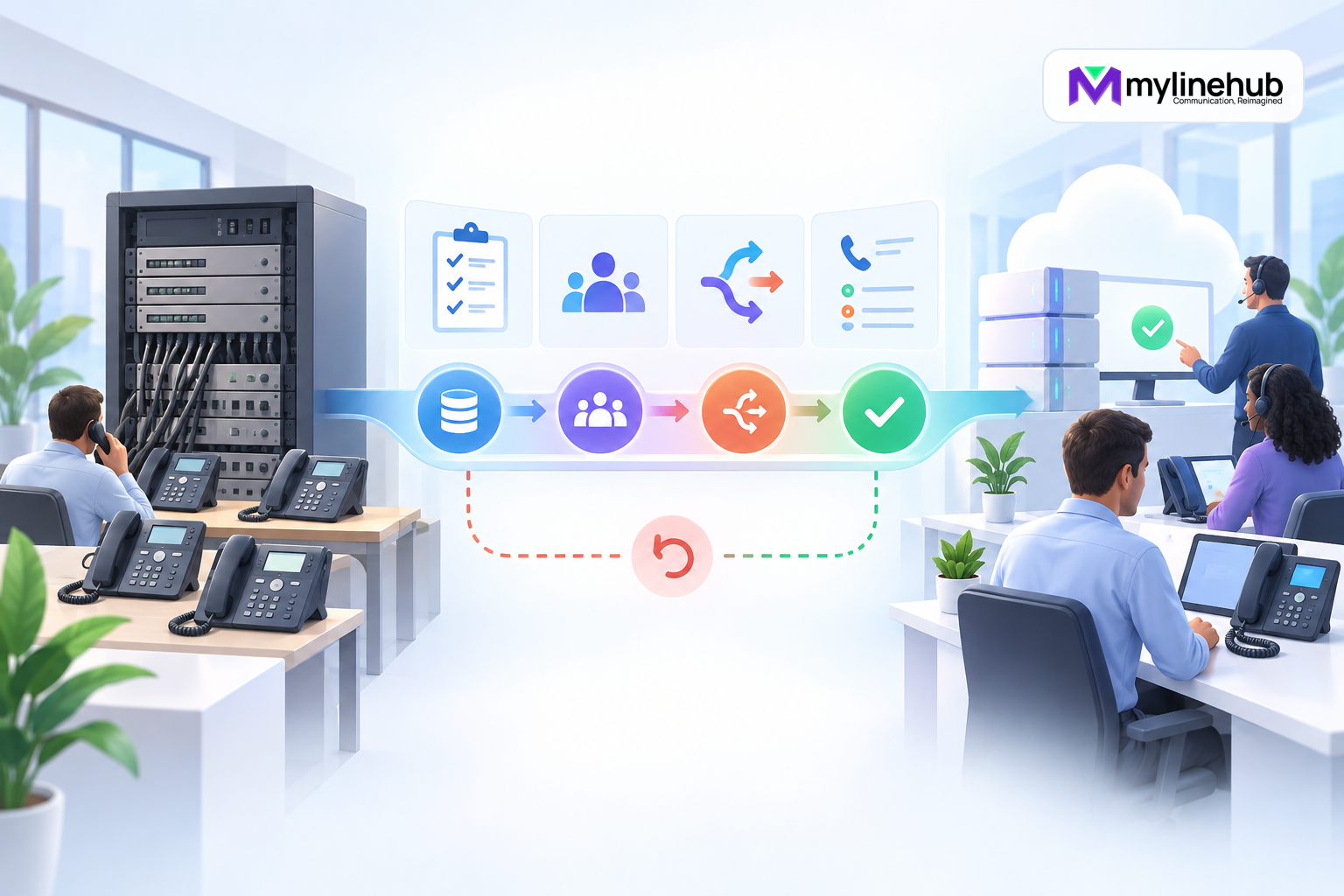
A PBX migration changes a live business doorway. Success means customers keep reaching the right people, staff can call safely, numbers and caller identity remain correct, and the team can explain and recover every critical route. Plan it as a service transition, not a software installation. The old PBX is evidence about current behaviour, but it should not force every historical mistake into the new design.
Define the Business Outcome
List why the business is moving: supportability, cost, new locations, better reporting, campaign capability, security, resilience, or simpler operation. Convert those goals into acceptance criteria. “Move to MYLO” is not measurable; “all six DIDs reach the approved route with two-way audio and correct reports” is.
Name the sponsor, migration lead, telecom administrator, network owner, provider contact, department testers, and rollback authority. Agree the maintenance window and customer communication.
Discover the Existing Service
Inventory DIDs, trunks, provider accounts, extensions, phones, softphones, gateways, analogue devices, fax, emergency use, queues, ring groups, IVRs, prompts, schedules, voicemail, recordings, campaigns, integrations, and remote sites. Observe live routes and call examples; configuration exports alone may not reveal provider or network behaviour.
Classify each item as migrate, redesign, retire, or investigate. Identify undocumented numbers, shared credentials, unused extensions, and workarounds, but do not remove them until the owner confirms their purpose.
Map Numbers and Provider Dependencies
Build a DID register with current provider, ownership, porting status, received format, route, outbound presentation, department, and criticality. Confirm contracts, notice periods, portability documentation, emergency responsibilities, and support contacts. Keep SIP authentication secrets outside the register.
Determine whether the trunk registers or uses IP trust, whether public addresses will change, and which codecs, transports, number formats, and concurrency limits apply. Coordinate provider changes early; a correct PBX cannot compensate for an inactive or misrouted number.
Design the Target Journeys
For each inbound number, document business-hours, after-hours, holiday, invalid input, no input, no answer, busy, queue, voicemail, and failure paths. For outbound work, document direct, customer-first, agent-first, mobile, extension, IVR, caller-ID, pacing, schedule, retry, and recording choices.
Use the migration to simplify where the business agrees, but preserve a traceable mapping from old to new behaviour. Obtain approval for changed greetings, timeouts, destinations, and customer experience.
Assess Network, Power, and Endpoints
Inspect Internet or private voice circuits, firewall and NAT, addressing, DNS, time, VLANs, switches, PoE, Wi-Fi use, QoS, remote access, bandwidth, latency, loss, and RTP paths. Confirm the MYLO appliance placement and two-port design where applicable. Plan UPS coverage and shutdown or recovery.
Check endpoint compatibility, provisioning, firmware, headsets, extension ownership, and remote-user constraints. A handset that registers in a lab may fail at a branch because its NAT and media path differ.
Plan Identity, Security, and Privacy
Create named roles with least privilege for administrators, configuration agents, operators, reporters, and integrations. Rotate inherited or shared secrets. Define remote administration, firewall exposure, software updates, token storage, monitoring, and incident response.
Review recording notice, consent, access, retention, and deletion. Decide what telecom data may reach an AI provider or CRM. Migration is a chance to remove credentials from scripts, chat histories, and uncontrolled spreadsheets.
Choose a Cutover Strategy
A staged migration moves selected numbers, departments, or test routes first; a single cutover moves the agreed service in one window. Parallel operation can reduce risk but may complicate routing, caller ID, voicemail, reporting, and duplicate customer handling. Choose based on provider capability and business tolerance, not habit.
Define the last reversible point. Number porting can limit rollback, so confirm the provider’s process and contingency. Never promise instant reversal unless the responsible carrier has confirmed it.
Build and Test Before Cutover
Prepare configuration through approved, backed-up, reviewable changes. Use temporary or test numbers where possible. Test every route, prompt, endpoint, transfer, queue, schedule, outbound identity, DTMF path, two-way audio, integration, event, report, and recording policy.
Include failure cases: no answer, busy, agent unavailable, invalid IVR input, provider rejection, Internet loss, and restart. Record call identifiers and expected versus observed outcomes.
Prepare Data and Integrations
Decide what users, prompts, voicemails, recordings, call history, campaign data, and reports must be retained or migrated. Not every old record belongs in the new operational system. Protect personal data and preserve legal or business retention separately where required.
Update CRM endpoints and authentication using the current API contract. Test idempotency, event replay, reconciliation, pagination, and uncertain outcomes. Keep old and new identifiers mapped for the transition without treating them as interchangeable.
Write the Cutover Runbook
List the ordered steps, owner, prerequisite, expected result, evidence, stop condition, and rollback action. Include provider actions, DNS or firewall changes, number routing, service restart only where needed, endpoint reprovisioning, smoke tests, communications, and escalation.
Freeze unrelated changes. Schedule staff and provider coverage. Prepare an authorised external phone and test destinations; internal calls alone cannot prove the public journey.
Execute With Evidence
Capture the starting state and backup. Apply the smallest approved sequence, logging time and result. Test critical inbound numbers first, then outbound identity and audio, then secondary routes, integrations, and reports. Stop if a safety or rollback threshold is crossed.
Do not hide failed steps or change the plan conversationally without accountable approval. If the provider and PBX disagree, preserve both observations and escalate to the responsible layer.
Stabilise After Migration
Monitor real journeys, no-answer patterns, one-way audio, endpoint registration, trunk capacity, queue behaviour, unresolved events, reports, and user feedback. Reconcile calls made during cutover. Keep the old service only for the approved overlap, with clear ownership of which system handles each number.
Remove temporary access, test routes, diversions, and credentials. Update diagrams, registers, runbooks, backups, and support contacts. Train staff on common operations and escalation.
Migration Readiness Checklist
- Business outcomes, owners, window, and acceptance are approved.
- Existing numbers, routes, endpoints, dependencies, and integrations are inventoried.
- Target journeys and changes in customer experience are approved.
- Provider, network, power, security, privacy, and capacity are ready.
- Configuration is backed up and the full test matrix passes.
- Cutover and rollback are documented with provider reality considered.
- Real inbound and outbound calls verify the new path.
- Stabilisation, reconciliation, documentation, and retirement have owners.
A disciplined migration gives the business both a working new service and a trustworthy record of how it got there.
Plan Training and Behaviour Change
Identify what users will experience differently: login, extension, caller display, transfer keys, queue availability, voicemail, mobile use, reporting, and escalation. Train with the actual supported endpoints and role permissions. Provide a short comparison between old and new actions instead of a generic product manual.
Tell users what not to do during transition, such as forwarding to personal numbers or retrying uncertain campaign calls. Capture questions early enough to change documentation and test cases before cutover.
Protect Recordings and Historical Evidence
Decide whether historical CDRs, voicemails, and recordings remain in a secured archive, are migrated, or expire under policy. Preserve identifiers and time zones needed for authorised retrieval. Do not copy every old file into the new PBX simply because it exists.
Validate access, retention, deletion, encryption, and legal-hold responsibilities. Make the cutover date visible so reports do not accidentally compare unlike old and new meanings.
Retire the Old PBX Deliberately
After the agreed stabilisation period, confirm no number, endpoint, integration, alarm, or business process still depends on the old system. Export required evidence, revoke provider and application credentials, remove network access, and dispose of hardware and storage through the approved process.
Keep an immutable migration record and the minimum archive required by policy. An unplugged server with active credentials and forgotten recordings remains a security and operational liability.
Build a Route-by-Route Migration Ledger
Create one controlled ledger that maps every current business number and calling journey to its target state. For each item record the existing provider delivery, old PBX destination, target route, prompt, schedule, fallback, outbound identity, dependencies, test owner, cutover step, rollback option, and acceptance evidence. Mark whether the journey will be preserved, deliberately redesigned, retired, or held for investigation. This prevents a familiar but undocumented route from disappearing during an otherwise successful migration.
Keep business approval beside technical mapping. A changed timeout, greeting, queue membership, or after-hours destination may be technically valid but still alter the customer experience. Use stable references to configuration and tickets rather than placing secrets in the ledger. Freeze the approved version for the change window and record any authorised deviation as a new decision.
Separate Number Porting From System Cutover
Number porting and PBX readiness are related but controlled by different authorities. Treat them as separate plans with an agreed handoff. Confirm the carrier’s activation window, evidence of ownership, routing destination, rollback or diversion options, expected propagation, support bridge, and the point after which reversal is no longer immediate. Keep temporary test numbers available so the target system can be validated before public numbers move.
At activation, test from more than one external network where practical and capture the calling network, timestamp, received number, PBX identifier, route, audio result, and carrier ticket. If some callers reach the old path while others reach the new path, preserve that evidence and involve the carrier rather than making compensating PBX changes blindly. Close the porting work only after every number passes its approved inbound journey and outbound presentation, billing ownership is correct, and temporary diversions are removed or formally retained.
Continue planning
Continue with MYLO Appliance vs MyLineHub Open Source: Which Path Fits?; Telecom Go-Live Checklist for Inbound and Outbound Calling; What Is Asterisk, and Why Is It Used in Business Telephony?. For deeper implementation context, use MyLineHub technical architecture guidance.
For a requirement outside the prepared MYLO scope, discuss the exact outcome with MyLineHub.
Want to see API-driven CRM + Telecom workflows in action? Try the WhatsApp bot or explore the demos.
Comments (0)
Be the first to comment.