10 Autodialer Strategies Explained: How Modern Dialers Save Agent Time
Understand 10 different autodialer strategies—from IVR to predictive and sticky dialing—and how the right dialing logic improves agent productivity, connect rates, and business outcomes.
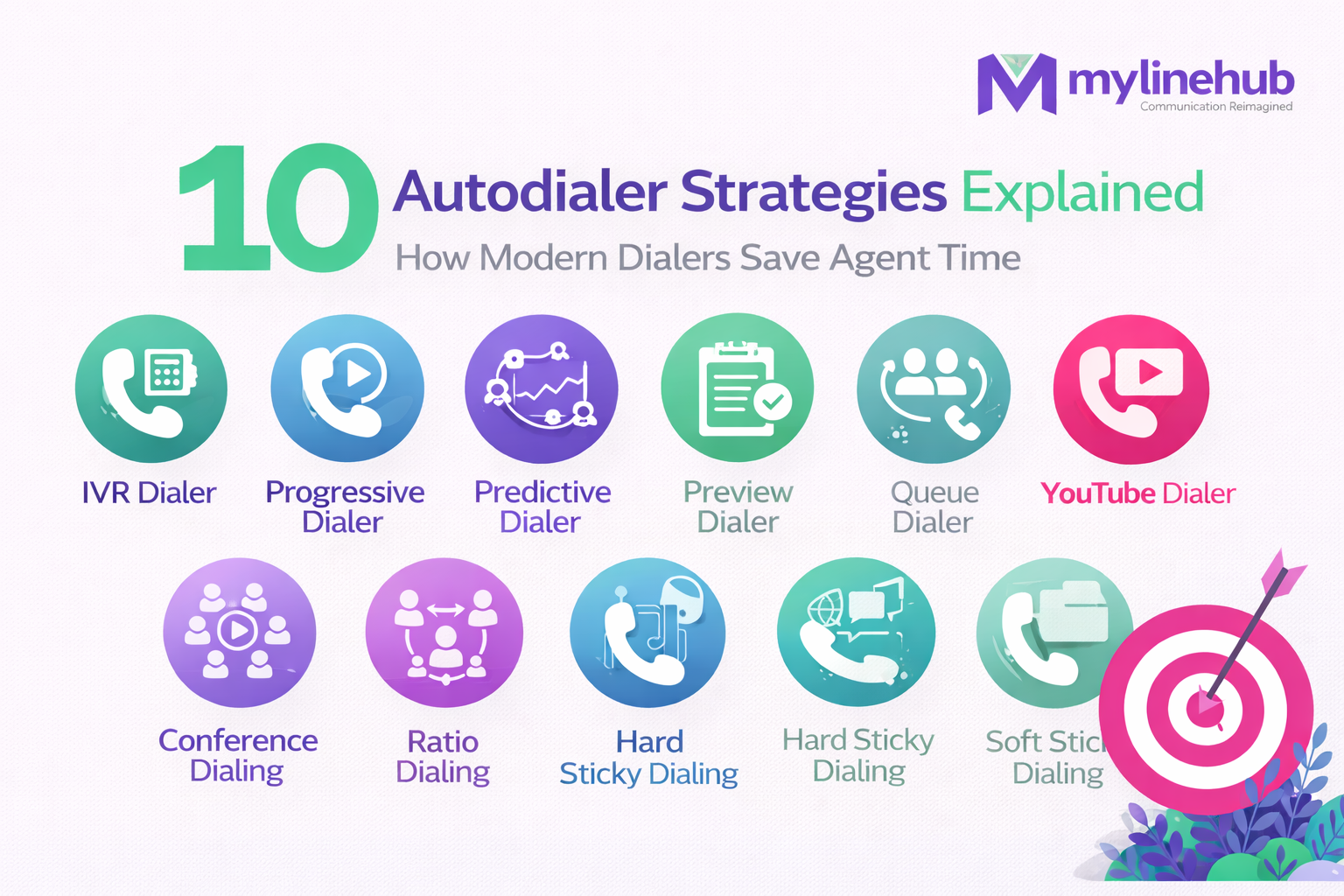
Most people think an autodialer is “automatic calling.” In reality, an autodialer is a calling strategy system — it decides who to call, when to call, how retries happen, and how calls get assigned to agents or automation.
MyLineHub supports 10+ autodialer strategies — from IVR to Queue to Sticky and AI calling. Because it is fully customizable, teams can build very specific rules (priority, retry logic, ownership, skill-based assignment, time windows, etc.).
This article explains the most common dialing strategies in a simple, practical way — including the correct difference between progressive and predictive.
1) IVR Dialer (Automation calls + data collection)
IVR Dialer places calls and plays a voice flow (recorded or AI voice). Customers respond by pressing keys (DTMF) or speaking short answers.
- Best for: surveys, appointment confirmations, reminders, feedback collection, payment follow-ups
- What it gives you: data collection without agent time
- Example: “Press 1 to confirm, Press 2 to reschedule” → result stored in CRM
2) Progressive Dialer (Agent first → Customer second)
Progressive dialing starts by dialing the agent first. When the agent is ready/connected, the system dials the customer. This creates a key benefit:
- The customer usually hears no ring-ring (“trin trin”) delay
- Lower chance of abandoned calls
- Better control and compliance
Best for: stable outbound teams, collections, support callbacks, quality-first sales.
3) Predictive Dialer (Customer first → Agent picks)
Predictive dialing dials the customer first. Once the customer answers, the system immediately connects to an available agent. The risk in many predictive systems is:
- Customer may hear ring-ring (“trin trin”) while waiting for agent pickup
- Abandoned calls can happen if tuning is poor
With MyLineHub, predictive calling can be configured with auto-pick so customers do not experience unnecessary ringing delays.
Best for: high-volume calling where maximizing talk-time matters.
4) Power Dialing (Speed behavior applied to other modes)
Power dialing is not a separate “core dialer” by itself — it is a speed behavior that can be applied on top of progressive or predictive modes.
When the system detects a call has ended (disconnect / hangup), it starts the next call immediately. This reduces idle time.
- Power + Progressive: fast calling without customer ring delays
- Power + Predictive: maximum speed with tuned auto-pick behavior
- Business benefit: more calls per hour with the same agents
Simple meaning: agent time is expensive. Power behavior removes “dead time” between calls.
5) Preview Dialer (Agent reviews then calls)
Preview dialing shows the customer record to the agent before the call starts. The agent reviews notes, history, tags, or previous outcomes, then clicks to call.
- Best for: high-ticket sales, B2B, complex support, escalations
- Why it works: better context → better conversation → better outcome
6) Queue Dialer (Campaign calls distributed via queue)
Queue dialer means calls are routed into queue logic: skill-based distribution, team-based routing, priority queues, or availability-based assignment.
- Best for: multi-agent teams, support operations, inbound/outbound blended setups
- Key benefit: scalable distribution without manual assignment
7) Ratio Dialing (Controlled intensity dialing)
Ratio dialing means you control the dial intensity by a configured ratio (example: dial 2 numbers for every 1 available agent).
- Best for: teams scaling up from progressive to predictive
- Benefit: controlled speed while keeping abandonment risk low
8) Conference Dialing (3-way / supervisor / joint calls)
Conference dialing is used when a call needs multiple people: agent + customer + supervisor, or agent + customer + translator, etc.
- Best for: escalations, training, verification calls, complex deal closures
- Benefit: improves first-call resolution and reduces handoff delays
9) Sticky Dialing (Ownership-based retries)
Sticky dialing means the system tries to keep the same customer assigned to the same agent — because that agent already has context and rapport.
Soft Sticky (preferred agent first)
- Try the previous agent first
- If not available, route to the next best available agent
- Best for: sales follow-ups, relationship-based calling
Hard Sticky (same agent only)
- Only the previous agent can call/handle that customer
- If agent not available, call waits or reschedules
- Best for: account managers, sensitive collections, VIP customers
10) AI Dialing (AI voice agent calls customers)
AI dialing means the system calls customers and an AI voice agent speaks, asks questions, collects answers, and logs outcomes — without a human agent on the line.
- Best for: lead qualification, interview screening, verification, surveys, confirmations
- Key benefit: massive scale with consistent scripts and clean data capture
- Output: structured data stored back into CRM (answers, intent, status, next action)
What “fully customizable” actually means
When a system supports many strategies, real power comes from customization. With MyLineHub, you can implement:
- Priority calling based on lead score / overdue status
- Retry rules: time windows, attempt limits, smart backoff
- Sticky ownership + fallback routing (soft/hard)
- Different dial modes per campaign (sales vs support vs collections)
- Queue-based routing with skills, teams, regions, or languages
- Outcome-based automation: answered → tag, busy → retry, no-answer → schedule, interested → callback
In simple terms: you can match dialing to your real business process — not the other way around.
Key Takeaway
The “best autodialer” is not the one that calls the fastest — it’s the one that matches your workflow and reduces wasted time while improving outcomes.
If you want consistent quality, use progressive. If you want high volume, use predictive with proper tuning and auto-pick behavior. If you want speed across modes, apply power behavior. If you want ownership continuity, use sticky. And if your goal is data collection at scale, IVR or AI dialing can remove the need for agents entirely.
Want to see API-driven CRM + Telecom workflows in action? Try the WhatsApp bot or explore the demos.
Comments (0)
Be the first to comment.