When Should a Business Choose a Prepared Telephony Appliance?
A prepared telephony appliance is a practical choice when a business wants a professional calling system without becoming the integrator of every server, PBX, network and management component.
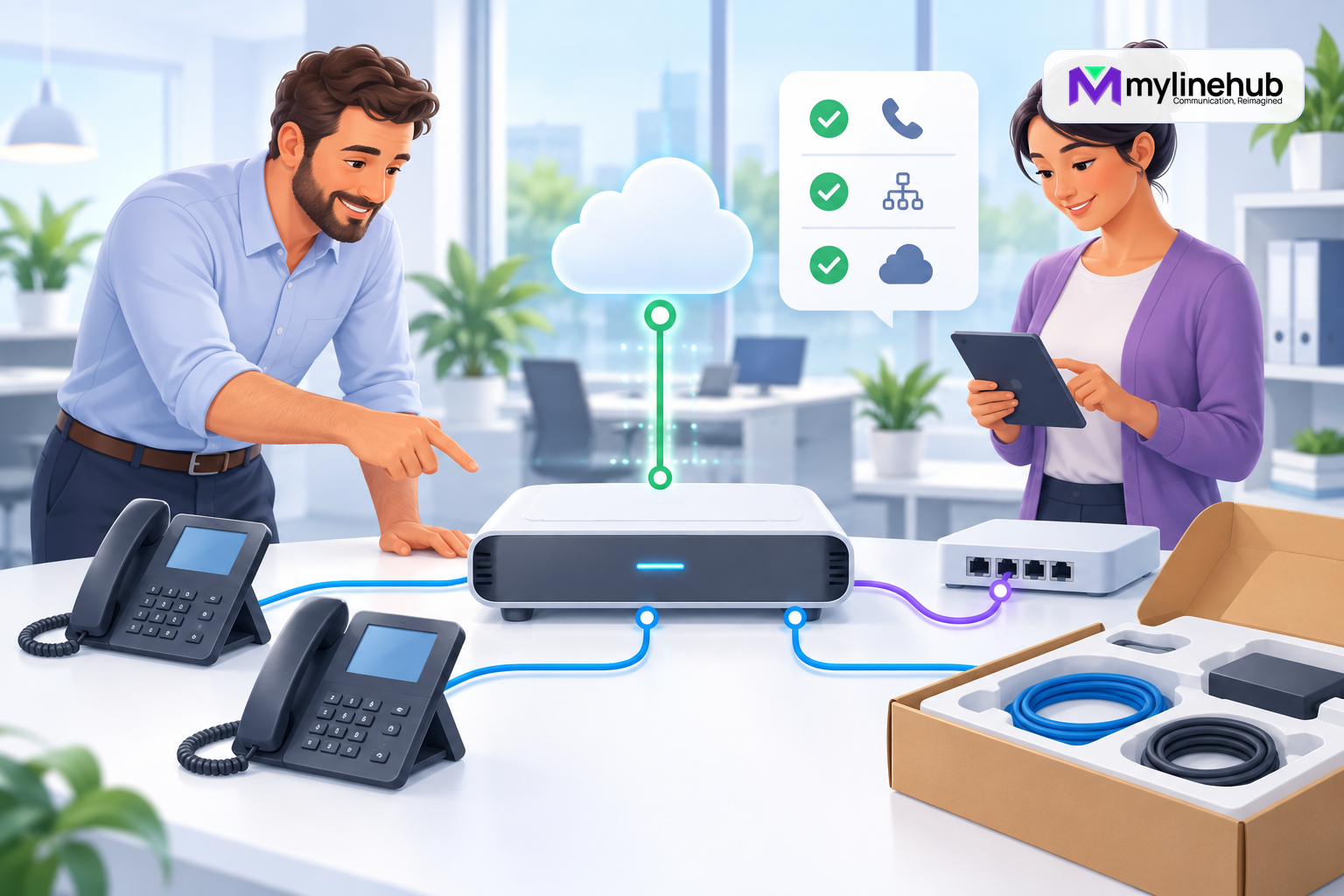
A prepared telephony appliance is a practical choice when a business wants a professional calling system without becoming the integrator of every server, PBX, network and management component. The appliance provides a known starting point, but it is not a box that makes all telecom responsibilities disappear. A successful deployment still depends on a suitable SIP provider, number activation, Internet and LAN readiness, power, user devices, clear call-flow decisions and an accountable administrator.
The decision should therefore be based on operating fit. Choose a prepared appliance when its supported boundary matches the required call journeys and when reducing assembly and coordination is more valuable than unrestricted source-level change.
What “prepared” should mean
A prepared appliance should arrive as a coherent package rather than a collection of components the customer must make compatible. Hardware, base software and supported management workflows should have a defined relationship. The business should know how to reach the browser interface, what network connections are required, which tasks are guided, what needs approval and how a supported change is backed up and verified.
Prepared does not mean preconfigured with the customer’s carrier credentials, public numbers, departments, opening hours or privacy decisions. Those belong to the customer environment and must be supplied, reviewed and tested. Nor does it mean that every imaginable integration is included. A useful package states both what it does and what remains external.
Strong signs that an appliance fits
You need standard business calling outcomes
The organisation needs extensions, a public support or sales number, inbound routing, a manageable IVR, ring groups or queues, defined after-hours handling and supported outbound workflows. These are concrete call journeys rather than an ambition to build a general communications platform.
You have an administrator, not a telecom engineering department
A responsible person can maintain users, collect provider information, approve changes, schedule tests and coordinate vendors. The company does not want that person to compile software, design service topology or maintain a custom deployment pipeline.
You value repeatable change control
The business wants current state to be observed, a proposed difference to be shown, consequential changes to require authority, protected values to remain protected, a scoped backup to be taken and the result to be verified. It prefers explainable operations over ad hoc edits.
Your timeline rewards a known baseline
A prepared system can reduce the number of early architecture choices. That matters for a new branch, a small support team or a business replacing an improvised phone setup. Readiness work remains, but the team begins from a bounded product rather than a blank server.
Conditions the business must still provide
The customer normally owns the commercial telecom relationship. It selects and pays the provider, obtains numbers, enables the appropriate channels and calling services, supplies authorized credentials through the protected setup process and resolves provider-side account restrictions. MYLO is not the carrier and does not manufacture calling minutes.
The customer also owns its office environment: reliable Internet, suitable LAN switching and routing, permitted firewall paths, power backup, desk phones or softphones, headsets, mobile reachability where used, and physical access control. Two network ports on an appliance do not automatically create Internet redundancy or a secure network design.
Operational choices are equally important. The business decides opening hours, departments, escalation, caller announcements, recording policy, retention, access roles, lawful consent and campaign purpose. Technology can enforce an approved configuration; it cannot choose the organisation’s policy for it.
When not to force the appliance path
A prepared appliance is a poor fit when a non-negotiable requirement depends on unsupported code, a different topology, unusually high scale or deep bespoke integration. Examples may include a proprietary workflow inside a CRM, multi-region active-active service, a carrier-specific mechanism outside the supported provider model, or a specialist regulated process that requires independent certification.
It is also a poor fit when the organisation insists on editing underlying services directly while expecting the appliance to guarantee them. Uncontrolled manual changes can invalidate assumptions, backups and supportability. A business that needs source-level freedom should assess an open-source or custom path with the corresponding operational team.
Finally, an appliance cannot compensate for missing ownership. If nobody can approve routes, answer provider questions, maintain user lists or conduct a real test call, the project is not ready regardless of hardware.
Evaluate the call journeys before buying
Document a small set of end-to-end scenarios. For inbound service, specify what happens when a customer calls during opening hours, after hours, while agents are busy, after invalid keypad input and when no destination answers. Include languages, prompt ownership, recording choices and callback expectations.
For outbound service, specify whether the customer or agent is called first, whether agents use extensions or mobiles, how caller ID is chosen, the permitted schedule, channel capacity, no-answer handling, test requirements and the reports managers need. Treat consent and applicable calling rules as business and legal responsibilities, not settings to infer later.
Ask the supplier to classify each scenario as supported, dependent on external readiness, or custom. A clear “custom” is healthier than a vague promise. If a dependency belongs to the SIP provider, network team or CRM owner, name that owner before go-live.
Assess the management model
MYLO’s guided layer can translate requests into understandable proposals and evidence, but operating authority remains controlled. Asterisk is the source of truth for loaded telephony configuration and live call behaviour. Linux is the source of truth for network and machine state. MYLO’s application data records its users, roles, approvals and workflows. An AI explanation does not override those authorities.
This model is valuable to a business that wants assistance without autonomous, opaque infrastructure changes. Ask to see how the system handles a request: what it observes, what it proposes, which values are protected, who approves, what is backed up, what is applied deterministically and how success is checked. A saved form or successful reload is not the same as a working customer call.
Calculate the complete cost
Budget beyond the appliance purchase. Typical external costs include SIP trunk rental, public numbers, channels, minutes, Internet service, networking, UPS capacity, compatible user devices and optional implementation assistance. Internal costs include an administrator’s time, staff training, call-flow review, acceptance testing and incident coordination.
Compare that total with the genuine alternative, not with “free software.” A self-built system also needs hardware or cloud service, installation, security, monitoring, backup, updates, testing and people who can troubleshoot SIP and RTP. A prepared appliance can reduce integration risk and labour; whether it lowers total cost depends on the organisation’s existing capability and required customization.
Plan a production-quality pilot
- Confirm scope. Mark every required journey as supported, external or custom.
- Prepare the environment. Verify power, Internet, LAN, endpoints, browser access and provider activation.
- Name owners. Assign business, telecom-provider, network and system-administrator contacts.
- Configure safely. Use proposals, approvals and bounded changes rather than undocumented direct edits.
- Test externally. Call through the real number and provider; do not rely only on an internal extension test.
- Test failures. Check busy, no-answer, invalid input, provider failure and after-hours behaviour.
- Record evidence. Save results, unresolved dependencies and the accepted configuration.
A pilot is successful when real users can complete the intended journey and the team knows how to support it—not merely when a dashboard appears healthy.
Questions for the purchase review
- Which hardware, software and supported workflows are included?
- Which provider, numbers, channels, minutes and network services are excluded?
- What user and call-capacity limits apply?
- Which endpoints and browsers are supported?
- How are credentials entered, stored and restricted?
- Which changes require approval?
- What is included in a pre-change backup and restore?
- How are inbound, outbound, media and recording outcomes verified?
- What happens when AI, Internet, the carrier or a user device is unavailable?
- Which needs would require open-source adoption or a separate custom project?
Example: a ten-person service office
A ten-person office wants one customer number, an IVR for sales and support, six active extensions, an after-hours message and occasional outbound follow-up. It has a general IT administrator but no telephony developer. Its provider can deliver a SIP trunk with sufficient channels, and the office can provide stable wired networking and power backup.
This is a strong appliance candidate if the exact flows fit the supported product. The office should still test number presentation, DTMF, ring behaviour, two-way audio, transfers, busy handling, hang-up and recordings through the actual provider. It should document who contacts the carrier, who approves call-flow changes and how agents report a fault.
If the same office later asks for a deeply customised case-management workflow, that request should be assessed separately. The existence of the appliance does not automatically include new application development.
Operational readiness after go-live
Keep a concise runbook with provider contacts, public numbers, approved routes, business hours, user inventory, network dependencies, escalation steps, backup scope and test scripts. Review access when staff change. Protect call records and recordings according to purpose and retention policy. Schedule controlled checks after carrier, firewall, operating-system or office-network changes.
When a fault occurs, collect evidence from the correct owner. Provider registration and external signalling, Asterisk call events, Linux interfaces and routes, endpoint status and user observations answer different questions. Avoid broad changes based on a single symptom. Restore only from an identified snapshot and verify the restored customer journey.
The decision
Choose a prepared telephony appliance when the required journeys fit its supported scope, the organisation wants a known platform, and a business administrator can own decisions without becoming a systems integrator. Do not choose it on the belief that telecom providers, networks, devices, policies and people are included automatically.
A sound purchase has an explicit boundary, complete budget, named owners and real acceptance tests. With those conditions, a prepared appliance can turn business calling from a collection of loosely owned components into a manageable operating service.
Continue planning
Continue with MYLO Appliance vs MyLineHub Open Source: Which Path Fits?; MYLO Appliance vs MyLineHub Open Source: Which Path Fits?; When Does the MyLineHub Open-Source Platform Make More Sense?. For deeper implementation context, use MyLineHub technical architecture guidance.
For a requirement outside the prepared MYLO scope, discuss the exact outcome with MyLineHub.
Want to see API-driven CRM + Telecom workflows in action? Try the WhatsApp bot or explore the demos.
Comments (0)
Be the first to comment.