How to Install FreeSWITCH on Debian or Ubuntu
FreeSWITCH installation is the beginning of a telecom service, not the end. The package source, Linux release, modules, default configuration, network exposure, security, provider settings, monitoring, and acceptance calls all need deliberate ownership.
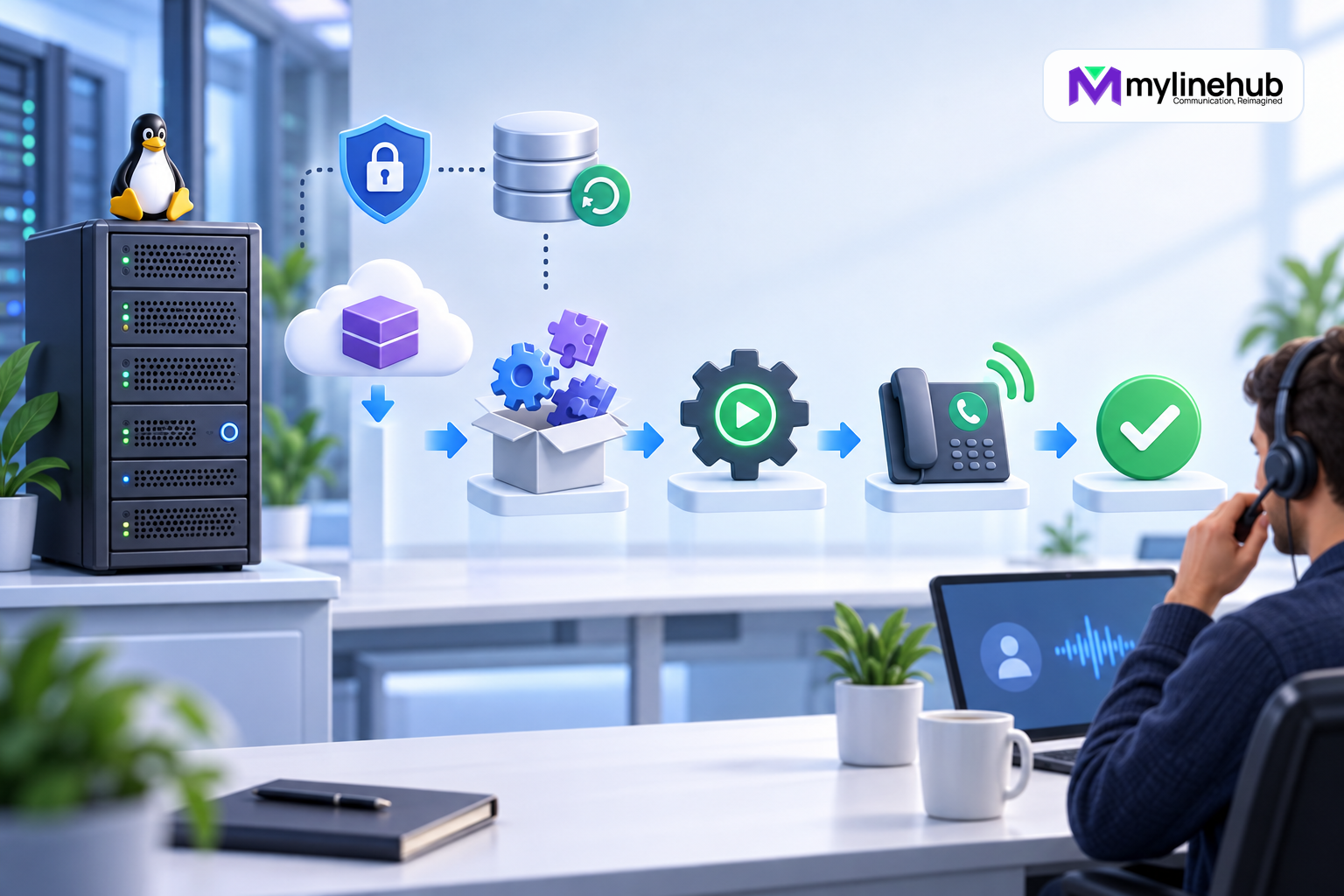
FreeSWITCH installation is the beginning of a telecom service, not the end. The package source, Linux release, modules, default configuration, network exposure, security, provider settings, monitoring, and acceptance calls all need deliberate ownership. This guide was reviewed on 28 September 2026 against the official FreeSWITCH Users Manual. Repository access, supported distributions, package names, versions, and commands can change; verify the current official FreeSWITCH Getting Started page and release information before running anything.
Choose the Installation Path
The official manual describes authenticated packages from the SignalWire FreeSWITCH repository as the fastest path on Debian and Ubuntu. It also documents source builds for teams that need them. Packages are usually the better operational choice because the system can track installed components and service integration consistently.
A source build may be appropriate for a tested feature, patch, module selection, or engineering environment, but it transfers dependency, build reproducibility, update, and support work to the team. Do not mix packages and an unmanaged source installation on one production host unless the architecture explicitly controls paths, services, and ownership.
Confirm Platform Support Before Provisioning
Check the current official documentation for supported Debian or Ubuntu release, CPU architecture, repository path, and package availability. Do not assume instructions for a previous distribution codename remain valid. Decide whether the host is dedicated, virtual, or containerised based on media, timing, networking, storage, and support requirements.
Record Linux version, architecture, FreeSWITCH edition and intended release, package source, environment owner, update policy, maintenance window, and rollback method. Synchronise system time and use a stable hostname. Size CPU, memory, storage, and network for actual codecs, recording, conferencing, transcoding, and concurrency.
Prepare Network and Security Boundaries
Identify management, SIP signalling, RTP media, provider, endpoint, Event Socket, and monitoring paths before installation. Assign addresses and firewall policy deliberately. If NAT is involved, document public and private addresses and who controls translation. Do not open wide SIP, RTP, or management ranges merely to make a test pass.
Restrict administrative access, use named accounts and controlled privilege elevation, enable appropriate host logging, and ensure a recovery console is available before changing remote firewall rules. Plan TLS and certificate ownership where the architecture uses encrypted signalling or WebRTC.
Obtain Repository Access Safely
The official package repository requires a SignalWire Personal Access Token. Follow the current official instructions for creating and storing it. The documented APT authentication file should have restrictive permissions. Never place the token in source control, a public shell transcript, an image, a ticket, or an article example containing a real value.
Install the repository signing key through the official HTTPS location and configure the package source for the confirmed distribution release. Inspect the resulting source and key locations. Treat a repository-authentication failure as an access or configuration problem; do not disable signature verification or download binaries from an unofficial mirror to bypass it.
Update Package Metadata and Select a Meta Package
After the authenticated source and signing key are configured, run the normal APT metadata update and review errors before installing. The official manual describes meta packages including freeswitch-meta-vanilla, freeswitch-meta-default, freeswitch-meta-bare, freeswitch-meta-all, codec, and language sets. Exact availability must be confirmed in the current repository.
The vanilla set matches the official manual’s default learning configuration. A bare or curated production selection can reduce surface but requires an explicit module plan. Installing every module for convenience increases dependencies and features that must be patched and secured.
Install Core, Modules, and Media Deliberately
Install the chosen meta package plus only the sound and music packages used by the intended configuration. The official Getting Started guide currently demonstrates the vanilla package set with English Callie sounds and music. Languages, sample prompts, codecs, and commercial modules have separate operational and licensing implications.
Record exactly which packages were installed and why. Before copying any sample configuration, check whether the package has already placed a supported configuration in /etc/freeswitch. Some packaging scenarios may leave a vanilla sample under a shared-data path; follow the current official instruction for the installed build rather than overwriting an existing environment.
Review the Default Configuration Before Starting
The default configuration is designed to demonstrate working features, not to express one company’s security policy. Review module loading, SIP profiles, directory users, example extensions, default passwords, Event Socket settings, ACLs, dialplan, codecs, voicemail, conference, logs, and public exposure before production use.
FreeSWITCH assembles configuration into directory, dialplan, and module or core domains. Keep business-owned changes in a controlled layout, version them securely without secrets, and document which defaults are retained. Do not expose bundled test users or a default Event Socket password to an untrusted network.
Enable and Start the Service
The official package route registers a systemd service. After configuration review, enable and start it using the current documented service name. Inspect systemd status and recent logs. A running process proves only that the service started; it does not prove that intended modules loaded, profiles bound correctly, or a customer can complete a call.
Use fs_cli through an authorised local or controlled management path to retrieve version, uptime, module, profile, and runtime evidence. Do not publish full command output without reviewing it for addresses, users, numbers, or credentials.
Harden the Event Socket
mod_event_socket provides powerful call control and event access. Official documentation warns through its configuration model that listening address, port, password, and ACL require deliberate treatment. Bind it only where the controller needs it, use a strong managed secret, apply an appropriate ACL, and block untrusted network access.
Do not rely on changing the port as security. Test that the intended controller connects and that an unauthorised source cannot. Limit the commands the application is designed to issue and validate external input before it becomes a FreeSWITCH command or destination.
Configure SIP Profiles and the Directory
For SIP, mod_sofia profiles bind independent interfaces with transport, codec, authentication, ACL, and context behaviour. Separate internal endpoints and external carriers when the architecture benefits from that boundary. Confirm addresses, ports, NAT variables, advertised contact information, and firewall policy from the real network.
Define users and domains in the directory with unique managed credentials and an intentional user_context. Remove or disable sample accounts not needed. Registration success proves signalling identity, not permitted destinations or audio.
Create a Minimal Test Dialplan
Begin with a narrow internal test using destinations defined and understood by the selected configuration. Verify extension registration, dialplan matching, playback or echo where appropriate, DTMF, hangup, and events. Inspect which context handled the call and which applications ran.
Then configure a provider in cooperation with its documentation and support. Separate provider authentication, business DIDs, and presented caller identity. Add only approved inbound and outbound routes, destination controls, number normalisation, time behaviour, and failure handling.
Test Signalling and Media End to End
Place authorised inbound and outbound calls through the actual provider path. Confirm number delivery, caller identity, route, ringing, answer, transfers or IVR, DTMF, hangup, and two-way audio. Test no answer, busy, provider rejection, and a controlled restart. Capture channel UUIDs and bounded timestamps for failures.
A SIP success without RTP is not a passing call. Validate advertised media addresses, codec negotiation, firewall range, NAT behaviour, and packet loss using authorised diagnostics. Capacity tests should reflect realistic codecs, recording, conferences, and application control.
Add Operations Before Production
Configure log rotation, storage monitoring, service and resource alerts, secure CDR or event handling, configuration backup, restore procedure, package-update review, certificate renewal, and provider escalation. Decide which data is retained and who can retrieve recordings. Protect call records and diagnostic exports.
Document start, stop, reload, profile recovery, incident, and verification procedures for the installed version. Schedule regular real-path test calls. Keep a staging or controlled validation process for module and package changes.
Production Installation Checklist
- Confirm current official distro, architecture, edition, release, and repository instructions.
- Protect the repository token and verify package signatures.
- Select only the required package, module, codec, language, and sound sets.
- Review defaults before exposing any profile or control interface.
- Restrict network access and harden users, secrets, ACLs, and Event Socket.
- Configure directory, profiles, dialplan, provider, and media path deliberately.
- Verify internal, inbound, outbound, failure, and two-way-audio scenarios.
- Add backups, monitoring, updates, privacy, documentation, and incident ownership.
Use the official FreeSWITCH manual as the live command reference. A production installation is complete only when the team can operate, secure, verify, update, and recover the full customer journey.
Avoid Common Installation Shortcuts
Do not disable repository signature checks, expose the Event Socket to make a remote client connect, keep sample credentials, run the service with unnecessary privilege, or open the entire UDP range to the world. Do not assume Ubuntu and Debian package availability is identical merely because both use APT. Confirm current official support and repository metadata.
If installation fails, preserve the package-manager error, distribution codename, architecture, configured source, and bounded logs. Correct the cause rather than combining unofficial repositories or forcing incompatible packages.
Continue planning
Continue with MYLO Appliance vs MyLineHub Open Source: Which Path Fits?; What Is FreeSWITCH, and What Is It Used For?; How FreeSWITCH Architecture Processes a Call. For deeper implementation context, use MyLineHub technical architecture guidance.
For a requirement outside the prepared MYLO scope, discuss the exact outcome with MyLineHub.
Want to see API-driven CRM + Telecom workflows in action? Try the WhatsApp bot or explore the demos.
Comments (0)
Be the first to comment.