How to Build and Test an IVR in FreeSWITCH
A production IVR is not simply an audio file followed by keypad choices. It is a controlled call journey with a clear purpose, finite error handling, measurable outcomes, and a human fallback.
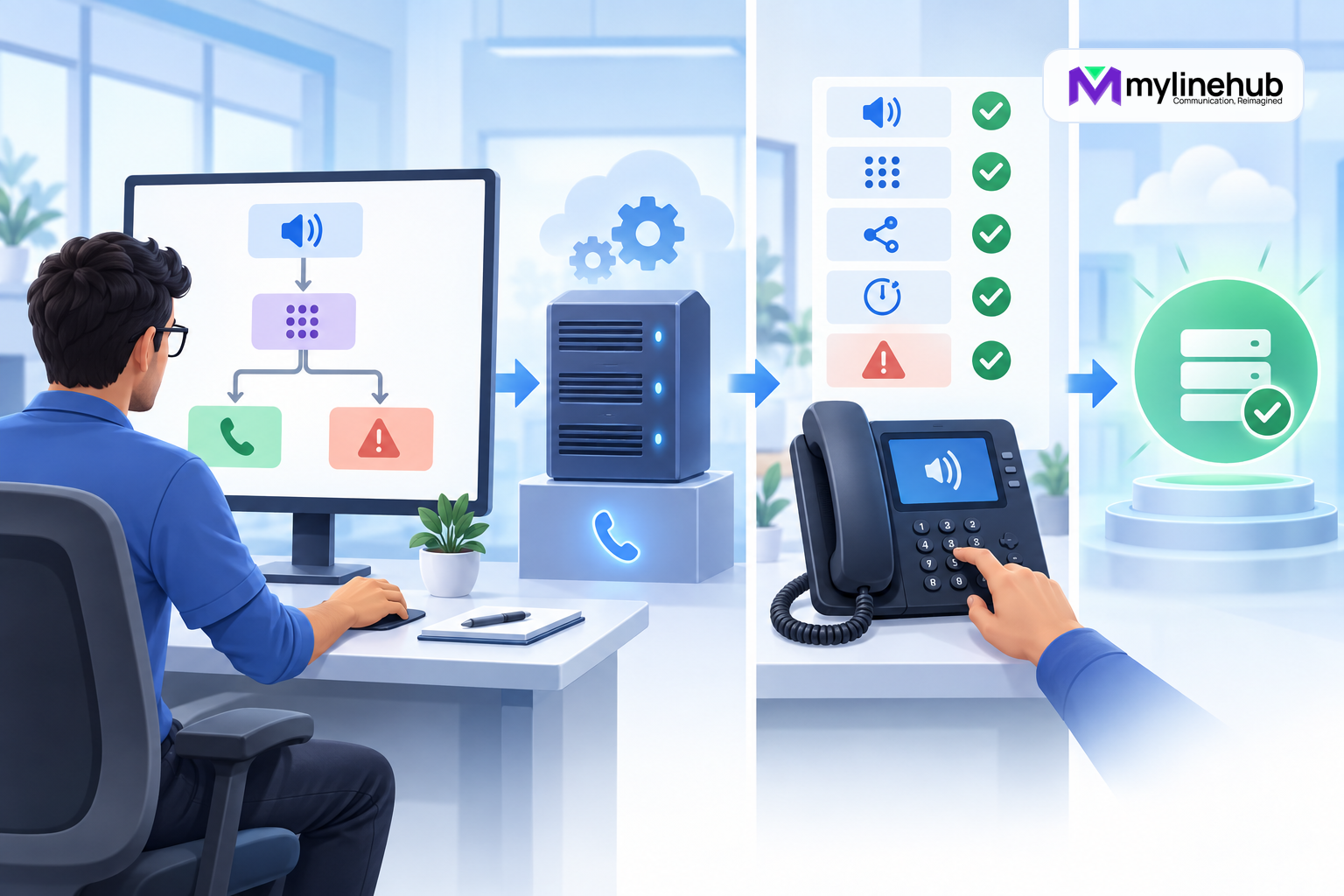
A production IVR is not simply an audio file followed by keypad choices. It is a controlled call journey with a clear purpose, finite error handling, measurable outcomes, and a human fallback. FreeSWITCH provides several implementation paths, including XML dialplan applications, reusable menu definitions, scripting, and external control. The safest method is to design the caller experience first, choose the smallest suitable mechanism, and prove the result with real calls.
Start with the business outcome
Write one sentence describing what the IVR must accomplish. For example: route existing customers to support, new enquiries to sales, and uncertain callers to reception during business hours. This becomes the boundary. Requests such as account lookup, payment, appointment change, or authentication introduce privacy, application, and compliance requirements that deserve separate design.
Identify the audience, supported languages, opening hours, expected volume, and teams receiving transfers. Confirm what happens when every destination is busy or unavailable. An IVR cannot repair missing operational ownership; it can only route callers into processes the business actually supports.
Draw the call flow before configuring it
Create a simple diagram with entry, greeting, choices, destinations, invalid-input path, no-input path, retry limit, and final fallback. Keep the first menu short. Callers should not need to remember a long list or navigate several levels to reach a person. Put common needs early and avoid changing option meanings frequently.
For every node, record whether the call is answered, which audio plays, how many digits are expected, the input timeout, allowed attempts, destination, and result code. Include controlled treatment for closed hours and technical failure. The flow document should be understandable to an operations manager without reading XML.
Choose the FreeSWITCH implementation pattern
A small fixed menu can be built directly with XML dialplan applications that answer, play prompts, collect digits, set variables, and transfer or bridge the call. A reusable multi-level menu may fit the platform's IVR menu facilities. A workflow depending on external customer data or changing frequently may justify a script, HTTAPI-style control, or Event Socket application.
Choose the least complex pattern meeting the requirement. An external controller introduces network latency, authentication, state management, and another failure mode. A large XML flow can also become difficult to review. Keep deterministic safety behavior local even when an application controls the main journey.
Define ownership across configuration areas
Document the SIP profile that receives the call, the context it enters, the extension that matches the number, the prompt asset location, and the destination objects. Directory users, gateways, dialplan rules, media files, and external services may all participate. Assign one owner for the end-to-end journey so gaps do not fall between teams.
Separate the customer-facing flow from provider-specific number normalization. Normalize the destination once near the entry boundary, then route using an internal format. This reduces repeated patterns and makes carrier migration easier.
Prepare prompts as operational assets
Write prompts in plain language. State the business identity, explain the available action, and tell the caller what to do. Avoid internal department names customers do not recognize. Record or synthesize prompts with consistent voice, volume, pacing, sample format, and pronunciation.
FreeSWITCH can play local audio files and other supported sources, but production prompts should not depend on an uncontrolled public URL. Store approved assets predictably, restrict write access, and version them with the flow. Confirm file format and codec support on the installed system before deployment.
Do not include sensitive information in shared prompts. If the IVR speaks customer-specific data, define authentication, masking, retention, and audit requirements. Never put SIP passwords, API secrets, or real customer details into sample files, tickets, chats, or AI prompts.
Design digit collection explicitly
Specify the valid digit set, minimum and maximum length, first-digit timeout, inter-digit timeout, number of attempts, and termination key where relevant. A single-choice menu and an account-number capture should not use identical timing. Callers on mobile networks may experience delay, and upstream services may transport DTMF differently.
FreeSWITCH can receive DTMF through negotiated RTP telephone events, SIP INFO, or in-band audio depending on call legs and configuration. Do not assume a choice works because it succeeded on one desk phone. Test every carrier and endpoint path used in production.
Build the dialplan entry safely
Route only the intended number or internal test destination into the IVR. Use a dedicated context or narrowly matched extension. Set a correlation identifier and reporting variables before the menu starts. Answer only when business policy requires it; early media and billing behavior vary by provider.
Within the XML dialplan, understand that conditions are evaluated and actions are normally queued in document order, while permitted inline actions execute during evaluation. Variable expansion timing matters. A value set later in the application queue may not be available during earlier evaluation. Keep the route easy to trace and avoid accidental continuation into another extension.
Handle invalid input and silence
Invalid input means the caller pressed something unsupported. No input means the timeout expired. These are different experiences and deserve different prompts. Allow a small, finite number of retries, then use a fallback such as reception, voicemail, callback capture, or a clear hangup message.
Never create an endless replay loop. It wastes channel capacity and traps callers whose DTMF is not reaching the system. Record invalid and timeout outcomes separately; a sudden increase can reveal a prompt problem, carrier DTMF issue, or confusing menu design.
Transfer with context and failure handling
When a caller chooses a destination, preserve the correlation identifier and minimum useful context for the receiving team. Do not expose sensitive data unnecessarily. Decide whether the transfer targets a user, ring group, queue, external number, or another context.
Every transfer needs an unavailable result. A bridge can fail because an endpoint is not registered, a gateway is down, a number is invalid, or nobody answers. Define what callers hear and what operations record. Do not return them to the top of the menu without explanation.
Design external dependencies defensively
If the IVR queries a CRM or booking system, define connection and response timeouts, authentication, retry policy, and the maximum information sent. A caller should not wait indefinitely for an application. Provide a local fallback when the service is unavailable.
Do not use a read failure as permission to perform a write twice. Appointment changes, payments, and callback requests require idempotency or reconciliation. Keep the technical application error separate from the message spoken to the caller.
Test configuration before callers
Validate XML and ensure required modules and applications are loaded. Confirm prompt files are readable by the service account. Reload only relevant configuration using the supported process for the installed release. Inspect logs for parsing or lookup errors. Keep known-good files and a documented rollback action.
A successful reload proves only that the system accepted configuration. It does not prove prompt audio, DTMF, transfers, media, or reporting. Functional calls are mandatory.
Run a complete functional test
Call the real inbound number from an external network. Verify the greeting, audio level, language, and menu order. Press every valid option. For each destination, confirm ringing, caller identity, two-way audio, answer, hangup, and final reporting. Repeat from a representative office phone if internal access is supported.
Then test every negative path: no input, invalid digit, repeated invalid input, slow input, destination busy, destination unavailable, carrier failure, after-hours call, missing prompt, and unavailable application controller. Confirm retries are finite and the fallback is understandable. Test transfers and DTMF across relevant carriers.
Test accessibility and real caller behavior
Use a quiet test and a noisy mobile test. Check that prompts are understandable at normal phone volume and do not depend only on subtle sound cues. Leave enough time for callers with motor, hearing, language, or cognitive differences. Offer a reliable route to a person where business policy permits.
Ask someone unfamiliar with the design to complete common tasks without coaching. Internal designers know the intended answer and can overlook ambiguous wording. Record usability findings separately from technical defects.
Test operational behavior under load
A single call does not reveal prompt-file contention, external lookup latency, queue capacity, or controller backpressure. Run controlled concurrency testing in a non-production environment using non-customer destinations. Measure call setup, prompt delay, digit-response time, transfer success, resource use, and error rate.
Do not create synthetic traffic toward public numbers without provider approval. Capacity tests must respect carrier limits, consent, and local law. A business IVR should degrade predictably rather than silently dropping calls.
Deploy in controlled stages
Use an internal number first, then a limited test DID, then a controlled production window. Preserve the previous route so rollback is simple. Announce the change to reception, support, and monitoring teams. Ensure the people receiving transferred calls know what context will arrive.
During the first live window, watch call entries, errors, fallbacks, abandoned calls, and transfer results. Stop or roll back if callers cannot reach a safe destination, even if the dialplan appears healthy.
Observe and improve after launch
Track entries, choice distribution, invalid input, silence, retries, transfer outcomes, abandonment, and final disposition. Use technical identifiers to correlate legs while restricting personal data. Heavy fallback use may indicate caller needs absent from the menu rather than caller error.
Listen to approved quality samples only under the organization's recording and privacy policy. Review prompts when departments, hours, or customer language changes. Retest after FreeSWITCH, module, carrier, firewall, or audio-asset changes.
Production checklist
- The business owner has approved the flow and every destination.
- Prompts are clear, versioned, and stored through an approved path.
- Digit rules, timeouts, attempts, and fallbacks are explicit.
- Every transfer and external dependency has controlled failure behavior.
- Configuration is backed up and rollback is rehearsed.
- Valid, invalid, silent, busy, unavailable, and after-hours calls pass.
- Audio and DTMF work across representative carriers and endpoints.
- Reporting reflects what callers actually experienced.
Define acceptance evidence before release
For each test case, identify the evidence required for approval: the incoming number, selected route, prompt heard, digits detected, destination attempted, bridge result, hangup cause, and report record. Technical logs and customer experience should agree. A screenshot of a healthy process or a successful reload is supporting evidence, not acceptance evidence.
Give one person authority to stop launch when a critical journey fails. Classify defects by customer impact: inability to reach help, incorrect routing, missing audio, privacy exposure, and endless loops are release blockers. Minor wording improvements can enter a controlled backlog. This prevents launch pressure from converting known operational failures into customer incidents.
Version and documentation caveat
Application availability, parameter behavior, defaults, and configuration layout vary by FreeSWITCH release and packaging. Verify the exact installed version in a test environment. Primary references reviewed in September 2026 include official FreeSWITCH chapters on the XML dialplan, dialplan applications, and audio sources.
Bottom line
A reliable FreeSWITCH IVR begins as a small, complete customer journey. Choose the simplest suitable implementation, make every timeout and failure finite, protect sensitive data, and test with real calls across actual network paths. The production milestone is not “the XML loaded.” It is evidence that callers can hear, respond, reach the correct destination, and recover gracefully when something fails.
Continue planning
Continue with MYLO Appliance vs MyLineHub Open Source: Which Path Fits?; FreeSWITCH Event Socket vs Asterisk AMI and ARI; FreeSWITCH Troubleshooting: Registration, Routing and Audio. For deeper implementation context, use MyLineHub technical architecture guidance.
For a requirement outside the prepared MYLO scope, discuss the exact outcome with MyLineHub.
Want to see API-driven CRM + Telecom workflows in action? Try the WhatsApp bot or explore the demos.
Comments (0)
Be the first to comment.