How to Build Your Own Telecom App Using Open-Source and Web Technologies
Learn a practical approach to building your own telecom app using open-source platforms, web-based systems, and a single mobile codebase—without rebuilding telecom infrastructure.
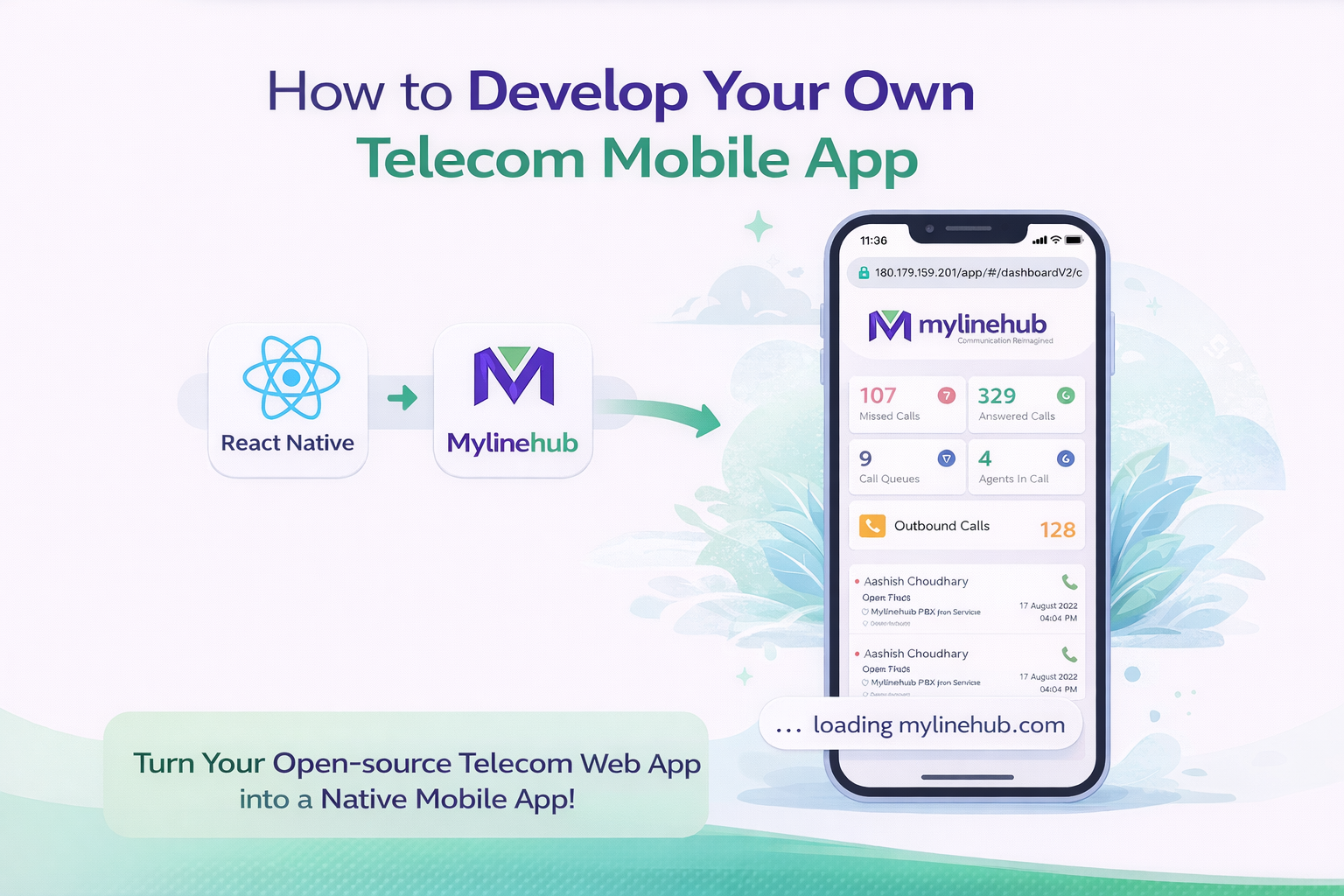
Many businesses believe building a telecom application means heavy engineering, years of development, and massive cost.
In reality, modern telecom platforms are built using open-source tools, web-based interfaces, and lightweight mobile apps.
This article explains a practical, step-by-step approach to building your own telecom app — without reinventing telecom itself.
Step 1: Start with an Open-Source Telecom Platform
The foundation of any telecom system is the backend — call handling, routing, IVR, queues, dialing, and reporting.
Open-source telecom platforms already provide:
- Call control and routing
- IVR and queue management
- Agent login and monitoring
- APIs for automation
These platforms are designed to be mobile-friendly and browser-accessible by default.
Step 2: Web Application First, Mobile Second
The smartest approach is to build one powerful web application first.
If your telecom system works smoothly inside a browser:
- It already works on mobile screens
- No separate backend is required
- Updates are instant
This web application becomes the single source of truth for all platforms.
Step 3: Turning the Web App into a Mobile App
Once your telecom platform works via a browser URL, creating a mobile app becomes simple.
The mobile app does not need to reimplement telecom logic. Instead, it:
- Loads the secure web application URL
- Handles authentication
- Accesses device features if required
This approach keeps your system lightweight, fast, and maintainable.
Why React Native Is a Practical Choice
React Native allows you to build:
- Android app
- iOS app
- Single shared codebase
With one development effort, you get:
- Consistent UI across platforms
- Lower development cost
- Faster updates
The app simply wraps your telecom web interface inside a native mobile shell.
Branding the App as Fully Yours
Even though the backend is shared, the mobile app can be fully branded:
- Your company logo
- Your app name
- Your color scheme
- Your app icon
From the user’s perspective, it feels like a completely custom-built telecom product.
Why This Architecture Works Well
This model separates responsibilities clearly:
- Telecom logic stays on the server
- Business workflows stay centralized
- Mobile app stays thin and stable
This avoids:
- Duplicating telecom logic
- Maintaining multiple backends
- Platform-specific bugs
Security and Control
Because the core system runs on your infrastructure:
- Data remains under your control
- Authentication rules are centralized
- Access can be revoked instantly
The mobile app becomes a controlled entry point — not a data store.
Who This Approach Is Best Suited For
- Call centers
- Sales teams
- Support teams
- Enterprises wanting ownership
It is especially useful for organizations that want their own telecom app without building telecom from scratch.
Key Takeaway
Building a telecom app does not mean rebuilding telecom.
Start with an open-source platform, expose it through a secure web interface, and wrap it with a lightweight mobile app.
This approach is faster, cheaper, and far more sustainable.
Want to see API-driven CRM + Telecom workflows in action? Try the WhatsApp bot or explore the demos.
Comments (0)
Be the first to comment.