Low-Code / No-Code Asterisk Configuration Platform for Autodialer and Inbound Flow Setup
Explore a low-code / no-code Asterisk configuration approach for autodialers, IVR, queues, conferences, and custom inbound flows—while understanding where such platforms fit best and where scale needs deeper server knowledge.
✨ Build Professional Asterisk-Based Calling Operations Without Deep Telecom Complexity
Many organizations want professional call handling, IVR systems, and outbound campaigns, but lack the technical expertise required to configure Asterisk manually. Traditional deployments often involve editing configuration files, understanding SIP signaling, and troubleshooting networking issues — tasks that can be overwhelming for small teams.
A low-code or no-code configuration platform changes this completely. Instead of writing dialplans or modifying server files, administrators can manage telecom workflows through intuitive graphical interfaces.
This approach is particularly useful for businesses with limited seating capacity, non-technical staff, or rapidly evolving operational needs.
🧩 Centralized Management Without Telecom Expertise
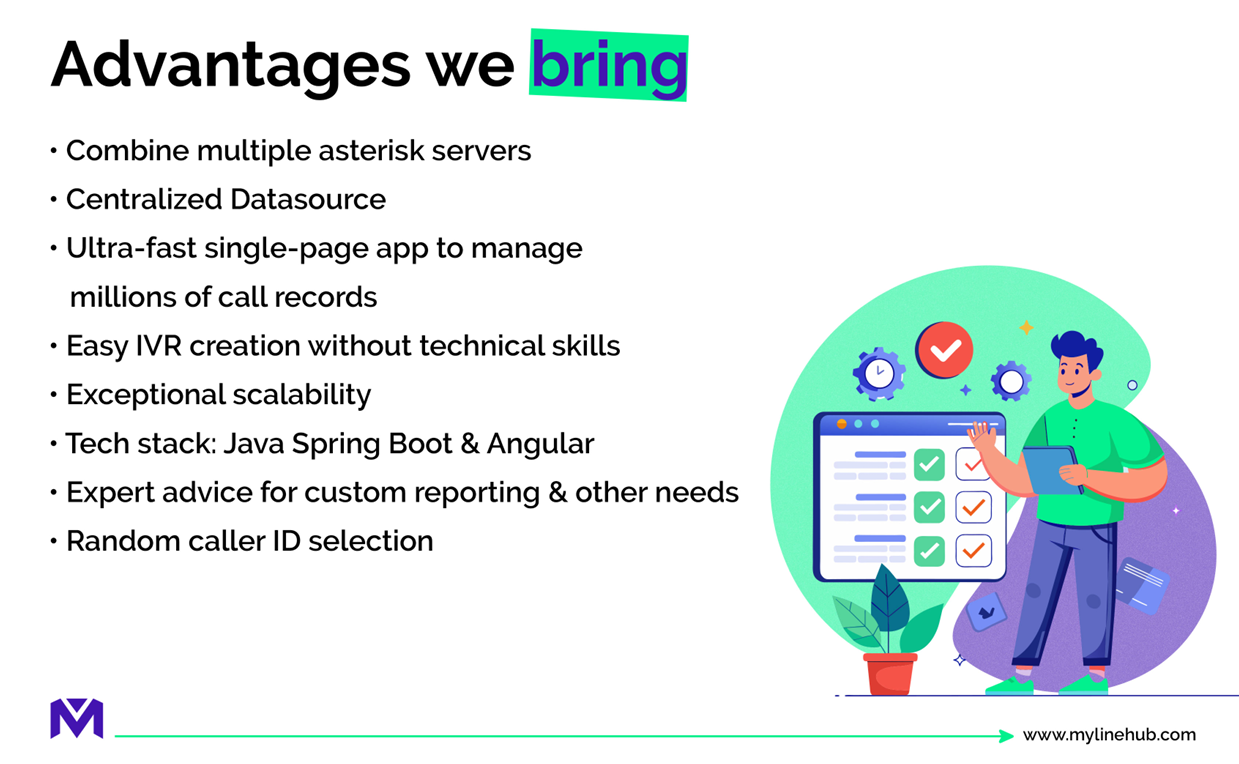
A modern low-code platform acts as a control layer above Asterisk or FreePBX servers. Administrators do not interact directly with complex telecom configuration.
Instead, they manage users, flows, campaigns, and routing from a single dashboard.
This simplifies operations such as:
- Managing multiple servers from one interface
- Updating routing rules without restarting services
- Coordinating teams across locations
- Maintaining consistency across deployments
💡 Operational advantage: instead of depending on a telecom engineer every time something changes, managers or administrators can adapt routing, users, or workflows much faster. That reduces delays and improves day-to-day business agility.
🚀 Ready-to-Use Calling Capabilities
Building a telecom system from scratch usually requires integrating several components: dialer logic, recording, reporting, messaging, and user management.
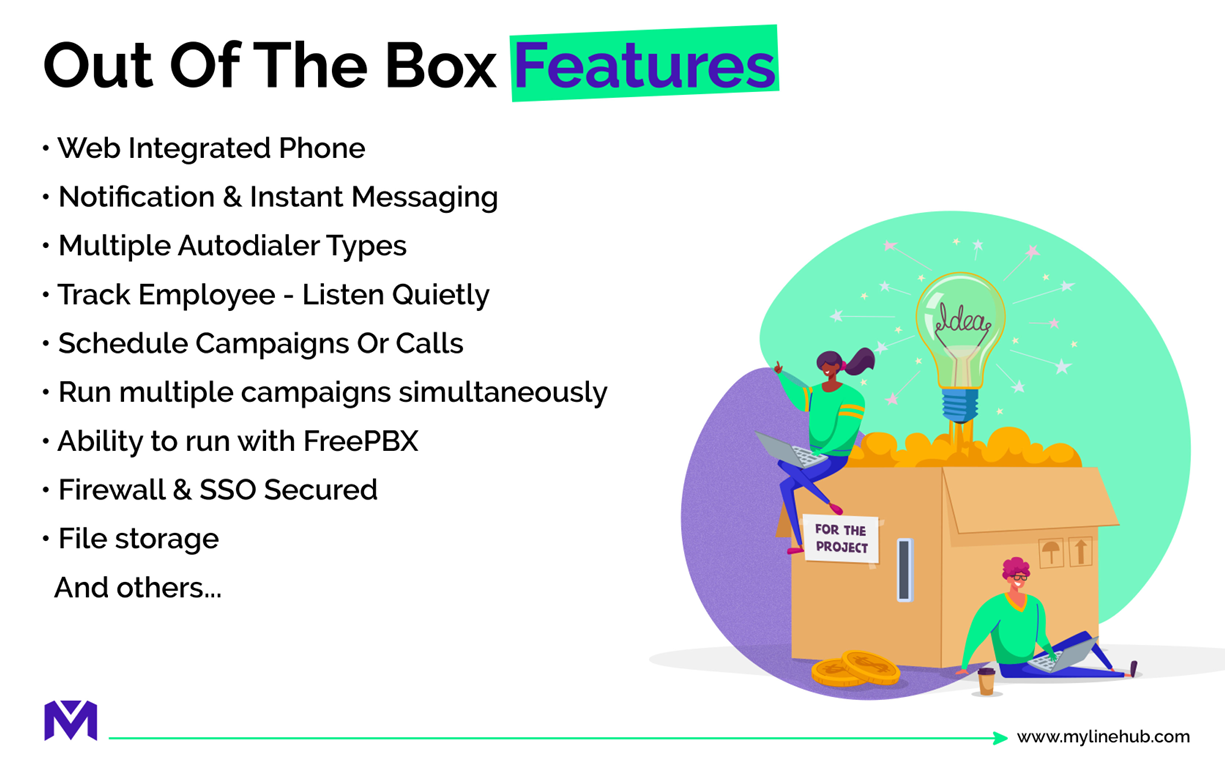
Low-code platforms provide these capabilities out of the box, allowing teams to begin operations immediately after setup.
Typical built-in capabilities include:
- Browser-based calling tools
- Campaign scheduling
- Simultaneous dialing controls
- Recording storage and retrieval
- Employee directory integration
- Notification systems
This eliminates the need for custom development before launching operations.
☎️ Designing Inbound Call Flows Without Coding
One of the most important components of any telecom system is inbound routing — determining what happens when a customer calls your number.
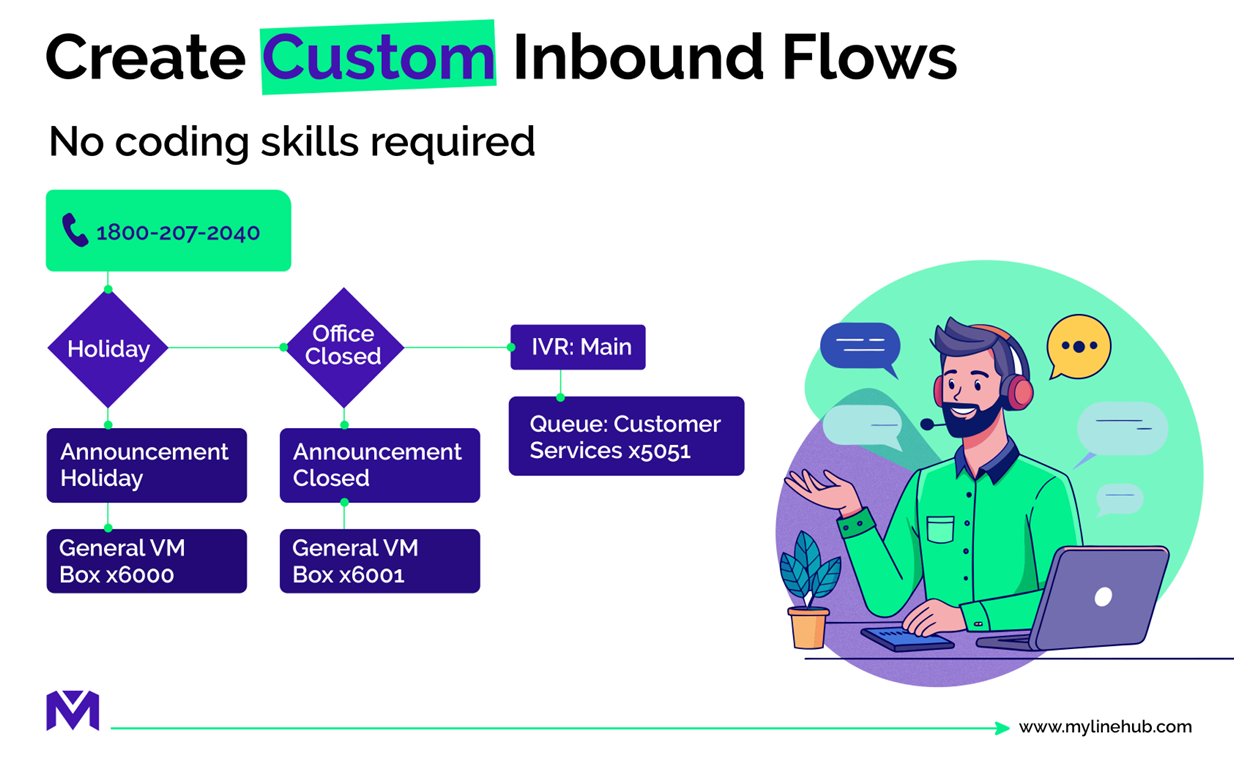
Instead of editing dialplan logic, administrators can construct flows visually:
- Play greeting announcements
- Present menu options
- Route callers to departments
- Direct calls to specific agents
- Handle after-hours scenarios
Visual builders make it easy to modify these flows as business requirements change.
🎯 Why this is powerful: inbound journeys are rarely static. Businesses change working hours, departments evolve, campaigns shift, and support structures expand. A visual system makes those changes much less risky and much faster to implement.
📤 Connecting Outbound Campaigns to Internal Systems
Outbound dialing should not operate in isolation. Successful campaigns often interact with inbound systems, queues, or internal teams.
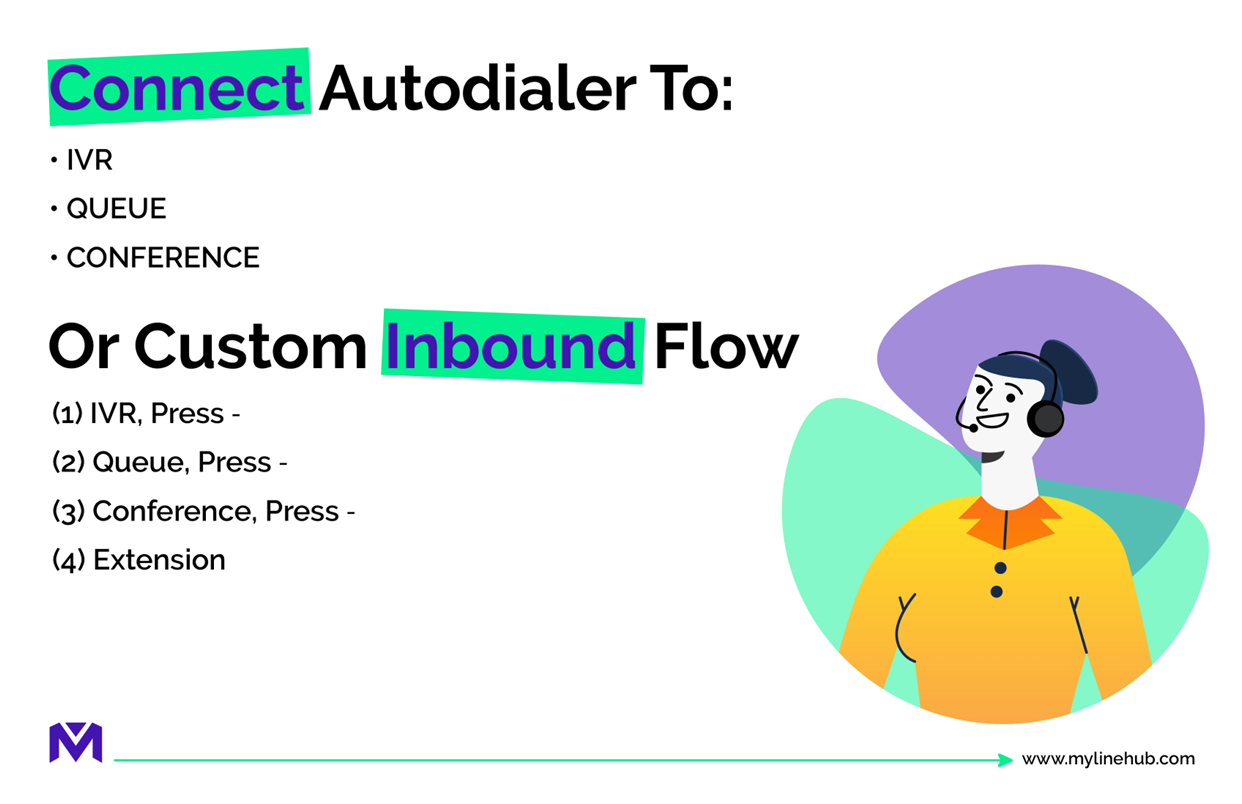
A flexible platform allows outbound calls to feed into various destinations, such as support queues or conference bridges.
This enables workflows like:
- Connecting customers to available agents automatically
- Routing responses to specialized teams
- Escalating calls to supervisors
- Transitioning from automated dialing to live support
💰 Hybrid Architecture That Reduces Costs
Traditional cloud dialers charge recurring fees based on usage or seat count. A hybrid approach uses your own infrastructure for core telephony while leveraging application layers for management.
In a typical setup:
- FreePBX or Asterisk handles SIP routing and telecom logic
- GSM gateways or SIP trunks provide network connectivity
- MYLINEHUB manages workflows, campaigns, and reporting
This separation allows organizations to scale economically while retaining control.
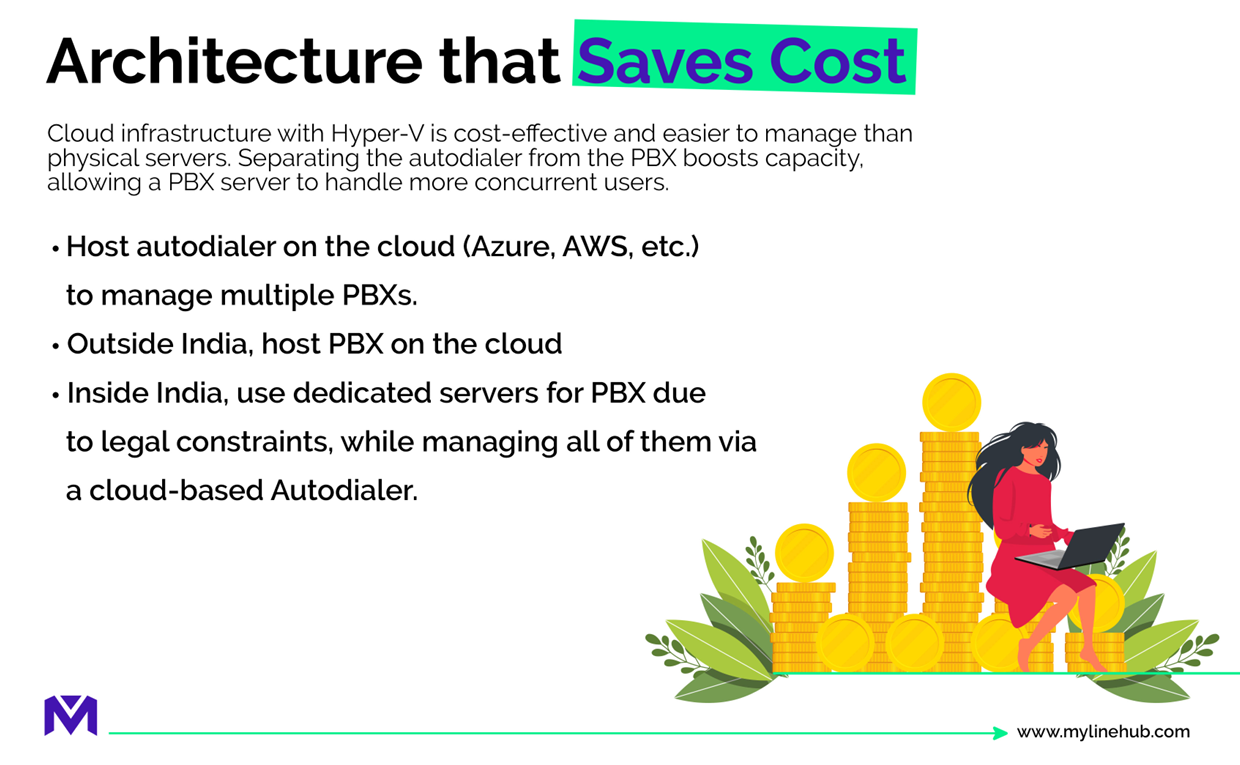
📉 Cost perspective: by separating telephony infrastructure from management software, organizations can optimize spending, maintain flexibility, and avoid being forced into a single expensive model as they scale.
📡 Integrating GSM Connectivity for Mobile-Based Calling
For regions where mobile connectivity is preferred or required, GSM gateways can be integrated as trunks into the PBX layer.
This allows calls to originate from SIM-based numbers while still being controlled through the centralized platform.
Combining GSM gateways with SIP trunks provides flexibility and redundancy, especially in environments with variable internet quality.
👥 Ideal Use Cases for Low-Code Telecom Platforms
This approach is particularly suitable for:
- Small to mid-size call centers
- Customer support teams
- Sales outreach operations
- Service organizations transitioning from manual calling
- Businesses without dedicated telecom engineers
🏢 Best fit: these platforms are most valuable where communication is operationally important, but deep telecom engineering resources are limited. They help such organizations become structured faster without overwhelming technical complexity.
📞 Support and Expansion
As operational needs grow, additional servers, gateways, or agents can be added without redesigning the entire system.
This makes the platform suitable both for initial deployment and gradual scaling.
✅ Conclusion
A low-code / no-code Asterisk configuration platform allows organizations to deploy professional telephony systems without deep technical knowledge.
By combining a PBX layer, GSM connectivity, and an application platform, even small teams can operate structured inbound and outbound communication workflows efficiently and cost-effectively.
In practical terms, this means organizations can move from fragmented or manual calling to a more reliable, scalable, and business-ready communication environment — without turning telecom configuration into a technical bottleneck.
Want to see API-driven CRM + Telecom workflows in action? Try the WhatsApp bot or explore the demos.
Comments (0)
Be the first to comment.