Can Refurbished Business Hardware Reliably Run an Office Phone System?
Refurbished hardware can reliably run a small-business phone system when the machine is selected for the workload, inspected properly, fitted with healthy storage and memory, kept cool, and supported by a clear replacement or warranty process.
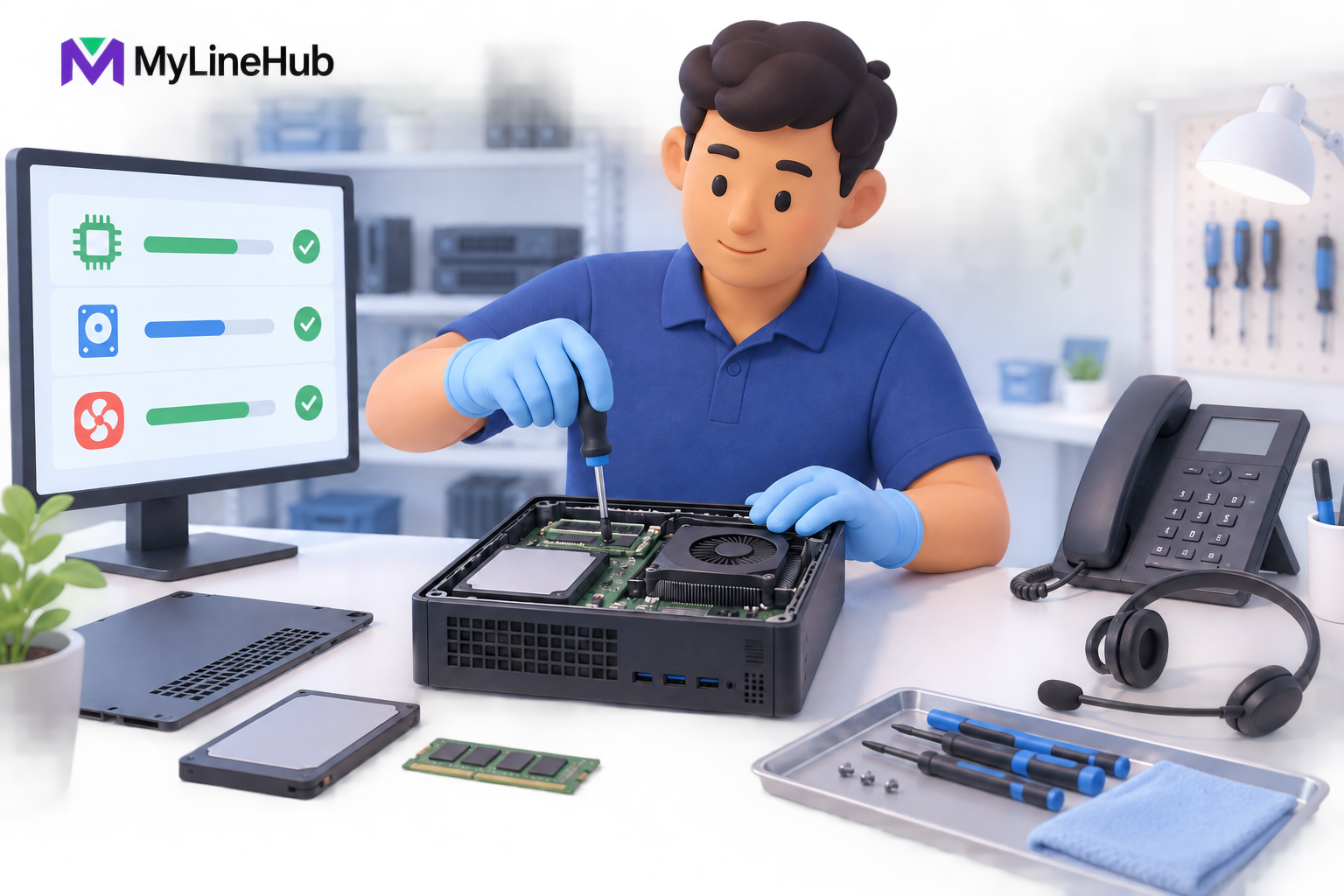
Refurbished hardware can reliably run a small-business phone system when the machine is selected for the workload, inspected properly, fitted with healthy storage and memory, kept cool, and supported by a clear replacement or warranty process. The word refurbished alone does not prove quality. It describes a previous-use history and a preparation process, both of which buyers should understand. Business-grade computers are often designed for long working lives, serviceable components, and steady office operation. A carefully prepared unit can therefore be a practical platform for an on-premise telephony appliance. Reliability depends less on cosmetic newness and more on component condition, testing, environmental care, realistic capacity, and what the supplier will do if a fault appears.
What Refurbished Hardware Actually Means
Refurbished equipment is not the same as an unopened new machine, and it should not be presented as such. The computer has normally been used before, returned from a business fleet, or prepared for resale after its first deployment. A responsible refurbishment process inspects the unit, cleans it, verifies important components, corrects identified faults, and confirms that it can perform the intended role.
The quality of that process can vary widely. One seller may perform only a power-on check. Another may test memory, storage health, network interfaces, thermals, sustained load, firmware, and physical connections. Buyers should therefore ask what was tested rather than treating “refurbished” as a single universal grade.
Cosmetic marks are also different from operational defects. A scratch on a case may have no effect on a machine that sits safely in an equipment area. A failing storage device, unstable memory module, blocked cooling path, or damaged network port can directly affect service. The purchasing decision should prioritise operational condition and support terms over appearance.
Why Business Hardware Is Reused
Organisations regularly replace office computers according to leasing cycles, accounting policy, standardisation programmes, or fleet refresh schedules. A machine can leave its first organisation even though its processor, memory capacity, chassis, and network interfaces remain suitable for a defined workload. Business-grade systems are also commonly designed for easier maintenance than low-cost consumer devices.
Telephony does not automatically require the newest processor generation. The correct capacity depends on the supported users, active calls, recordings, codecs, integrations, and other services running on the system. When a machine has enough verified capacity for the product it is sold to support, paying for unused high-end hardware may not improve the actual calling experience.
Reuse can lower the entry cost of an on-premise system and extend the useful life of equipment that would otherwise be discarded early. Those benefits are real only when the supplier avoids overstating the machine’s condition and does not use refurbishment as a reason to ignore testing or support.
Testing Before Dispatch Matters More Than the Label
A useful preparation process should consider at least the following areas:
- Startup and stability: the system should boot consistently and remain stable during representative use.
- Memory: installed memory should be detected correctly and tested for errors.
- Storage: the drive should have acceptable health, capacity, and performance for the supported system.
- Cooling: fans, vents, heat sinks, and internal airflow should be clean and functioning.
- Network interfaces: every port required by the product should establish a stable link and transfer traffic reliably.
- Power: the adapter or power supply should be appropriate and physically sound.
- Firmware and clock: firmware settings and the system clock should behave consistently after power cycles.
- Physical connections: ports and connectors should not be loose, damaged, or dependent on unusual pressure to work.
A telephony appliance should also be checked as a complete product, not only as a bare computer. The prepared software must start correctly, the expected services must be present, and the network arrangement must match the supported deployment. A successful hardware diagnostic does not prove that a trunk, business number, or external call path is ready; those are separate provider and configuration steps.
Performance Versus Cosmetic Condition
Refurbished equipment may show signs of prior use. A small dent, surface mark, or mismatched shade can matter to a buyer placing the appliance in a visible reception area, but it does not necessarily reduce computing reliability. The supplier should describe cosmetic condition honestly so the buyer can decide whether appearance matters for the installation location.
Performance questions should be answered separately. How many users does the package support? What types of calling workload were considered? Is recording expected? What happens when the requirement needs more simultaneous external calls than the provider or appliance package supports? These questions are more useful than comparing processor model numbers without context.
A prepared MYLO package should be evaluated against its declared product boundary. A buyer should not assume that because the computer can run other software, every additional workload is supported. Installing unrelated services may compete for memory, storage, network access, or CPU time and can make troubleshooting harder.
The Office Environment Still Determines Reliability
Even a thoroughly tested appliance can fail prematurely in a poor environment. Dust blocks airflow. Heat shortens component life. Loose power connections cause abrupt shutdowns. An appliance placed on the floor may be exposed to cleaning water, cable strain, or accidental impact. A phone system also depends on devices outside the box.
Protect the full calling chain: the appliance, router, provider termination equipment where applicable, network switch, and powered phones. A UPS connected only to the appliance will not preserve calling if the router or telecom device loses power. Network cables should be labelled and secured, ventilation should remain open, and someone should know how to check the system after an outage.
Storage also needs operational discipline. Call recordings and logs can consume space over time. Retention, backup, and access rules should match the business purpose. Refurbished or new hardware cannot compensate for unlimited storage growth without monitoring.
A Practical Reliability Example
Imagine a ten-person office using a refurbished business computer as its prepared calling appliance. The supplier verifies memory and storage, confirms both required network connections, checks cooling, installs the approved product build, and tests service startup. The office places the system in a ventilated area and connects the appliance, router, provider device, and network switch to suitable backup power.
This deployment has several layers of reliability. The computer has been checked. The environment protects it. The business uses a defined supported workload. The telecom provider supplies the external service. The administrator knows where responsibility changes from the appliance to the network or provider. If a call fails, the team can investigate the path instead of blaming the age of the computer automatically.
Now compare that with a supposedly new machine placed in a hot cabinet, connected through an unstable router, and expected to run unrelated applications. Newness does not protect the second setup from bad operating conditions. Reliability is a property of the complete system and its maintenance, not merely the date on the hardware invoice.
What Refurbishment Does Not Guarantee
- It does not make every used computer suitable for continuous business service.
- It does not promise that a component will never fail.
- It does not replace a written warranty or replacement policy.
- It does not provide telecom service, phone numbers, channels, or calling minutes.
- It does not fix poor office power, overheating, packet loss, or provider outages.
- It does not convert a fixed product package into an unlimited custom server.
These limits should be visible before purchase. The buyer can then compare the lower entry cost with the supplier’s testing, support boundary, warranty terms, and replacement process.
Questions to Ask Before Buying
- Which components and ports are tested before dispatch?
- Is storage health checked, and what type and capacity are supplied?
- What cosmetic condition should the buyer expect?
- Which MYLO package and supported user range is installed?
- What warranty or replacement terms apply to the hardware?
- Who pays shipping or service costs if a hardware fault occurs?
- Which accessories, cables, phones, or power-backup equipment are included?
- What office environment and maintenance does the supplier require?
Obtain current answers for the exact package being purchased. Price, warranty, supplied components, and support terms can change and should come from the current product information rather than an old article or assumption.
Key Takeaway
Refurbished business-grade hardware can be a dependable and economical foundation for a small-business phone system. The dependable part comes from selection, testing, appropriate capacity, good storage, cooling, power protection, network quality, and a clear support process. The economical part comes from reusing capable equipment rather than paying for performance the business does not need.
Buyers evaluating MYLO should consider the appliance as one part of a complete office calling system. Start with the explanation of what a telephony appliance combines, review the current package and warranty information, and confirm the telecom and office infrastructure required before ordering.
Continue planning
Continue with What Is a Telephony Appliance for a Small Business?; What Is a Telephony Appliance for a Small Business?; Why MYLO Uses Refurbished Business-Grade Hardware. For deeper implementation context, use MyLineHub technical architecture guidance.
Review current MYLO pricing, or discuss this requirement on WhatsApp.
Want to see API-driven CRM + Telecom workflows in action? Try the WhatsApp bot or explore the demos.
Comments (0)
Be the first to comment.