MYLO 10 vs MYLO 20: Users, Price and Which Package Fits Your Business
MYLO 10 and MYLO 20 are prepared appliance packages for different supported team sizes. MYLO 10 is intended for up to ten supported users, while MYLO 20 is intended for up to twenty.
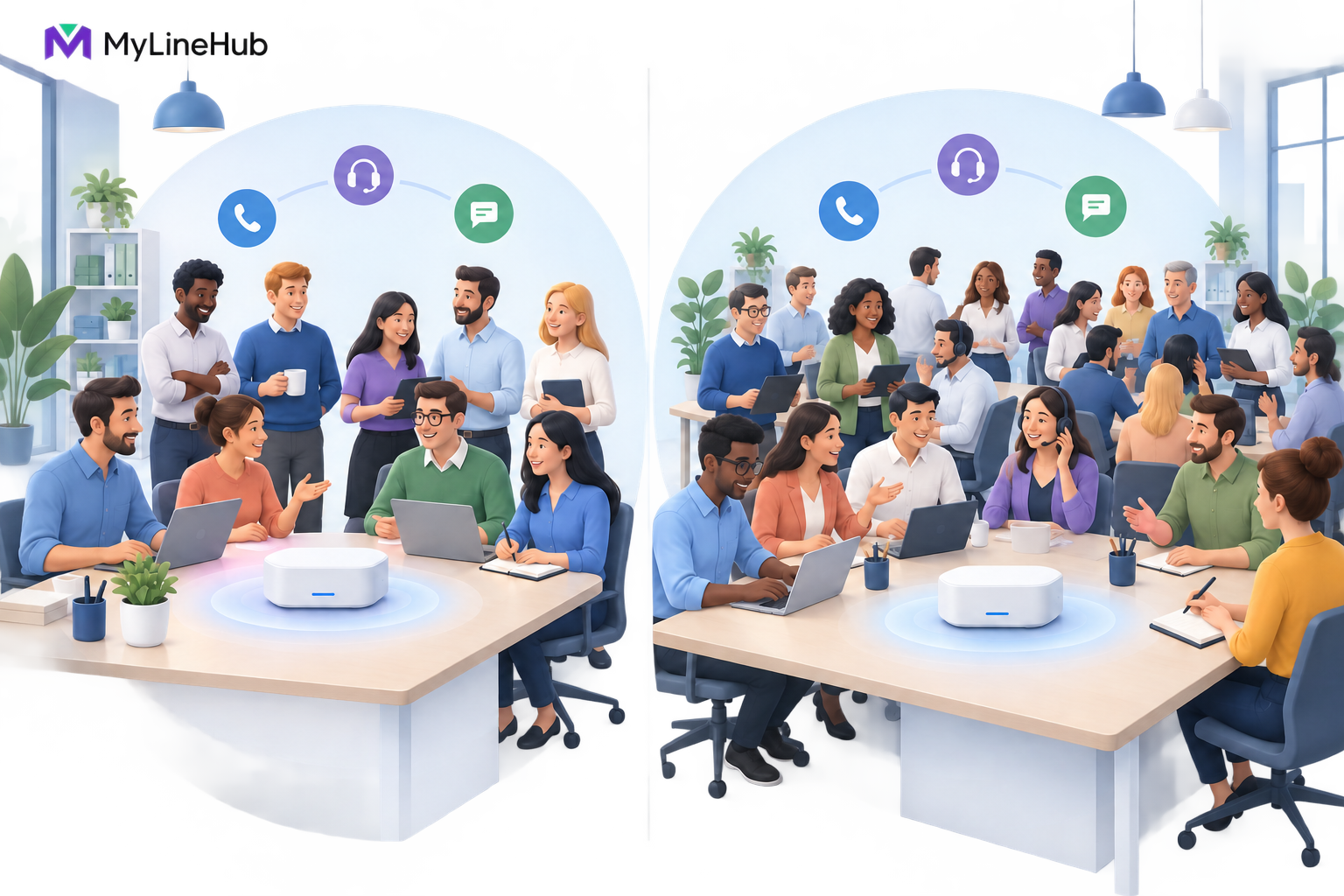
MYLO 10 and MYLO 20 are prepared appliance packages for different supported team sizes. MYLO 10 is intended for up to ten supported users, while MYLO 20 is intended for up to twenty. Those labels do not promise ten or twenty simultaneous external calls. Users, extensions, provider channels, and concurrent call legs are separate capacity measures. Package prices are maintained by the current MYLO pricing authority rather than duplicated inside this article; buyers should confirm current price, hardware, tax, warranty, delivery, and support terms before ordering. Choose by combining the real number of people who need supported access with inbound demand, outbound workflows, recording needs, endpoint choices, provider capacity, and expected near-term growth. Requirements outside either fixed boundary should be assessed rather than forced into the larger label.
Start With the Supported User Count
A user is a person who needs an account, role, extension, or calling responsibility within the supported deployment. Count the administrator, reception, sales, service, supervisors, and campaign operators who genuinely need access. Their permissions may differ, but they all participate in the operating model.
MYLO 10 may fit when no more than ten people need supported use and the rest of the requirement fits the package boundary. MYLO 20 gives a larger supported user range for a team above ten or one that expects to cross that point soon. The larger package is not automatically better; it is useful when the additional supported capacity has a real business purpose.
Do not reduce the count by sharing one login among several employees. Shared credentials weaken accountability, make permissions harder to control, and blur who approved or performed an action. A package decision should preserve individual responsibility.
Users Are Not the Same as Extensions
An extension is a dialable identity or destination inside the phone system. A user may be associated with an extension, but the relationship is not always one person to one number. A reception function, conference destination, queue, IVR, or service route may use internal numbering without representing another employee. Conversely, a person may interact with more than one supported destination.
Count users for access and responsibility, then design extensions for routing. Treating every extension as a paid person or every person as exactly one extension can produce the wrong package and a confusing dial plan. The detailed guide to users, extensions, channels, and concurrent calls separates these concepts.
Neither Package Label Defines Concurrent Calls
Concurrency is the number of call legs active at the same time. It depends on the provider contract, the selected call flows, current inbound and outbound activity, available human operators, and the supported system design. The package name alone is not a concurrency specification.
An internal extension-to-extension conversation may not use the external trunk. A typical call between one customer and one office extension usually needs one external provider leg. A flow connecting a customer’s phone to an agent’s mobile may need two external legs. Several such flows can consume provider channels faster than a simple headcount suggests.
Ask four different questions: how many people need supported access, how many internal destinations are required, how many external channels the carrier supplies, and how many simultaneous call legs the busiest workflow may create. If a seller answers all four with “10” or “20,” the capacity discussion is incomplete.
Compare the Inbound Workload
A small office may publish one DID, use a simple menu, and route calls to a few employees. Its peak-hour traffic matters more than its total payroll. If several customers regularly call at once, the provider service and the approved local design must accommodate that demand.
List the departments, DIDs, ring groups or queues, working hours, overflow behaviour, voicemail or callback ownership, and recording decision. Then identify the people responsible for those paths. MYLO 10 can be appropriate for a ten-person team with a clear inbound design, but it does not create unlimited waiting positions or carrier channels.
A larger support team may favour MYLO 20 because more people need supported roles and extensions. Its provider service still has to be sized separately. A customer hearing busy treatment because the trunk is full will not be helped by unused user accounts.
Compare the Outbound Workload
Occasional employee calls and controlled campaigns behave differently. A twenty-person office may have low simultaneous calling if employees use the system only occasionally. A smaller sales team may create more concentrated demand during an outbound session.
MYLO recognises explicit connection flows rather than treating all outbound work as the same. Human-assisted flows depend on available agents as well as carrier capacity. A customer-to-IVR flow does not need a human operator for the live interaction, but it still consumes the external resources used by its actual call path. Caller-ID authority, pacing, retries, consent, and recording decisions remain operational constraints.
Package selection should therefore begin with a written workflow: who or what is called first, what destination is connected second, how many operators are available, and what should happen after failure or no answer. If the requirement is a high-capacity or deeply customised dialler, request a custom assessment instead of inferring capability from MYLO 20’s user count.
Consider Devices, Recording, and Local Operations
More users may mean more softphones, desk phones, headsets, network switch ports, and support work. These devices are separate from the appliance unless the current order includes them. The office should budget for compatible endpoints and make sure Wi-Fi, wired networking, and audio conditions match the chosen work style.
Recording also changes operational responsibility. The business needs a purpose, notice process where applicable, access control, retention decision, and storage monitoring. A larger team can produce recordings faster, but no package name implies unlimited storage or a legal conclusion about when calls may be recorded.
Administration grows with the team. Someone must own user changes, approvals, provider coordination, missed-call processes, and incident escalation. MYLO guides supported work, but the customer remains responsible for accurate business decisions and authorised use.
When MYLO 10 Is the Clearer Fit
Imagine a professional-services office with one administrator, one receptionist, four sales employees, and four service employees. It needs a main number, a simple sales-and-support route, individual extensions, and ordinary outbound calls. The provider supplies suitable DIDs and channels, and the office has stable networking and protected power.
MYLO 10 may align well because the supported team count matches the requirement. The office still chooses provider capacity separately and tests real call paths under representative load. If it expects to add several people shortly, it should compare the cost and operational effort of a later transition with selecting MYLO 20 now.
When MYLO 20 Is the Clearer Fit
Consider a growing business with fifteen current users and four planned hires. It operates separate sales and support teams, needs several inbound destinations, and intends to run controlled outbound work. MYLO 20 provides a more suitable supported user boundary because the known requirement already exceeds ten.
The business should still avoid saying “twenty users equals twenty calls.” It must order carrier channels for the intended traffic, decide which employees need which devices, plan storage and recording, and confirm how human availability affects campaigns. The larger package creates room within its declared user scope; it does not remove external constraints.
When Neither Fixed Package Is Enough
A requirement may involve more than twenty supported users, multiple sites, unusual carrier delivery, specialised CRM automation, a large custom campaign operation, or infrastructure beyond a prepared small-business appliance. In that case, choosing MYLO 20 merely because it is larger can hide an architectural mismatch.
The broader open-source MyLineHub platform serves technical teams and custom deployments, but its capabilities are not automatically included with a MYLO appliance. A separate assessment should define the required outcome, call topology, capacity evidence, security boundary, integrations, and acceptance tests before price or hardware is promised.
Package Decision Checklist
- How many named people need supported access now?
- How many additional users are reasonably expected in the near term?
- Which extensions, shared destinations, IVRs, queues, and DIDs are required?
- What is the expected peak inbound traffic?
- Which outbound connection flows will be used, and how many agents are available?
- How many external call legs has the provider authorised?
- Which endpoints, network upgrades, and power protection must be budgeted?
- Will recording be used, and who owns access, retention, and storage monitoring?
- Does any requirement exceed the prepared appliance boundary?
Start with what a MYLO telephony appliance combines, then compare the current MYLO 10 and MYLO 20 offers line by line. Price, hardware, warranty, and support are current commercial facts; the applicable quotation should always override an older article.
Continue planning
Continue with What Is a Telephony Appliance for a Small Business?; What Is Not Included With a MYLO Appliance?; Users, Extensions, Channels and Concurrent Calls Explained. For deeper implementation context, use MyLineHub technical architecture guidance.
Review current MYLO pricing, or discuss this requirement on WhatsApp.
Want to see API-driven CRM + Telecom workflows in action? Try the WhatsApp bot or explore the demos.
Comments (0)
Be the first to comment.