What Is Not Included With a MYLO Telephony Appliance?
A MYLO appliance is the prepared local centre of an office calling system, not the entire telecom supply chain.
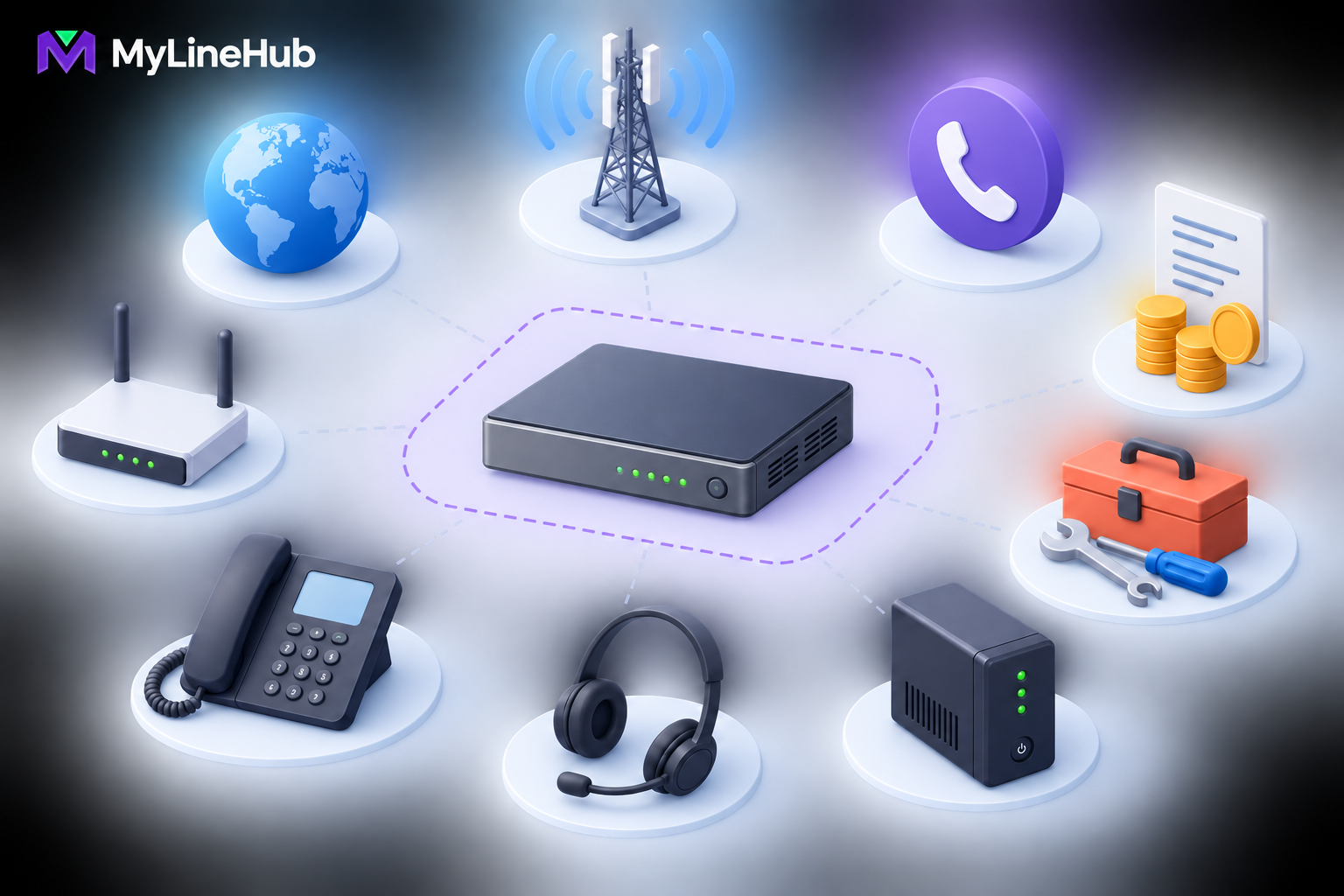
A MYLO appliance is the prepared local centre of an office calling system, not the entire telecom supply chain. Unless the current order explicitly says otherwise, the customer separately arranges the SIP trunk, business numbers, provider channels, calling plan, employee phones or headsets, office network, and power backup. External AI usage and customer-specific implementation may also carry separate charges. This boundary is useful, not a hidden weakness: it lets the business choose its carrier, endpoints, network, and optional services while keeping the appliance purchase clearly defined. Buyers should calculate the complete cost of a working calling system rather than treating the appliance price as unlimited calling, provider service, and office infrastructure bundled together.
A SIP Trunk Is a Telecom Service
The SIP trunk is the external service that carries supported calls between the business phone system and the public telephone network. It comes from an authorised telecom provider, not from the local appliance. The provider activates the service and supplies the authentication or IP-routing information required by its delivery model.
The provider contract determines available destinations, channels, tariffs, service conditions, and escalation procedures. MYLO can use supported and correctly supplied trunk details, but local configuration cannot create carrier capacity that was never ordered. It also cannot resolve a provider-side outage by changing unrelated settings.
Provider documents should be collected before configuration. They may include server or gateway details, addressing requirements, authorised source networks, number presentation rules, and contact information. Sensitive credentials belong in the supported secure entry process, not in ordinary email, screenshots, or public documentation.
DIDs, Calling Minutes, and Carrier Charges
A DID is a public business number that customers can call. One trunk may carry one or several DIDs, subject to the provider’s contract and technical design. Buying a MYLO appliance does not automatically assign a number, transfer an existing number, or complete a carrier’s identity and activation process.
Calling charges also sit with the carrier plan. The office may face setup fees, recurring rental, number charges, channel charges, usage tariffs, minimum commitments, or other provider-specific items. Inbound and outbound terms can differ. A fixed appliance price should therefore never be read as unlimited minutes.
If caller ID is needed for outbound work, the business and provider must confirm which DIDs are authorised for presentation. A phone system should not be expected to present arbitrary numbers. Porting and caller-ID disputes remain provider processes even when MYLO helps configure the approved local route.
AI-Provider Usage May Be Separate
Where a supported MYLO feature uses an external AI provider, the customer may supply its own provider key and pay that provider directly for usage. This model keeps account ownership, limits, and billing under customer control. The current MYLO package and selected workflow determine whether an external AI account is needed.
The provider key is not a general password to share with staff. It should be entered and stored only through the approved mechanism, rotated when required, and removed when the relationship ends. Usage limits and provider availability should be monitored by the account owner.
AI assistance and live call execution also have different responsibilities. AI can help interpret intent, gather missing details, or explain a proposed configuration. Deterministic application services enforce permissions and apply approved actions; Asterisk remains the telephony authority. Paying for AI usage does not purchase telecom minutes, and a temporary AI problem should not grant an uncontrolled path into live calling.
Phones, Headsets, and Employee Devices
The appliance is not automatically supplied with a device for every user. Depending on the supported design, an employee may use a desk IP phone, a softphone on a computer, a browser-based tool, a headset, or an approved mobile-agent flow. Each choice has different cost, network, audio, and management implications.
A product photograph showing a phone or laptop does not make that device part of the order. Buyers should check the invoice and decide which employees need dedicated hardware. A receptionist may value a physical phone; a flexible sales team may prefer headsets and supported software; a remote workflow may use mobile destinations. Compatibility should be confirmed before purchasing a large device batch.
Customer-owned computers and mobiles remain customer-managed endpoints. The business is responsible for operating-system updates, access control, malware protection, charging, local connectivity, and a suitable working environment. MYLO cannot correct a broken microphone or noisy headset through trunk configuration.
Router, Internet, Switching, and Cabling
The surrounding office network is not part of the appliance unless the current order lists a specific item. The customer normally provides Internet access, a router, network switches, structured cabling, firewall policy, local addressing, and any provider termination device. The office may need technical help if these components are unmanaged or undocumented.
Voice quality depends more on consistent delivery than on an impressive headline speed. Latency, jitter, packet loss, congestion, unstable Wi-Fi, incorrect routing, and overloaded equipment can all affect calls. Other office traffic such as cloud backup or large downloads may compete with voice unless the network is planned sensibly.
Some installations use separate paths for office and telecom-provider traffic. Carrier topologies vary, so the right connection must be based on the real provider document. The appliance having suitable interfaces does not mean the customer’s router, cables, or carrier circuit are already ready.
UPS and Site Protection
Power backup must cover the whole chain required for a call. Protecting only MYLO does not preserve service when the router, switch, carrier device, or powered desk phone shuts down. The business should list every required component, measure or obtain its power demand, and choose a realistic backup duration for local outage conditions.
A UPS is not a substitute for safe placement and maintenance. Ventilation openings must remain clear, cables should be secured, and the appliance should be protected from heat, dust, liquid, and accidental impact. Surge protection, battery testing, and a controlled shutdown plan may also be appropriate.
External outages still exist. Backup power at the office cannot restore a failed carrier network or Internet path. Businesses that need higher continuity should discuss alternate connectivity and routing as separate requirements rather than assuming the appliance removes every dependency.
Custom Configuration and Development
A prepared MYLO package has a defined support boundary. A unique CRM integration, unusual provider design, multi-site architecture, specialised reporting system, or requirement beyond the supported package may need a scoped implementation task or the broader open-source MyLineHub platform.
Custom work should have an agreed outcome, prerequisites, acceptance evidence, and change process. A fixed task or guided session should not be interpreted as unlimited development. If new information expands the requirement, the business should review the scope before work continues.
The distinction protects both sides. The customer knows what result is being purchased, and the implementer can verify that result instead of leaving an open-ended promise. Product support, telecom-provider support, office IT support, and custom engineering should each have a named owner.
A Practical Complete-Cost Example
Imagine a ten-person office buying a MYLO appliance. The business also orders a carrier trunk with suitable channels and two DIDs. Some employees reuse compatible computers and buy headsets; reception uses a desk phone. The office adds backup power for the appliance, router, switch, and provider equipment. A customer-controlled AI account is used for a selected assisted workflow, and a defined setup service helps verify the initial call paths.
The appliance remains one clear line item. Carrier setup and usage, user devices, network improvement, power protection, AI usage, and implementation complete the budget. None of those variable items should be silently folded into an appliance comparison because every office makes different choices.
This same worksheet prevents false savings. A cheaper central box is not a complete solution when no budget remains for the trunk or reliable network. Conversely, buying an expensive server does not eliminate carrier charges, endpoints, or power requirements. The correct decision covers the complete calling journey.
Responsibility Checklist Before Ordering
- Which exact hardware and power items appear on the MYLO order?
- Which provider will supply the trunk, DIDs, channels, and calling plan?
- Which outbound caller IDs has the provider authorised?
- What devices will employees use, and have compatibility and audio needs been checked?
- Is the office network stable and documented for the intended voice traffic?
- Which components must remain powered for calling to continue?
- Does the selected workflow require a customer-owned external service account?
- What setup, support, implementation, or custom work is included?
- Which current warranty, replacement, and commercial terms apply?
Compare this list with what is included in the MYLO box and the existing on-premise calling and telecom setup cost guide. For any disagreement, the current quotation, provider contract, and agreed scope are authoritative.
Who Owns Hardware Support?
MyLineHub sources and prepares suitable hardware but does not manufacture it. Hardware maintenance, replacement and warranty follow the particular hardware seller or vendor terms recorded for the supplied unit. MYLO service responsibility covers the software and service scope written in the accepted agreement; it does not convert MyLineHub into the computer manufacturer, telecom carrier, ISP, CRM provider or employer of the customer’s staff.
Continue planning
Continue with What Is a Telephony Appliance for a Small Business?; What Is Included in the MYLO Box?; MYLO 10 vs MYLO 20: Which Package Fits Your Business?. For deeper implementation context, use MyLineHub technical architecture guidance.
Review current MYLO pricing, or discuss this requirement on WhatsApp.
Want to see API-driven CRM + Telecom workflows in action? Try the WhatsApp bot or explore the demos.
Comments (0)
Be the first to comment.