What Happens to Customer Calls When My Team Is Busy or the Office Is Closed?
A professional phone system needs a plan for calls that arrive at the wrong time or when nobody can answer. Learn how those business rules can be designed and configured with MYLO.
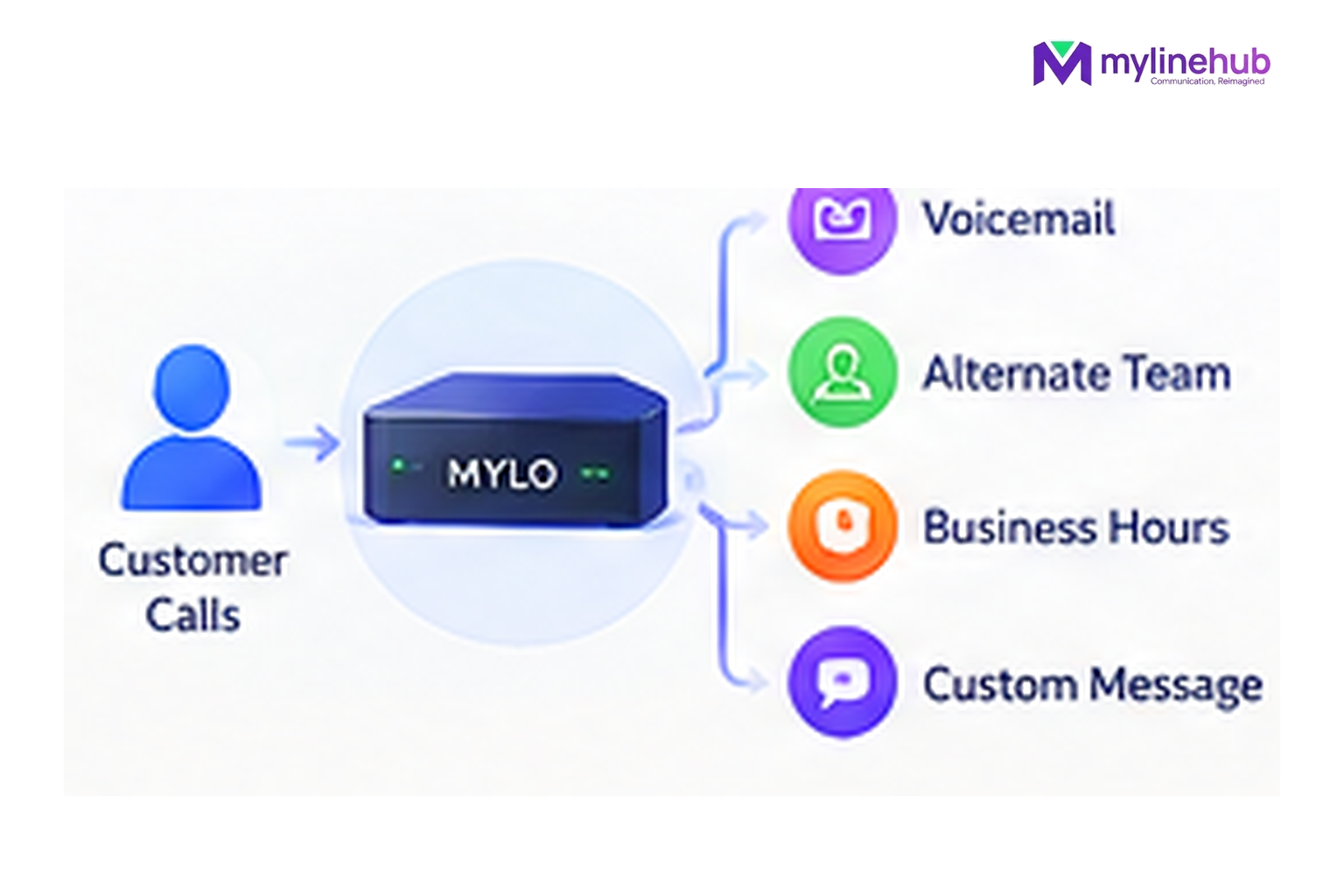
A business phone system should decide this before the first customer gets stuck ringing forever. MYLO can help configure supported incoming-call behaviour, but the business must choose the experience: who gets the call during working hours, what happens when nobody answers, and what the caller should hear when the office is closed.
Quick answer
- Start from the business outcome; MYLO uses conversation to gather or clarify the information it needs.
- Consequential telephony work stays inside the product's permissions, validation and approval boundaries.
- The telecom provider remains responsible for public numbers, carrier service, capacity and provider-side conditions.
Design the unanswered-call journey before it happens
Design the “Normal Day” First
Start with the simplest successful path: customer calls, hears the required greeting or IVR, and reaches the right employee. Once that is clear, add the exception paths. This keeps the call flow understandable for both customers and the people who support it.
Busy and No-Answer Are Business Decisions
When an employee cannot answer, you may want another destination, a message, an IVR path or another supported fallback. Do not let the configuration decide this accidentally. Tell MYLO the intended outcome so it can ask for the missing destination rather than guess.
After Hours Should Sound Intentional
A closed office can still give a professional response: state the hours, offer the next useful option, or route an urgent category appropriately. Avoid a complicated menu that promises a team is available when it is not. The existing guide How to handle calls outside business hours goes deeper into that customer experience.
Test the Exceptions, Not Only the Happy Path
A route can work at 2 PM and fail at 8 PM because the after-hours branch was never tested. During acceptance, test working hours, busy/no-answer behaviour and the closed path separately. That gives the business evidence for the scenarios customers will actually encounter.
Continue From Here
Custom Requirements and Telecom Responsibility
MYLO configures and operates the customer's local telephony layer; it is not the telecom carrier. Numbers, trunk service, calling charges and provider-side permissions remain with the customer's telecom provider. Where a requirement sits outside the standard MYLO package, MyLineHub can discuss it as a Custom Requirement.
Customisation does not override telecom-provider conditions, customer-consent obligations or applicable Indian telecom requirements. The final calling design must use services and number-routing methods that the business is permitted to use.
Want to see API-driven CRM + Telecom workflows in action? Try the WhatsApp bot or explore the demos.
Comments (0)
Be the first to comment.