Five Ways MYLO Can Connect Your Team and Customers
See five practical MYLO calling flows: customer to agent phone, customer to agent extension, agent extension to customer, agent phone to customer, and customer to IVR.
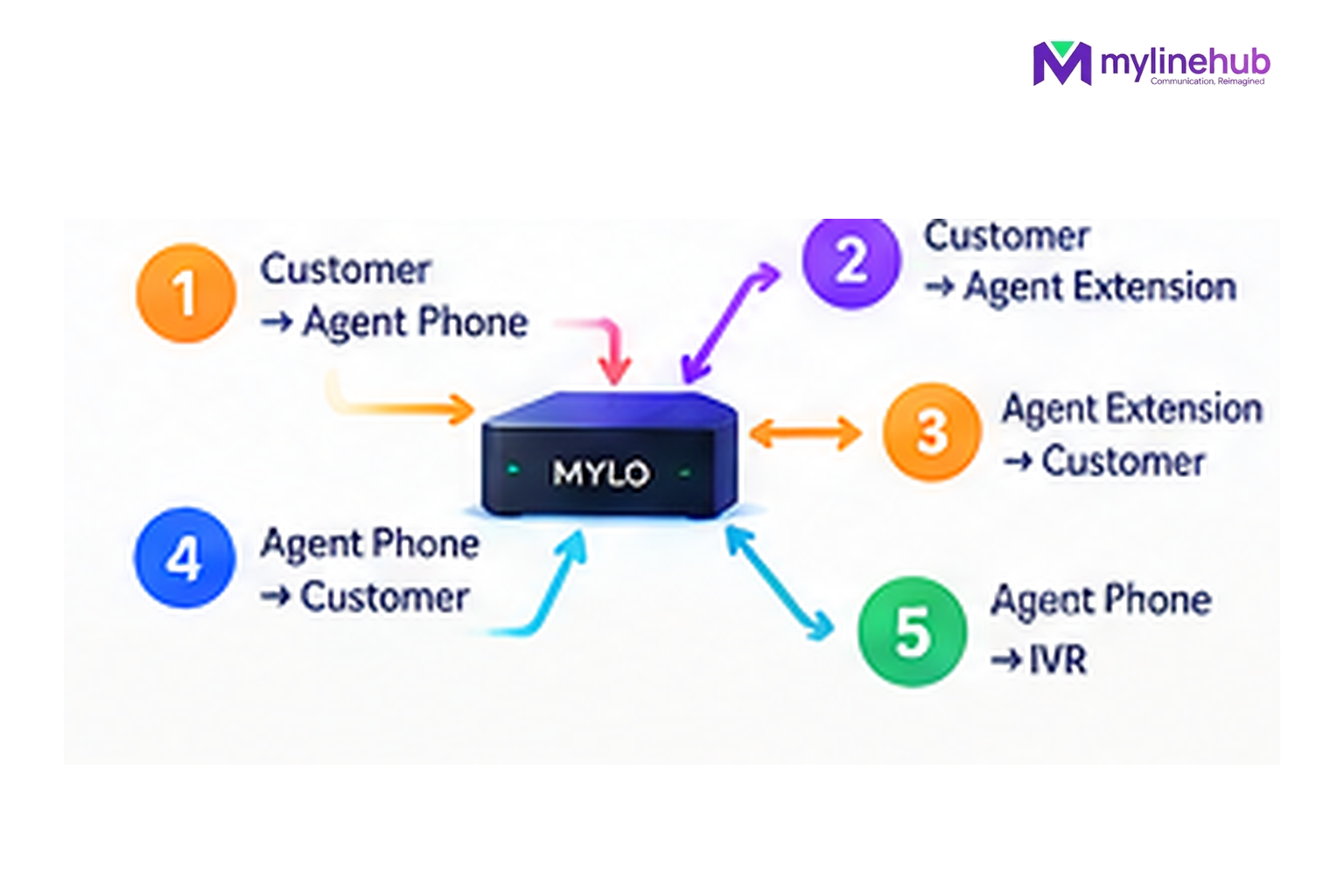
MYLO v0.35 has five defined campaign connection patterns. They are not marketing examples invented for this article; they are seeded product data that tells the campaign engine whether the customer or employee side is called first and what kind of destination is required.
Quick answer
- Start from the business outcome; MYLO uses conversation to gather or clarify the information it needs.
- Consequential telephony work stays inside the product's permissions, validation and approval boundaries.
- The telecom provider remains responsible for public numbers, carrier service, capacity and provider-side conditions.
The five v0.35 campaign connection types
Customer → Agent Mobile
Customer answers first, then the configured agent mobile is called.
Customer → Agent Extension
Customer answers first, then the configured extension is called.
Agent Extension → Customer
The extension answers before MYLO calls the customer.
Agent Mobile → Customer
The mobile agent answers before MYLO calls the customer.
Customer → IVR
An answered customer call is connected to an active IVR identity.
1. Customer → Agent Mobile
MYLO calls the customer first. After the customer answers, the configured employee mobile is called. This suits a workflow where the employee should only be involved after a customer connection is available.
2. Customer → Agent Extension
The customer is called first and, after answer, MYLO connects the configured internal extension. This keeps the employee on the office/softphone side of the telephony system.
3. Agent Extension → Customer
MYLO waits for the employee’s extension to answer before it calls the customer. The employee is therefore ready before the customer leg begins.
4. Agent Mobile → Customer
The employee’s mobile is reached first; after answer, MYLO calls the customer. Because the mobile is an external destination, this flow uses carrier resources differently from an internal extension.
5. Customer → IVR
MYLO calls the customer and connects an answered call to an active IVR. This is the automated/menu path rather than a live-employee path. Use it only for an appropriate, compliant business purpose.
Why MYLO Keeps These as Defined Patterns
Defined patterns make campaign execution predictable. The customer chooses the business flow during preparation; the deterministic scheduler then follows the stored pattern. If a business needs a sixth, materially different connection design, that should be evaluated as a Custom Requirement instead of pretending the standard product already contains it.
Continue From Here
Current public sources checked — 30 September 2026
For time-sensitive Indian telecom or data-protection statements in this article, prefer the current regulator, government or provider source over an old blog or forum post.
- TRAI — Advice to Senders
Current TRAI guidance for businesses sending bulk or commercial communications.
Use MYLO Within Your Telecom and Customer-Consent Rules
MYLO provides the telephony and campaign layer; it does not turn an unapproved calling practice into an approved one. Businesses using outbound or automated calling must follow the current rules that apply to their purpose, sender registration, consent, customer preferences and telecom-provider service. TRAI maintains current guidance for commercial-communication senders and explains spam and unsolicited commercial communication.
Customisation is welcome. MyLineHub can discuss a Custom Requirement when the standard MYLO package does not cover the required workflow. Any custom implementation must still use telecom resources lawfully and follow applicable provider conditions and Indian telecom requirements.
Want to see API-driven CRM + Telecom workflows in action? Try the WhatsApp bot or explore the demos.
Comments (0)
Be the first to comment.