Agent Mobile to Customer Phone: How the Flow Works
In the agent-mobile-to-customer-phone flow, MYLO calls an approved remote agent mobile first and calls the customer only after the agent is ready.
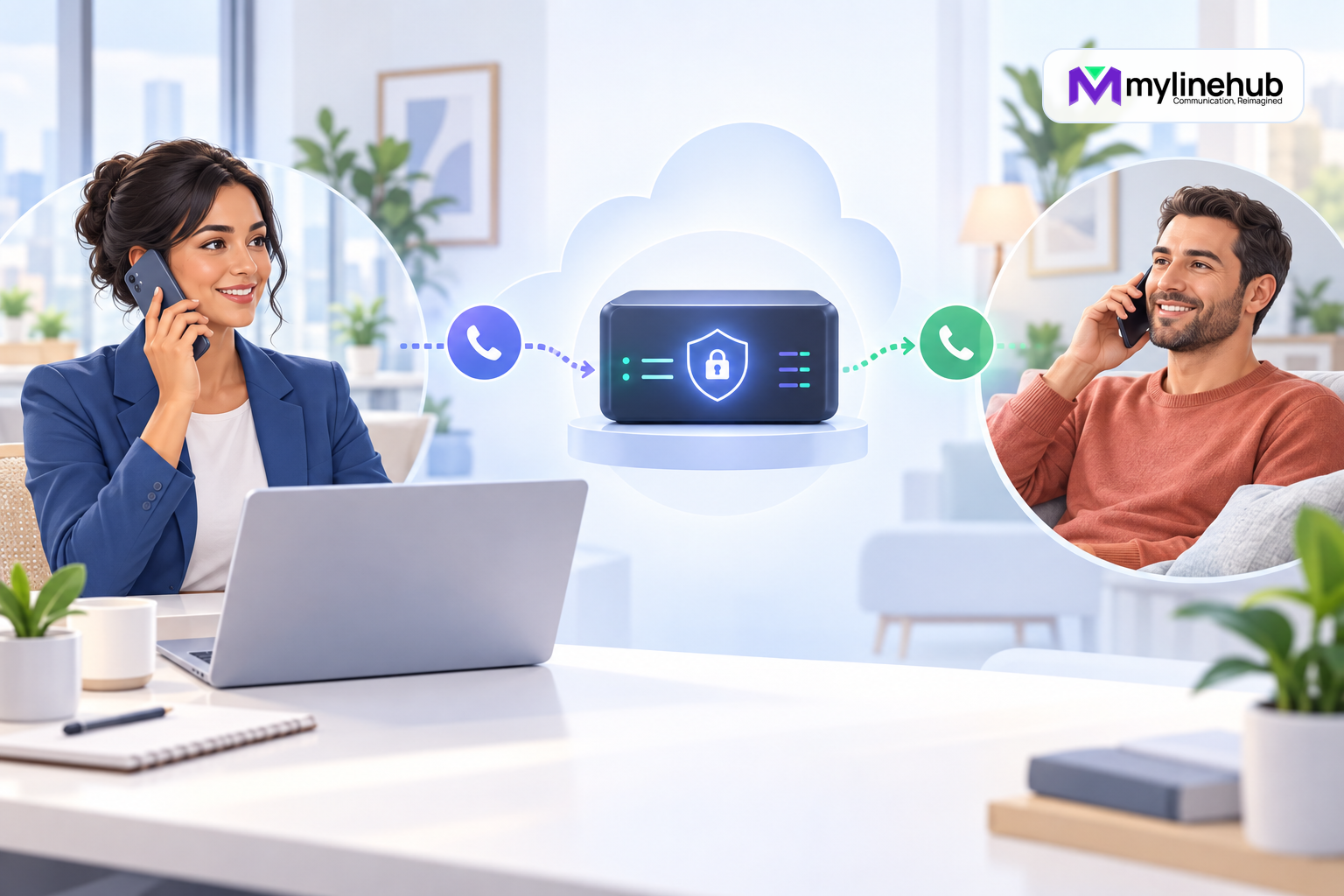
In the agent-mobile-to-customer-phone flow, MYLO calls an approved remote agent mobile first and calls the customer only after the agent is ready. It helps distributed teams use a controlled business workflow without manually dialling customers from personal handsets. Agent-first ordering protects the customer from waiting while an agent is located, but it occupies the agent during customer ringing and failed attempts. The agent mobile remains a destination, not the public business identity; any presented caller ID must be authorised by the telecom provider. Deterministic services control eligibility, schedules, capacity, caller-ID selection, attempts, and retries after human approval, while Asterisk originates and bridges calls. The customer is responsible for lawful purpose, lists, agent numbers, recording, and outcomes. Mobile carrier behaviour must be tested, especially voicemail and forwarding.
Call the Approved Mobile Agent
The scheduler assigns an eligible agent who is not already committed to another live flow. Asterisk originates to the stored, approved mobile destination. Busy, unreachable, rejected, no-answer, and voicemail behaviour must be considered before any customer leg starts.
A personal voicemail greeting can expose information or answer automatically. The design needs a reliable readiness step and bounded ring period. Do not assume every mobile network reports answer states identically.
Call the Customer
Once the mobile agent is ready, MYLO originates the selected customer attempt using an authorised business caller identity. The agent receives an honest waiting state until answer or a terminal result. The system applies contact windows and retry limits deterministically.
Wrong numbers, shared phones, voicemail, and unverified answer detection require a suitable opening. Agents should verify identity before discussing sensitive information.
Connect Through the Business Path
Asterisk bridges the legs and records live evidence. The agent does not need to reveal or manually use a personal outbound number. However, the exact display on both phones depends on provider signalling and approved configuration, so it must be confirmed in real tests.
Connection records should distinguish mobile-leg readiness, customer outcome, bridge, duration, and business disposition. Recording, if approved, requires notice, access, retention, storage, and failure handling.
Practical Example
A field-services company has four regional coordinators who work from mobiles. During approved hours, MYLO calls an available coordinator first. After readiness, it calls a customer who requested scheduling follow-up. A no-answer customer releases the coordinator and enters a controlled later retry; an unavailable coordinator prevents customer contact.
The company tests mobile voicemail, call waiting, forwarding, weak coverage, customer voicemail, and displayed identities. It limits each human to one flow and reviews repeated mobile-leg failures as an operational issue.
Limits
- MYLO does not manage the mobile carrier or handset.
- Agent-first consumes agent time on unsuccessful customer legs.
- Personal numbers require strict access and change control.
- Provider channels and authorised identities constrain execution.
- Custom mobile apps, presence systems, and CRM workflows require separate scope.
Checklist
- Are mobile destinations approved and current?
- How is a human readiness state confirmed?
- What happens if voicemail or forwarding answers?
- How long does the agent wait for the customer?
- Are schedule, consent, retry, and recording rules approved?
- Does caller ID use provider-authorised numbers?
- Is one active flow enforced per person?
- Have real mobile networks been tested?
Compare Customer Phone to Agent Mobile and review all five options in Five Ways MYLO Connects Agents and Customers.
Mobile-Agent Handover
When shifts change, remove unavailable mobiles from eligibility before assigning replacements. Confirm the new agent's number, hours, network reachability, and understanding of the campaign. Never reuse another person's stored destination merely because the role name is unchanged. Test the replacement with a controlled call and preserve who handled each live conversation.
A Mobile Agent Is Not a SIP Extension
The first leg travels to an external mobile number through the provider path; it is not an internal registered endpoint. That can consume external channel capacity before the customer leg begins and introduces mobile-network voicemail, forwarding and caller-display behaviour. Capacity planning must account for both legs without promising a fixed number of simultaneous conversations from the agent count alone.
Use only approved agent mobiles, restrict who can change them and avoid exposing a private number to the customer. Test weak coverage, personal voicemail, rejection, customer no answer and agent disconnect. An unavailable mobile must remain an agent-side outcome and must not trigger repeated customer contact.
Continue planning
Continue with Five Ways MYLO Connects Agents and Customers; Agent Extension to Customer Phone: How the Flow Works; Customer to IVR: How an Automated Outbound Flow Works. For deeper implementation context, use MyLineHub technical architecture guidance.
For a requirement outside the prepared MYLO scope, discuss the exact outcome with MyLineHub.
Want to see API-driven CRM + Telecom workflows in action? Try the WhatsApp bot or explore the demos.
Comments (0)
Be the first to comment.