I Want an Autodialer for My Business — Can MYLO Do That?
If your goal is to work through a customer list efficiently, MYLO includes outbound campaign capabilities. This guide explains the business workflow and the telecom services that remain external.
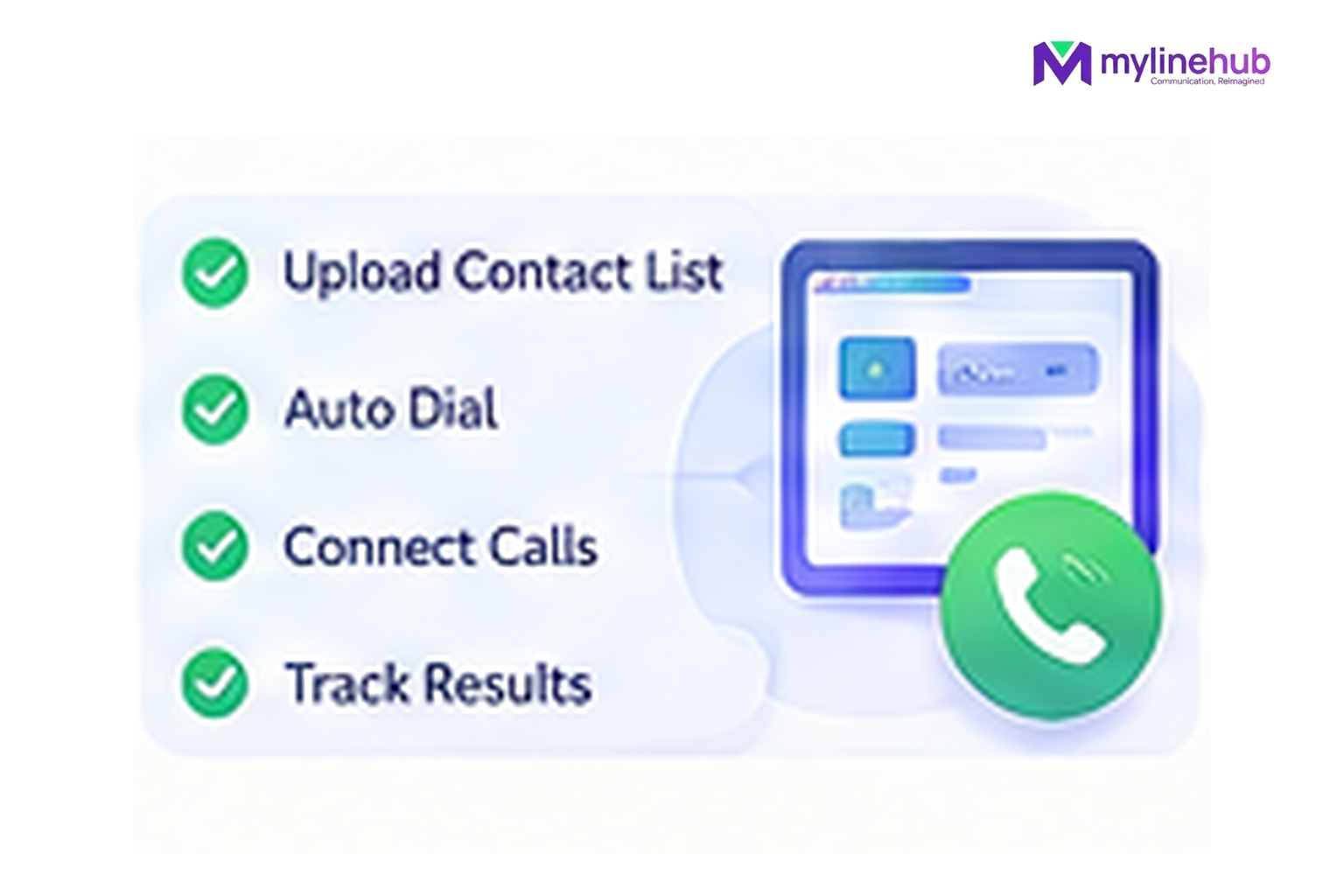
Yes. MYLO v0.35 contains an on-premise campaign calling system with customer lists, defined connection patterns, agent/operator destinations, pacing, optional NOANSWER retry, pause/resume, functional testing, call outcomes and reporting. The important buyer message is that MYLO provides the local campaign engine; the telecom connection and calling charges still come from your provider.
Quick answer
- Start from the business outcome; MYLO uses conversation to gather or clarify the information it needs.
- Consequential telephony work stays inside the product's permissions, validation and approval boundaries.
- The telecom provider remains responsible for public numbers, carrier service, capacity and provider-side conditions.
An autodialer is more than a list of numbers
| Decision | What it means |
|---|---|
| Campaign intent | Who is being called and for what permitted purpose |
| Lead file | Validated customer data for the campaign |
| Calling flow | Customer-first, agent-first or customer-to-IVR as supported |
| Telecom compliance | Consent, preferences, sender obligations and provider rules remain business responsibilities |
An Autodialer Is a Workflow, Not Just a “Call” Button
A useful campaign needs a customer list, a connection pattern, an employee or IVR destination where required, a valid outbound caller ID, recording choice, retry choice and compliance acknowledgement. MYLO keeps those decisions in campaign state so the live scheduler is not asking an AI model what to do for every call.
Campaign Creation Is Intentionally Conversational
In the normal product path, campaign creation and operator preparation are driven through MYLO Chat. The API code deliberately hides the old direct-create routes outside simulation and tells callers that campaigns are created through MYLO Chat. This is a strong example of the product philosophy: use conversation for preparation, then deterministic code for execution.
The Live Scheduler Follows Fixed Rules
v0.35 uses one paced scheduler thread and a one-running-campaign invariant. It removes duplicate leads, supports at most one optional retry for NOANSWER, and stops new submissions when a campaign is paused while already active calls complete. These are deterministic operational rules, not suggestions generated by the LLM.
Buy the Carrier Capacity Separately
MYLO does not bundle telecom minutes or unlimited channels. Campaign capacity is constrained by the configured trunk and the selected connection flow. The buyer should therefore size the provider service and MYLO package together rather than assuming the appliance alone creates calling capacity.
Continue From Here
Current public sources checked — 30 September 2026
For time-sensitive Indian telecom or data-protection statements in this article, prefer the current regulator, government or provider source over an old blog or forum post.
- TRAI — TCCCPR Third Amendment Regulations, 2026
TRAI lists the Telecom Commercial Communications Customer Preference (Third Amendment) Regulations, 2026 dated 18 September 2026. - TRAI — What Is Spam or UCC?
TRAI's current explanation of unsolicited commercial communication, consent, preferences, auto-dialer calls and robo calls. - TRAI — Advice to Senders
Current TRAI guidance for businesses sending bulk or commercial communications.
Use MYLO Within Your Telecom and Customer-Consent Rules
MYLO provides the telephony and campaign layer; it does not turn an unapproved calling practice into an approved one. Businesses using outbound or automated calling must follow the current rules that apply to their purpose, sender registration, consent, customer preferences and telecom-provider service. TRAI maintains current guidance for commercial-communication senders and explains spam and unsolicited commercial communication.
Customisation is welcome. MyLineHub can discuss a Custom Requirement when the standard MYLO package does not cover the required workflow. Any custom implementation must still use telecom resources lawfully and follow applicable provider conditions and Indian telecom requirements.
Want to see API-driven CRM + Telecom workflows in action? Try the WhatsApp bot or explore the demos.
Comments (0)
Be the first to comment.