Automated Calls for Appointment Confirmations
An appointment-confirmation campaign can call an approved recipient, play a concise reminder, and collect a simple keypad response such as confirm, request rescheduling, or hear the information again.
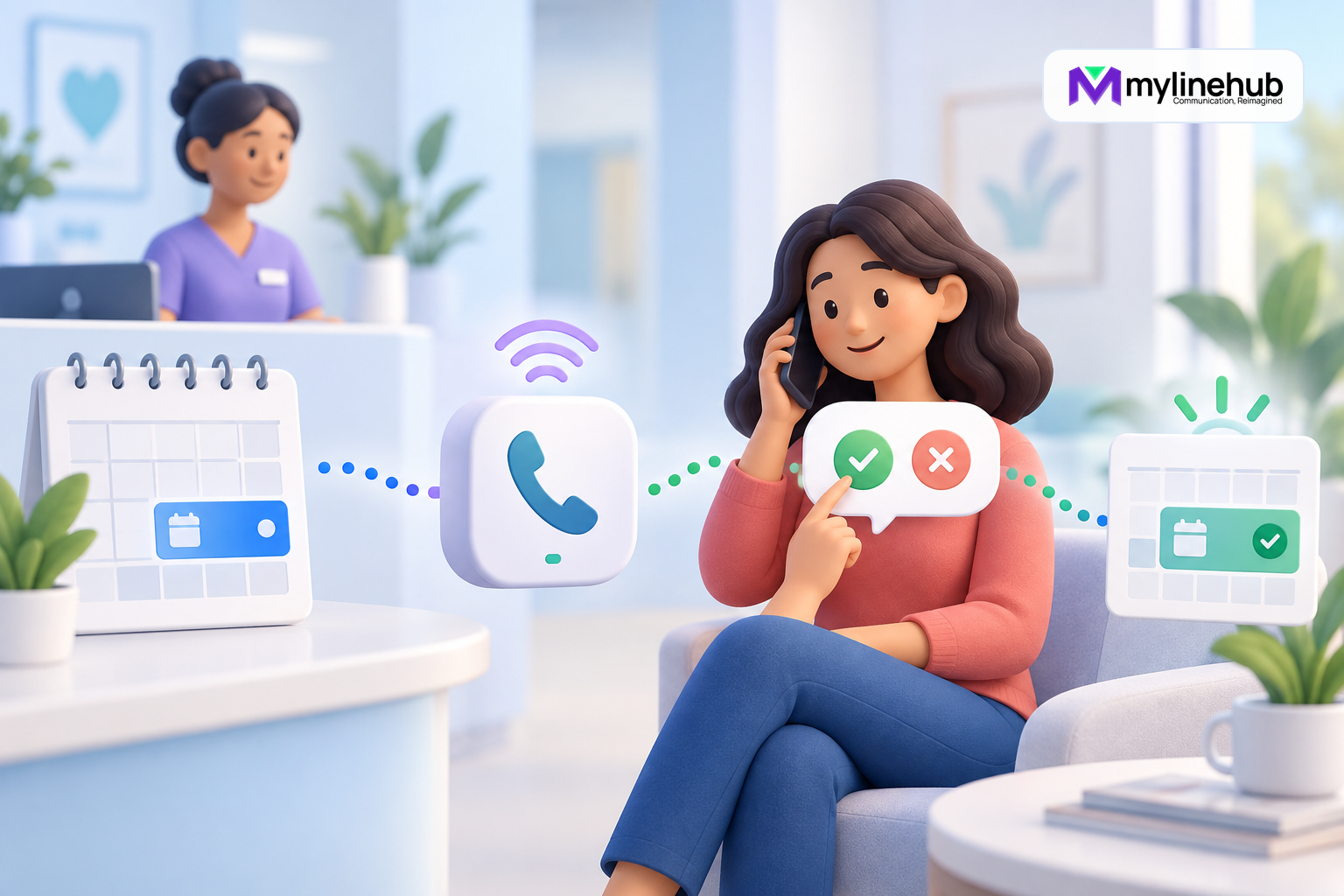
An appointment-confirmation campaign can call an approved recipient, play a concise reminder, and collect a simple keypad response such as confirm, request rescheduling, or hear the information again. In MYLO this is a customer-to-IVR flow: no human agent is required for the initial interaction. The organisation still owns consent, message accuracy, privacy, rescheduling work, and the decision about what happens after each response.
Use a Narrow Transactional Purpose
The call should relate to a real appointment and use contact details obtained for an appropriate purpose. Decide whether the reminder is permitted, expected, and consistent with the recipient’s preferences before adding the number. Do not reuse an appointment list for promotions merely because the recipient once provided a phone number.
State the organisation’s identity and enough information for the recipient to understand the purpose, but avoid exposing sensitive details to anyone who answers the phone. A clinic may need especially cautious wording because the fact of an appointment can itself be sensitive. A salon, repair centre, training provider, or service business will have different risks and policies.
Keep the Reminder Short and Accurate
A practical prompt identifies the organisation, states the approved date and time in an understandable format, offers the allowed choices, and explains how to obtain human help. Avoid marketing additions, long terms, or several nested menus. Every extra sentence increases the chance that the person disconnects before responding.
Source appointment information from an approved system and define how late changes reach the campaign. If the source is stale, pause the campaign rather than calling with inaccurate times. MYLO is not an appointment-management or medical system; it runs the approved telephony flow and records supported call outcomes.
Design Confirmation and Reschedule Choices
A simple design may use one key to confirm, another to request rescheduling, and a third to repeat. Confirmation should create the approved telephony result for downstream review; it should not silently overwrite the authoritative appointment system unless a separately designed integration does so safely. A reschedule choice normally creates work for authorised staff rather than promising that a new slot already exists.
Define no input, invalid input, and early hang-up. The system may repeat once, offer the official contact route, and end safely. Do not infer confirmation from call answer or from listening to part of the prompt. Only the approved response event should count as confirmation.
Process Results as Business Work
Assign owners to confirmed, reschedule, no-answer, incomplete, and failed outcomes. Staff should review reschedule requests within a stated operational window, contact the recipient through an approved method, and update the authoritative appointment system. A dashboard total does not complete that work.
Reconcile duplicate or changed appointments before follow-up. If a recipient says the number is wrong or asks not to receive calls, record and honour the preference under the organisation’s process. Do not call repeatedly because a keypad response was incomplete.
Protect Appointment Information
Use the minimum content needed. Avoid speaking diagnosis, treatment, student information, case details, account balances, or other sensitive context before identity is appropriately established. Consider whether voicemail detection or another person answering could expose the reminder. Define whether the prompt may continue, use neutral wording, or end.
Restrict campaign lists and response reports. Set retention rules and protect exports and notifications. If recording is unnecessary, keep it off. If recording is required for a defined reason, apply appropriate notice, consent, access, and deletion controls.
Measure the Process, Not Just Key Presses
Useful measures include calls attempted, answered, confirmed, reschedule requested, incomplete, no answer, and operational follow-up completed. Compare results with actual attendance or service outcomes only through an approved process. A pressed key may be wrong, duplicated, or made by someone other than the intended recipient.
Review whether the timing, caller ID, and wording help recipients act. Use small controlled improvements and repeat functional tests. Do not increase retry frequency merely to improve a dashboard percentage.
Plan the Timing and Identity Experience
Choose reminder timing that gives the recipient a practical chance to respond and gives staff enough time to process a reschedule. A reminder placed after the office closes may collect requests nobody can handle before the appointment. Too many reminders can create annoyance even when the original purpose is legitimate. Define the number of contacts and channels together so an SMS, email, and voice call do not accidentally produce excessive contact.
Use a provider-authorised business caller ID that recipients can recognise or verify. Decide what happens when the person returns the call: the number should connect to an appropriate inbound route or the prompt should provide a clear official contact method. Never present an arbitrary local number merely to increase answer rates.
Shared phones require cautious content. Ask whether speaking the organisation and appointment time could expose information to a family member, colleague, or voicemail service. Use neutral wording where needed and reserve detailed information for an appropriately verified human interaction. For healthcare, education, legal, financial, or other sensitive appointments, obtain sector-specific privacy and compliance advice.
Before launch, reconcile the test response with the authoritative appointment process. Verify that a confirmed keypad event appears correctly, a reschedule request creates owned work without changing the booking automatically, and an incomplete call remains incomplete. Train staff to correct mistaken responses rather than treating the automated result as unquestionable truth.
Manage Wrong Numbers and Human Assistance
Include a safe way for a recipient to indicate that the organisation reached the wrong person where the approved design supports it. Suppress or correct that destination promptly instead of revealing more appointment information on a later retry. A wrong-number response is not a cancellation by the intended customer and should not alter the appointment automatically.
Provide an official human-contact route for questions the IVR cannot resolve. State staffed hours honestly and assign reschedule work to a named team. If the request arrives near the appointment time, follow the organisation’s escalation policy rather than allowing the phone system to invent a new slot or promise that fees will be waived.
Appointment Confirmation Checklist
- Use an approved list tied to real appointments and a narrow purpose.
- Keep the reminder accurate, brief, and privacy-conscious.
- Define confirm, reschedule, repeat, invalid, and no-input outcomes.
- Do not treat answer detection as confirmation.
- Assign staff to complete rescheduling and preference work.
- Test keypad recognition, events, caller ID, and audio externally.
Continue planning
Continue with Five Ways MYLO Connects Agents and Customers; Why Every Campaign Needs a Functional Test; Using IVR Calls for Customer Feedback. For deeper implementation context, use MyLineHub technical architecture guidance.
For a requirement outside the prepared MYLO scope, discuss the exact outcome with MyLineHub.
Want to see API-driven CRM + Telecom workflows in action? Try the WhatsApp bot or explore the demos.
Comments (0)
Be the first to comment.