Can I Forward My Existing Business Calls to MYLO?
Call forwarding can preserve an existing customer-facing number while calls are routed toward the business telephony setup. This guide explains the business flow and the provider-dependent checks involved.
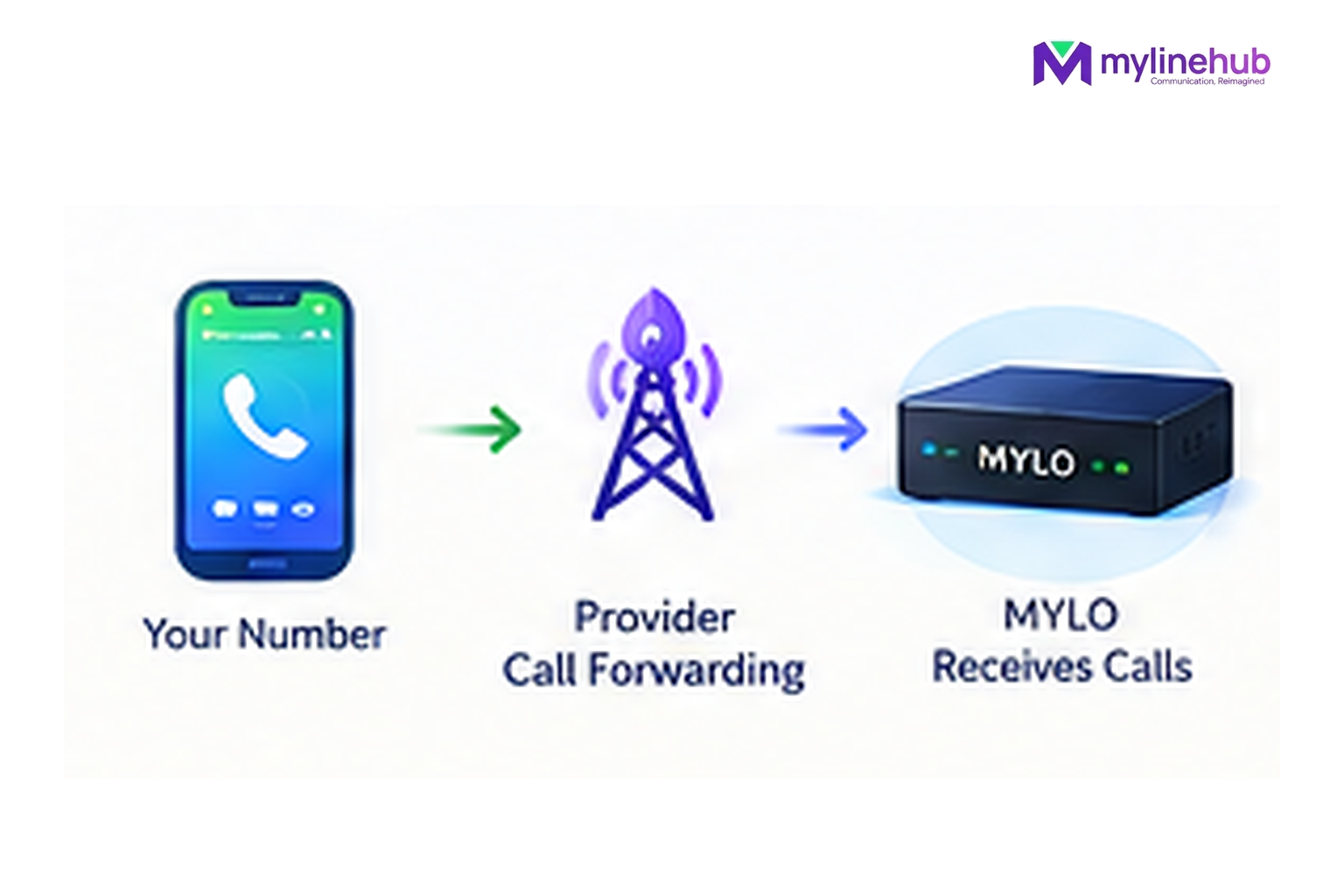
Yes, when your telecom provider and service support an appropriate forwarding route to the business number or connection that feeds MYLO. The forwarding itself happens in the provider network. MYLO takes over only after the call has arrived at the telephony service connected to the appliance.
Quick answer
- Start from the business outcome; MYLO uses conversation to gather or clarify the information it needs.
- Consequential telephony work stays inside the product's permissions, validation and approval boundaries.
- The telecom provider remains responsible for public numbers, carrier service, capacity and provider-side conditions.
Before you forward a live business number
| Decision | What it means |
|---|---|
| Destination | Confirm the provider-supported number/service that will receive the forwarded call |
| Activation | Use the provider's current supported activation method, not an old USSD shortcut |
| Test | Call the original number and verify the complete path into MYLO |
There Are Two Separate Decisions
- Provider decision: where can the existing number legally and technically forward, and what does the provider charge or require?
- MYLO decision: once the call arrives, should it ring an extension, reach an external mobile destination, enter an IVR or follow another supported incoming route?
Keeping these decisions separate makes troubleshooting much easier.
A Simple Example
Suppose customers already know a long-used mobile number. The provider supports forwarding that number to a business landline/SIP number you have arranged. Calls arrive on that business telecom service and reach MYLO. MYLO can then send the call into an IVR: “Press 1 for Sales, 2 for Support.” The customer experiences one continuous call, but two different systems have done their respective jobs.
Test the Real Forwarded Path
Do not stop after enabling forwarding. Make an external call to the original number and verify the complete chain: original number, provider forwarding, destination number, MYLO route and final employee/IVR. This catches mistakes that no configuration screen can prove.
The same principle is explained in why an inbound route must be tested with a real call.
Do Not Build the Article Around an Old Dial Code
Activation methods can change for fraud-prevention reasons. The business-facing instruction should always be “use your provider’s current supported forwarding method,” then link to provider guidance where helpful. That keeps the article useful even when a USSD shortcut changes.
Continue From Here
Current public sources checked — 30 September 2026
For time-sensitive Indian telecom or data-protection statements in this article, prefer the current regulator, government or provider source over an old blog or forum post.
- Department of Telecommunications — USSD Call Forwarding Order
DoT discontinued USSD-based call-forwarding activation from 15 April 2024 until further notice and directed use of alternative activation methods. - Jio — Call Forwarding Help
Current first-party provider instructions for activating call forwarding through supported methods. - Airtel — Call Forwarding Guide
Current first-party provider guidance on call forwarding.
A Note About Forwarding, Provider Rules and Custom Requirements
Call forwarding is a telecom-provider facility, not a MYLO feature. The exact destinations, charges and activation method depend on the provider and service. For example, Jio currently documents app/handset-based forwarding to supported Indian destinations.
DoT previously directed providers to discontinue the old USSD-based call-forwarding activation method and use alternative methods, so do not rely on an old dial code copied from the Internet. Check the current method with your provider.
Customisation is welcome. We can discuss a Custom Requirement for a different routing or integration need, but the solution must continue to follow the provider's service conditions and applicable Indian telecom requirements. See Jio call-forwarding guidance and the DoT call-forwarding direction.
Want to see API-driven CRM + Telecom workflows in action? Try the WhatsApp bot or explore the demos.
Comments (0)
Be the first to comment.