Can MYLO Keep Call History and Recordings for My Team?
Calling is more useful when the business can understand what happened afterwards. This guide explains MYLO history and recording concepts in business language, with exact behaviour checked against the current product.
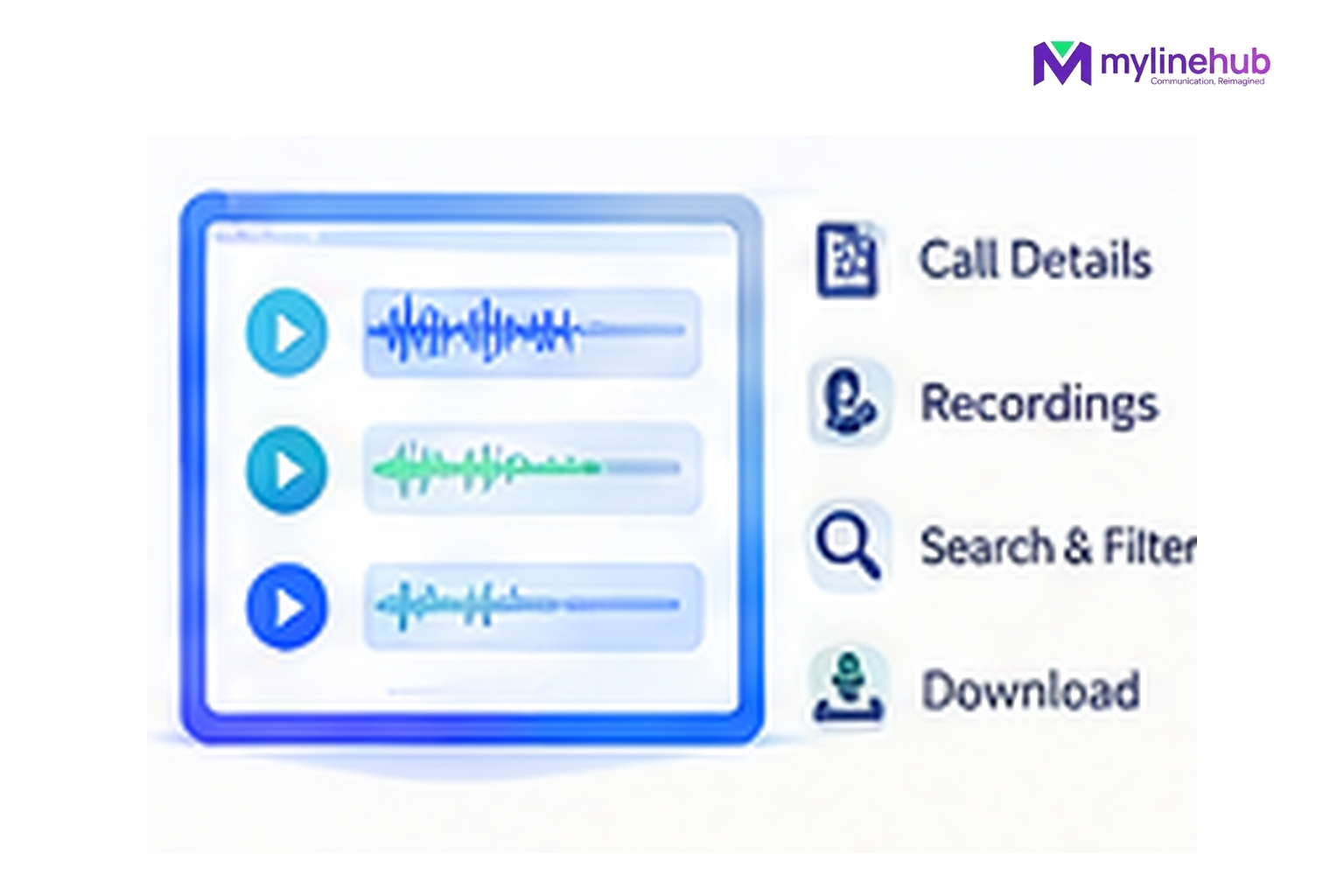
Yes, MYLO v0.35 keeps call-attempt history and has protected recording metadata/playback paths when recording was requested and Asterisk actually produced the recording file. The careful wording matters: MYLO can catalogue an available recording; it should not claim that every call will always have a recording regardless of configuration or runtime outcome.
Quick answer
- Start from the business outcome; MYLO uses conversation to gather or clarify the information it needs.
- Consequential telephony work stays inside the product's permissions, validation and approval boundaries.
- The telecom provider remains responsible for public numbers, carrier service, capacity and provider-side conditions.
Three records answer three different questions
Call history
What call activity was recorded.
Events
What happened during the call/campaign lifecycle.
Recording catalogue
Which supported recordings exist and can be accessed through the authorised product path.
Call History Is More Than a Phone Number List
The local call-attempt data includes direction, state/result, timestamps, talk duration, attempt information and links to campaign/run context where relevant. MYLO also exposes a durable call-event stream for application-server integrations. That gives the business a structured history of what the telephony layer observed.
Recording Is Explicitly Requested
Single-call origination and campaign flows carry a recording-enabled choice. When the terminal call event contains a recording identifier, MYLO finalises the file into its protected recording catalogue, stores a checksum and records whether the recording is available. If the expected file is missing, the system records the failure rather than pretending the recording exists.
Playback Is Permission-Controlled
The browser/API recording stream checks the user’s calls-page permission before serving the protected WAV file. The recording path is kept inside the configured protected recording directory, and the service rejects a path that escapes that boundary.
Recording Policy Is Still a Business and Legal Decision
The existence of a recording feature does not decide when your organisation should record a call, what notice is required or how long it should be retained. MYLO has retention settings and campaign archives, but your business should set policy appropriate to the calling purpose and applicable requirements.
For the earlier business discussion, read Should a small business record inbound calls?.
Continue From Here
Current public sources checked — 30 September 2026
For time-sensitive Indian telecom or data-protection statements in this article, prefer the current regulator, government or provider source over an old blog or forum post.
- MeitY — Digital Personal Data Protection Rules, 2025
Official MeitY publication page for the Digital Personal Data Protection Rules, 2025 and commencement material.
Use MYLO Within Your Telecom and Customer-Consent Rules
MYLO provides the telephony and campaign layer; it does not turn an unapproved calling practice into an approved one. Businesses using outbound or automated calling must follow the current rules that apply to their purpose, sender registration, consent, customer preferences and telecom-provider service. TRAI maintains current guidance for commercial-communication senders and explains spam and unsolicited commercial communication.
Customisation is welcome. MyLineHub can discuss a Custom Requirement when the standard MYLO package does not cover the required workflow. Any custom implementation must still use telecom resources lawfully and follow applicable provider conditions and Indian telecom requirements.
Want to see API-driven CRM + Telecom workflows in action? Try the WhatsApp bot or explore the demos.
Comments (0)
Be the first to comment.