What Information Should You Collect Before Ordering a SIP Trunk?
Before ordering a SIP trunk, collect the business identity that will hold the service, the public numbers or DIDs required, expected simultaneous external call legs, inbound and outbound use cases, authentication method, site network details, approved caller IDs, codec expectations, and a written provider implementation document.
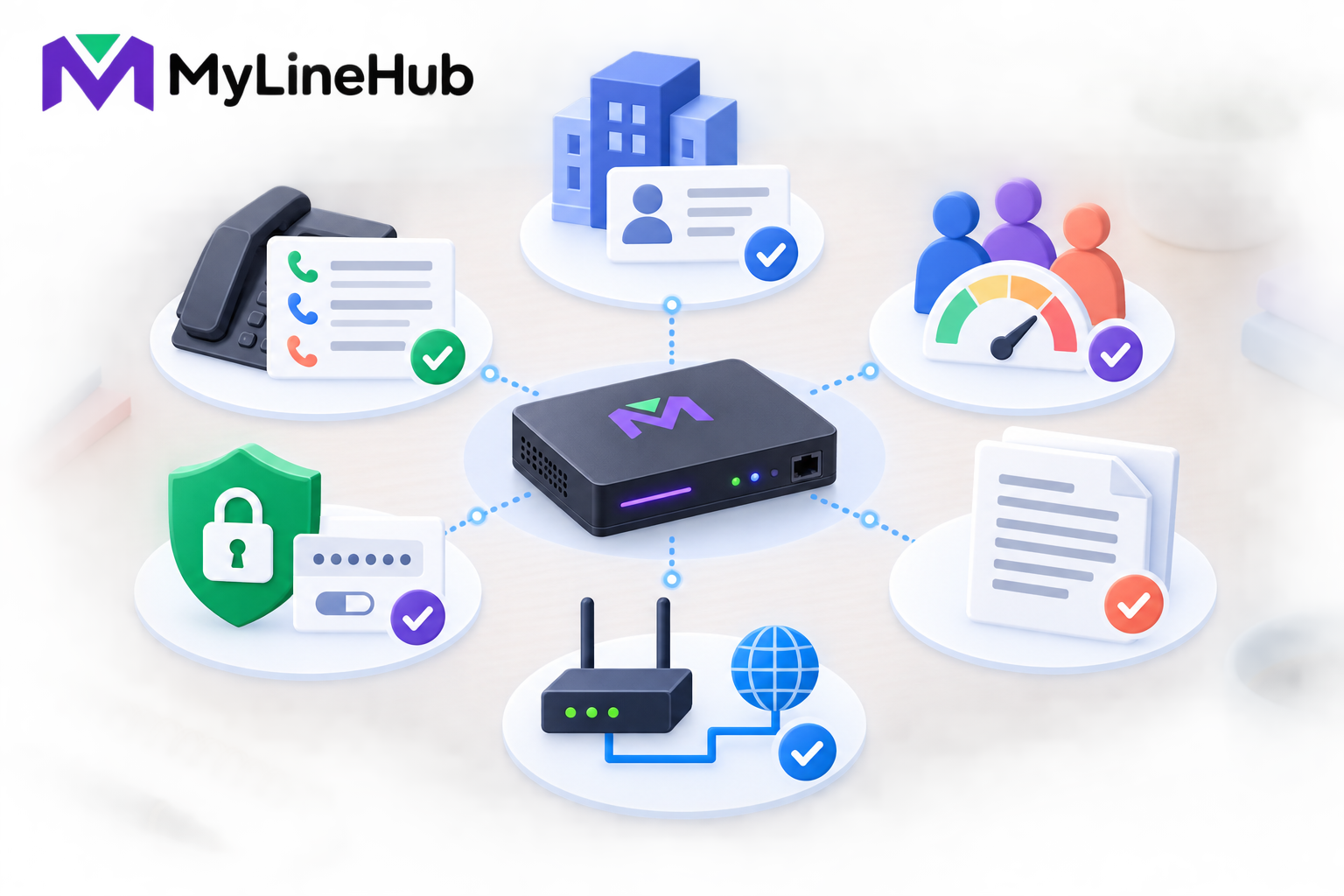
Before ordering a SIP trunk, collect the business identity that will hold the service, the public numbers or DIDs required, expected simultaneous external call legs, inbound and outbound use cases, authentication method, site network details, approved caller IDs, codec expectations, and a written provider implementation document. This information lets the provider quote the right service and gives the MYLO administrator facts needed for configuration. Do not order only by employee count: twenty users do not automatically require twenty channels, and a mobile-agent call can use a different number of external legs from a call to an office extension. Provider products vary, so ask questions in writing and keep commercial terms separate from technical activation details.
Start With the Business Identity
Confirm the legal or trading entity that will contract for the service, the service address, authorised contact, billing contact, and technical contact. Providers may require business verification or other onboarding information under their current policies. Ask the provider for its current list rather than relying on an old application form.
Decide who inside the business can approve changes, raise faults, and receive provider notices. A trunk can affect a public business number, so access to the account should not depend on one employee’s personal email or phone.
Define the DID Requirement
A DID is a public number that callers can dial to reach the business. List how many numbers are needed and what each one represents: the main office, Sales, Support, a location, or another approved purpose. Confirm whether the business needs new numbers or intends to port existing ones.
Ask how the provider represents each number on inbound calls and which caller IDs it authorises for outbound presentation. Number formats may include country or area information differently across services. MYLO configuration should follow the actual provider representation rather than a guessed display format.
If porting is required, request the provider’s current eligibility, documentation, lead-time, and cutover process. Keep the old service active until the responsible providers confirm the approved transition plan.
Estimate Channels From Call Legs, Not Headcount
A channel generally represents provider capacity for an external call leg, but commercial definitions vary. Estimate the busiest expected period, including inbound calls, ordinary outbound calls, campaigns, transfers, and calls that connect two external parties.
For example, a customer-to-office-extension flow may use one external provider leg while the employee remains internal. A flow connecting a customer to an agent’s mobile may require one leg to the customer and another to the mobile. Five agents do not automatically equal five external legs if the selected workflow uses two legs per active conversation.
Give the provider a scenario rather than only a number: expected simultaneous inbound calls, outbound calls, external-to-external connections, and growth. Ask whether inbound and outbound calls share the same channel pool and what happens when capacity is exhausted.
Clarify the Authentication Type
SIP providers commonly authenticate service through registration credentials, an authorised source IP, a private connection, or a provider-specific combination. MYLO needs the exact method because it affects network design and trunk configuration.
- Registration: the PBX authenticates to the provider using supplied account details.
- IP authentication: the provider accepts traffic from one or more approved public or private source addresses.
- Private delivery: service may arrive through carrier equipment or a dedicated network path.
These descriptions are general. Ask for current provider documentation and keep secrets in the protected credential workflow. Do not paste passwords into ordinary chat or include them in a planning worksheet.
Collect the Site Network Details
Record the office Internet provider, router ownership, public-IP arrangement, firewall administration, local network range, and whether a separate carrier device or circuit will be installed. Identify who can make approved router, switch, VLAN, and firewall changes.
Ask the SIP provider for signalling and media destinations, ports or ranges, DNS requirements, source-address rules, and whether NAT is supported. Network requirements should come from the current service document, not from a generic SIP checklist alone.
If the office expects failover to another Internet link, disclose that requirement before ordering. A provider that authorises one source IP may require coordination before calls work over a backup link.
Describe the Calling Use Cases
Tell the provider whether the service will receive customer calls, support ordinary employee calling, run approved outbound campaigns, connect mobile agents, deliver automated IVR calls, or combine these uses. The provider may offer different plans, activation steps, or policies for different traffic profiles.
State the expected destinations, operating hours, peaks, and legitimate business purpose. For outbound activity, the business remains responsible for lawful purpose, recipient data, consent or preference obligations, and provider requirements. A SIP trunk is transport, not automatic compliance.
Request a Complete Provider Document
The technical handover should clearly state, where applicable:
- account or trunk identifiers and authentication type;
- SIP server, proxy, registrar, or private gateway details;
- signalling transport and permitted source addresses;
- media destinations, port ranges, and supported codecs;
- inbound DID list and exact delivered number format;
- authorised outbound caller IDs and required presentation format;
- channel capacity and treatment of inbound, outbound, and external legs;
- activation and test procedure; and
- technical escalation contacts and fault information required.
A sales quotation alone may not contain these facts. Request both the commercial order and technical implementation details.
Understand Charges and Contract Boundaries
Ask the provider to separate activation fees, recurring trunk rental, number rental, channel charges, calling usage, minimum commitments, equipment, porting, and support. Confirm taxes and billing intervals. Prices and tariffs can change, so rely on the current written quotation.
The MYLO appliance price does not include the carrier’s service unless a current offer says so explicitly. AI-provider usage, office Internet, phones, headsets, cabling, and power backup are also separate cost areas.
A Practical Ordering Example
A repair company has twelve employees but expects at most three simultaneous office conversations. It wants one main support number and one number for new bookings. It also wants an approved callback flow that can connect a customer to an engineer’s mobile, which may consume two external legs for that active conversation.
Instead of ordering “twelve channels,” the company gives the provider its busy-hour scenario and asks how the two-leg mobile flow counts. It obtains the DID list, authorised caller IDs, registration details, codecs, media ranges, activation date, and escalation contact in writing. The MYLO administrator can now prepare configuration without inventing missing facts.
Limits and Responsibilities
- The provider supplies and activates the contracted telecom service.
- The customer supplies accurate identity, traffic, site, and use-case information.
- MYLO configures supported local behaviour from approved provider facts; it is not the carrier.
- The network administrator owns site routing, firewall, addressing, and connectivity.
- The business owns its lawful use, consent, customer data, recording decisions, and internal access.
- Custom topology, unusual scale, or unsupported integrations may need separately scoped work.
SIP-Trunk Buying Checklist
- Confirm the contracting business and authorised contacts.
- List required new or ported DIDs and their business purpose.
- Estimate busy-hour external legs for each planned flow.
- Ask how inbound, outbound, transfer, mobile-agent, and IVR legs consume channels.
- Confirm registration, IP authentication, private delivery, or other supported method.
- Document public IP, NAT, firewall, provider equipment, and failover needs.
- Obtain signalling, media, codec, number-format, and caller-ID details.
- Request both commercial terms and a technical handover document.
- Agree an activation window, test plan, and escalation path.
Review users, extensions, channels and concurrent calls before sizing the service. Then read what a SIP trunk provider supplies. Contact the chosen provider for current service details and MyLineHub for configuration or custom architecture.
Turn the Requirement Into an Orderable Service
Give the provider a concise service profile rather than only asking for “a SIP trunk.” State the legal account holder, service address, main business purpose, required public numbers, whether existing numbers must be ported, expected inbound and outbound destinations, opening date, and support contacts. Describe expected simultaneous external calls separately from employee count. A ten-person office may need only a few channels, while a campaign or queue can create a different peak.
Confirm how the provider delivers service: registration credentials, fixed-IP trust, private circuit, or another supported method. Ask for registrar or signalling addresses, ports, transports, number formats, authorised caller IDs, codec and DTMF expectations, RTP ranges, encryption options, channel limits, failover behaviour, and emergency-calling conditions where applicable. These details must come from the selected provider’s current service documentation, not from an example for another carrier.
Collect Commercial and Operational Details
Record setup and recurring charges, number rental, channel pricing, destination rates, minimum commitment, taxes, prepaid or postpaid rules, credit controls, and the process for adding capacity. Ask which destinations are blocked by default and what approval is needed for international, premium, or campaign traffic. MYLO does not supply numbers, channels, minutes, caller-ID authority, or carrier credit.
Obtain the support hours, severity process, escalation contacts, maintenance-notice method, and evidence required for a fault. Confirm number-porting lead times and the rollback plan for a cutover. Identify who in the business may request caller-ID changes or additional channels, and keep provider credentials in the protected administrative path.
Run an Acceptance Test Before Go-Live
Ask the provider for test readiness and representative allowed destinations. Once MYLO and the site network are configured through the supported process, place real inbound and outbound calls. Verify delivered and presented number formats, ringing, answer, two-way audio, DTMF, hang-up, recording policy, busy and no-answer behaviour, simultaneous-channel use, and charging records. Test from more than one external network when practical.
Keep an approved trunk information sheet with secret references rather than plaintext secrets. Include account owner, numbers, channel capacity, caller IDs, provider addresses, support contacts, renewal or balance owner, and last successful test. This record makes later incidents faster to diagnose without turning MYLO’s database or an old chat message into the authority for the provider’s current service.
Continue planning
Continue with What Is a Telephony Appliance for a Small Business?; Why MYLO Uses the Customer’s Own AI-Provider Key; What Does a SIP Trunk Provider Supply?. For deeper implementation context, use MyLineHub technical architecture guidance.
Review current MYLO pricing, or discuss this requirement on WhatsApp.
Want to see API-driven CRM + Telecom workflows in action? Try the WhatsApp bot or explore the demos.
Comments (0)
Be the first to comment.