Can I Set Up My Business Phone System Just by Chatting With MYLO?
Tell MYLO what you want in normal business language. MYLO can guide the setup, ask for missing information, explain the proposed change and take the configuration through its controlled workflow.
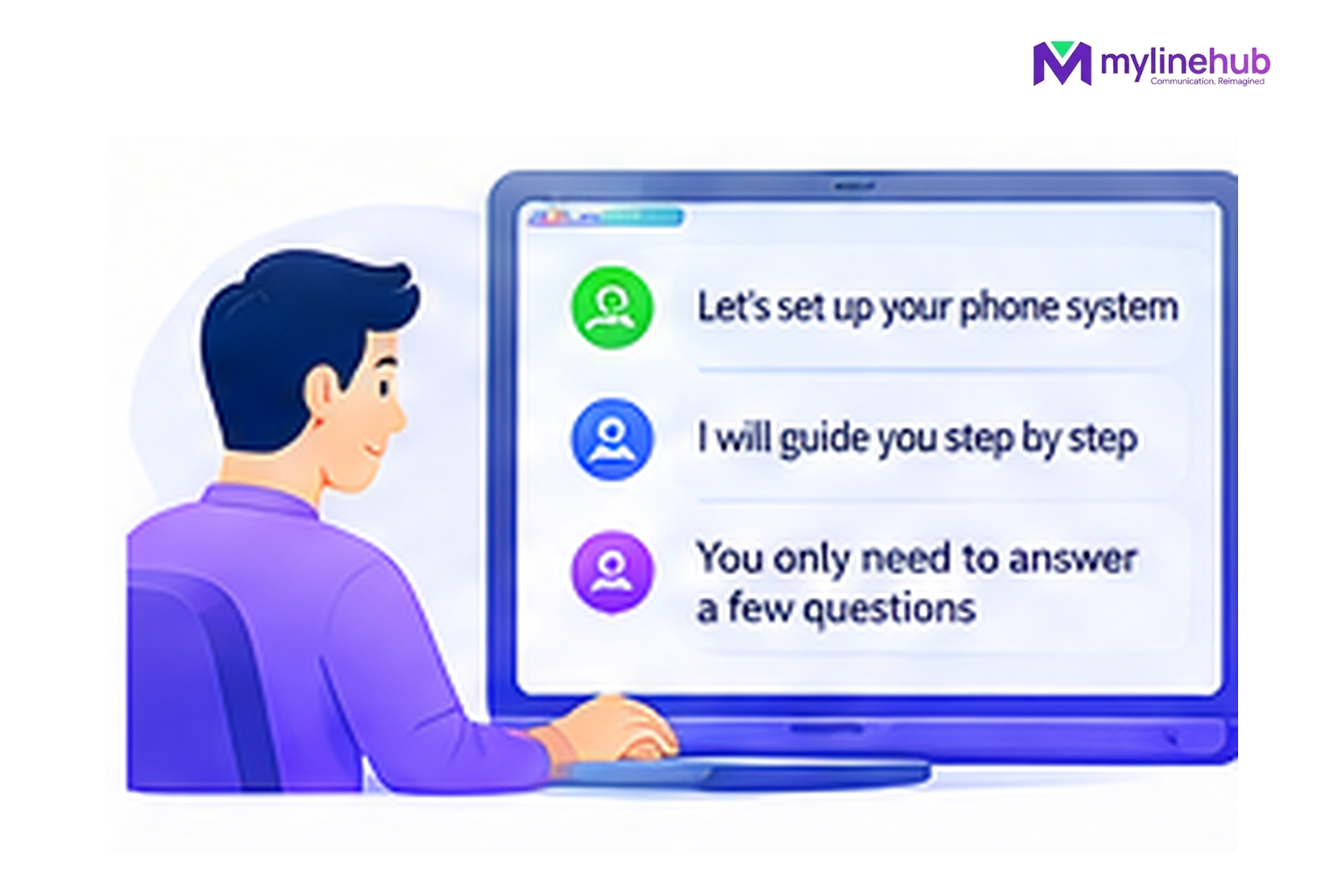
Yes—the MYLO browser is deliberately chat-first. The goal is that a business user can start with the outcome they want instead of starting with a telecom configuration screen. MYLO can interpret the request, inspect the information it is authorised to inspect, ask for missing decisions and guide the work into the controlled configuration path.
Quick answer
- Start from the business outcome; MYLO uses conversation to gather or clarify the information it needs.
- Consequential telephony work stays inside the product's permissions, validation and approval boundaries.
- The telecom provider remains responsible for public numbers, carrier service, capacity and provider-side conditions.
What a chat-led setup looks like
Start With the Sentence You Would Say to a Telecom Person
“I want my main number to greet customers, send Sales to one team and Support to another.”
That sentence is useful because it describes the business outcome. MYLO can route the task to the relevant specialist area and ask for the details that are still unknown. For initial setup, the product has guided stages for the network, AI provider, carrier connection, telephone users, incoming calls, outgoing calls and a final test.
MYLO Asks Questions Instead of Guessing
A good telephony system should not invent a phone number, destination or carrier setting. If the request does not say which number is involved, which employee should receive a call, or what the provider supplied, MYLO can ask for that information.
Carrier work can also use the provider document or exact carrier details as evidence rather than expecting the customer to translate every field into telecom terminology.
This is also why the provider-information checklist remains useful when you are arranging a new connection.
Conversation Does Not Mean Uncontrolled Change
The v0.35 guided experience tells the user what MYLO will inspect, what remains to be supplied and that consequential changes still follow the existing approval path. The system validates the proposed operation and uses the controlled local configuration pipeline rather than allowing the language model to write arbitrary commands.
If you want the safety detail, read Does MYLO change my phone system without asking?.
Finish With Evidence, Not “Configuration Saved”
The final setup journey includes a test-call stage. That is an important distinction: saving a route is not the same as proving that the provider, number, routing and destination work together. MYLO records the call outcome it receives and uses that evidence in the setup journey.
The deeper explanation is in How does MYLO know a phone setup actually works?.
Continue From Here
Custom Requirements and Telecom Responsibility
MYLO configures and operates the customer's local telephony layer; it is not the telecom carrier. Numbers, trunk service, calling charges and provider-side permissions remain with the customer's telecom provider. Where a requirement sits outside the standard MYLO package, MyLineHub can discuss it as a Custom Requirement.
Customisation does not override telecom-provider conditions, customer-consent obligations or applicable Indian telecom requirements. The final calling design must use services and number-routing methods that the business is permitted to use.
Want to see API-driven CRM + Telecom workflows in action? Try the WhatsApp bot or explore the demos.
Comments (0)
Be the first to comment.