What Equipment Do MYLO Users Need? Softphones, Headsets and Extensions
MYLO users do not all need the same desk equipment. One employee may work best with an IP phone, another with a computer softphone and USB headset, and a mobile employee may use an approved external-agent flow.
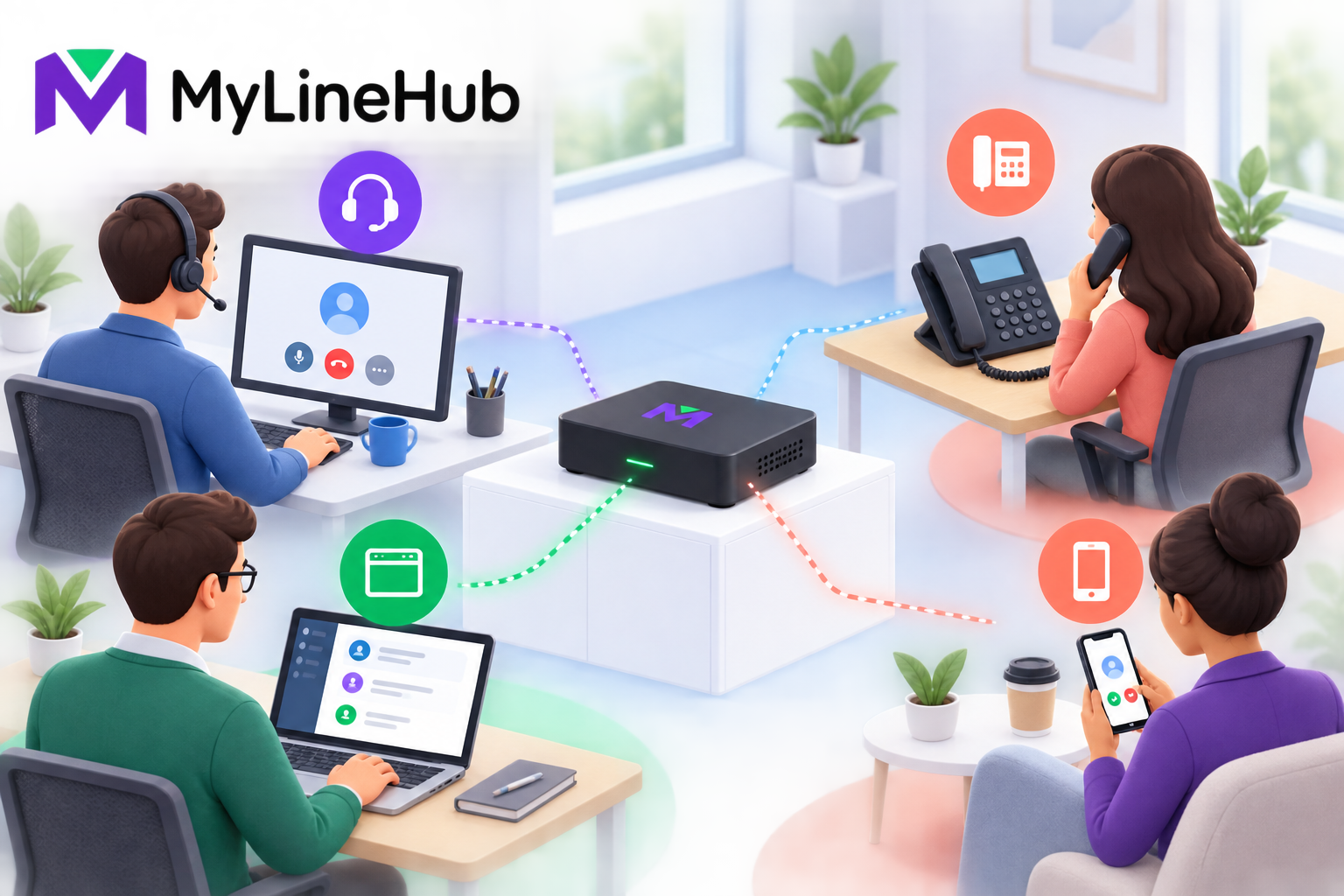
MYLO users do not all need the same desk equipment. One employee may work best with an IP phone, another with a computer softphone and USB headset, and a mobile employee may use an approved external-agent flow. The correct endpoint depends on call frequency, mobility, privacy, comfort, network conditions and the workflow supported by the selected MYLO package. The appliance runs the local phone-system environment, but it does not automatically include a phone or headset for every user. Build an endpoint plan by job role instead of buying identical devices simply because the business has a certain number of extensions.
Start With the User's Work
Count users, then classify how they communicate. A receptionist may handle frequent transfers and benefit from physical keys. A support agent may spend hours on calls and need a comfortable wired headset. A manager may receive occasional calls and prefer a softphone. A field employee may need a controlled mobile route rather than a permanent desk device.
Also distinguish an application user from a telephony endpoint. A person can have an account and an extension without receiving a new desk phone. Shared physical spaces may use a common device, but people should not share administrator credentials. Identity, permission and equipment are related planning decisions, not the same thing.
Softphone on a Computer
A softphone is an application that turns a computer into a calling endpoint. It can be economical for employees who already work at managed computers and can simplify switching between calls and business applications. The computer needs a supported operating environment, suitable audio device, stable network connection and configuration that matches the local phone system.
Softphones inherit the condition of the computer. Heavy CPU load, operating-system updates, sleep settings, microphone permissions and competing meeting software can affect calls. Use managed installation, keep credentials protected, and test after device or network changes. A softphone is not automatically free of operational cost merely because no desk phone is purchased.
Dedicated IP Phone
An IP phone is a purpose-built network device. It can provide a predictable interface, physical controls, speakerphone and independence from an employee's computer workload. Reception, shared counters and users who make many short calls may value that consistency.
Check interoperability before purchasing. The phone must support the required SIP behaviour, codecs, network settings and provisioning approach. It also needs Ethernet and power, either from an adapter or a compatible Power over Ethernet switch. PoE simplifies desk cabling but adds load to the protected switch, which matters when sizing backup power.
Browser or Web Phone
A browser-based phone can reduce installed-client work and fit teams that already operate inside a web application. Browser telephony commonly introduces secure-origin, certificate, WebSocket, microphone-permission and WebRTC network considerations. Compatibility should be verified with the intended browser and deployment rather than assumed from the existence of a browser interface.
The MYLO management interface should not be confused with a promise that every browser automatically functions as a telephone. Confirm whether the current product scope includes the required web-phone workflow. More specialised WebRTC behaviour may belong to the broader open-source MyLineHub platform or a scoped implementation.
Choosing a Headset
For regular computer-based calling, the headset is part of call quality. A wired USB headset is often easier to manage than consumer Bluetooth because it avoids battery and pairing variables. Wireless equipment may be appropriate where mobility matters, but range, interference, charging and replacement batteries become operational concerns.
- Prefer a microphone that handles office background noise appropriately.
- Choose a comfortable design for the expected daily wearing time.
- Confirm operating-system and softphone compatibility.
- Standardise a small set of supported models where practical.
- Keep hygienic replacement parts and a small number of tested spares.
- Set safe listening levels and train users to position microphones consistently.
Mobile-Agent Flow
Some workflows connect a customer to an employee's mobile number. This can suit distributed teams, but it is not the same as registering a desk extension. It may use a second external carrier leg, affect channel reservations and create additional calling charges. The employee also depends on mobile coverage and must understand how business identity and recording apply.
Do not assume a mobile destination can always display the desired business number or preserve every PBX feature. Validate the complete customer-to-agent path with the provider and current MYLO capabilities. Personal numbers and customer data should be handled according to the organisation's privacy and access policies.
Network and Power at the Desk
A device is only as useful as its connection. Wired Ethernet is usually easier to control for fixed telephony equipment. Wi-Fi softphones can work, but coverage, congestion, roaming and power-saving behaviour should be tested from real work areas. Separate voice traffic where the network design requires it, document switch ports and avoid unapproved small switches under desks.
Power planning must include endpoints. A protected MYLO appliance cannot keep an unpowered PoE switch or desk phone working. Computers, monitors and wireless headsets may have different backup priorities. Decide which roles must remain callable during an outage and size the backup system around that outcome.
Role-Based Equipment Worksheet
| Role | Possible endpoint | Questions to resolve |
|---|---|---|
| Reception | IP phone or managed softphone | Transfers, busy visibility, backup destination |
| High-volume agent | Softphone and wired headset | Comfort, noise, recording and computer load |
| Manager | IP phone, softphone or supported mobile flow | Mobility, privacy and call frequency |
| Remote worker | Supported softphone or mobile flow | Internet quality, security and carrier charges |
| Shared area | Dedicated common-area IP phone | Permissions, emergency use and ownership |
Procurement and Setup Checklist
- Map users by role, location and call frequency.
- Confirm the endpoint types supported by the current MYLO package.
- Test a representative device before ordering many units.
- Plan Ethernet, Wi-Fi, PoE and electrical connections.
- Include headsets, adapters, cables and tested spares.
- Protect credentials and avoid shared administrator accounts.
- Test inbound, outbound, transfer and two-way audio workflows.
- Document who supports each device and how failed equipment is replaced.
Run a small pilot before standardising
Test one or two representative desks during real office conditions. Include the busiest network period, an incoming call, an outgoing call, hold or transfer where required, and a conversation long enough to assess comfort. Ask users about microphone clarity, volume, cable reach, application behaviour and how easily they can identify the correct business line. A successful five-minute installation does not prove that equipment suits a full working day.
Record the exact model, firmware or application version and supported settings after the pilot. Standardisation makes spares, training and troubleshooting simpler, but it should follow evidence. Avoid buying a large batch solely because a device is advertised as SIP compatible; that label does not prove interoperability with the desired provisioning, codec, security and feature workflow.
Plan ownership through the device life cycle
Assign who provisions, updates, cleans, replaces and securely retires each device. When an employee leaves, remove their endpoint access and recover business equipment. When a computer is rebuilt, treat its softphone credentials as protected configuration rather than copying them casually. Keep an inventory linking equipment to a role or location without publishing secrets. These routine controls protect call continuity and reduce the chance that an old device remains able to register after it is no longer authorised.
Read users, extensions, channels and concurrent calls explained before turning the equipment list into a capacity estimate. The guide to office Internet for calling helps assess connectivity, while the WebRTC phone guide gives technical background for custom browser-phone work. Check live product terms before purchasing endpoints and contact MyLineHub when the required client or integration sits outside the prepared MYLO scope.
Run a Desk-by-Desk Readiness Test
Create an inventory for each user: endpoint type, headset or handset, wired or wireless connection, power source, extension or mobile destination, login owner, and fallback method. Standardising a small set of tested devices reduces training and troubleshooting. If users supply their own mobiles or computers, document the operating-system, permissions, battery, network, privacy, and support boundaries that remain with the user or business.
Test in the real working position, not only beside the appliance. Confirm that the device registers or is reachable, rings at an audible level, selects the correct microphone and speaker, and carries clear two-way audio. Test mute, hold, transfer, DTMF, hang-up, and the expected recording announcement or behaviour. Check the result with the office network under ordinary load. A successful login does not prove that a headset, Wi-Fi connection, firewall, or acoustic environment is suitable.
Plan Support and Replacement
Keep a known-good spare endpoint or headset where call continuity matters, and define who replaces consumable or damaged accessories. Desk equipment, mobile service, endpoint licences, switches, PoE, cabling, and support are not automatically included with the MYLO appliance unless the current offer explicitly lists them. Budget these items separately and confirm compatibility before buying a large batch.
Train users not to share SIP passwords or administrator access when asking for help. Record a precise example—time, direction, numbers safely identified, user, device, and symptom—so support can separate an endpoint fault from a network, PBX, or provider problem. Review the inventory when staff move, leave, or change roles, and remove access promptly.
Continue planning
Continue with What Is a Telephony Appliance for a Small Business?; Can One SIP Trunk Carry Multiple Business Numbers?; How to Plan Power Backup for MYLO and Office Calling. For deeper implementation context, use MyLineHub technical architecture guidance.
Review current MYLO pricing, or discuss this requirement on WhatsApp.
Want to see API-driven CRM + Telecom workflows in action? Try the WhatsApp bot or explore the demos.
Comments (0)
Be the first to comment.