Before You Buy MYLO: SIP, Internet, Power and Office Readiness Checklist
Before buying MYLO, confirm that your office is ready for the complete calling chain: the right package for the team, an active telecom-provider plan, reliable network paths, backup power, suitable user devices, an accountable administrator, and clear rules for customer data, consent and recordings.
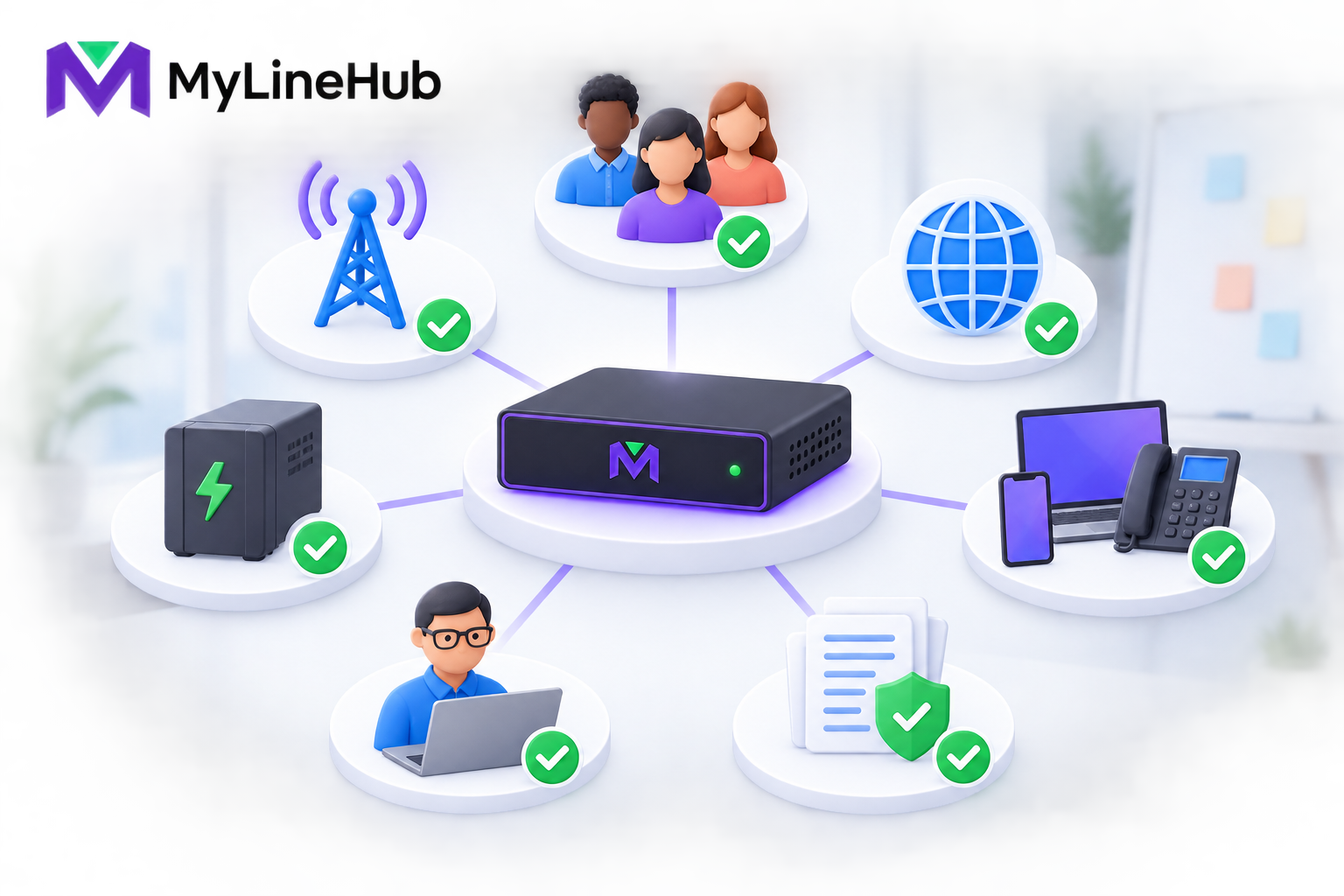
Before buying MYLO, confirm that your office is ready for the complete calling chain: the right package for the team, an active telecom-provider plan, reliable network paths, backup power, suitable user devices, an accountable administrator, and clear rules for customer data, consent and recordings. The appliance provides a prepared local system, but it does not replace the provider, Internet service, phones, network design or business ownership. This checklist helps you reach a practical go, conditional-go or not-ready decision before committing money or scheduling configuration.
1. Confirm Team Size and Workflows
List every person who needs an account, extension, calling access or campaign role. Include reception, supervisors, remote workers and anticipated near-term growth. Then describe how calls move: inbound support, ordinary outbound calls, IVR, queues, transfers, callbacks or approved campaigns.
Do not equate users with simultaneous external calls. Estimate the busiest period and count external call legs. A customer-to-agent-mobile flow can use two carrier legs. Compare the requirement with the current MYLO 10 or MYLO 20 offer without inventing concurrency from the product name. Request a custom assessment when the expected capacity or workflow falls outside the published boundary.
- Named users and roles are listed.
- Inbound and outbound journeys are drawn.
- Busiest-hour concurrency is estimated.
- Growth and custom integration needs are identified.
2. Verify Provider Readiness
MYLO is not the telecom carrier. The business must obtain suitable numbers, trunk service, channels and tariffs from Airtel, Jio, Tata or another provider available to it. Ask the provider for a complete, current implementation document rather than a sales summary.
Confirm account ownership, DIDs, number formats, authentication, signalling and media addresses, codecs, authorised caller IDs, private or Internet delivery, channel limits, activation status, rates and escalation contacts. If you intend to port a number, keep the old service active until the provider confirms the transfer and real calls succeed.
- The account holder and provider contact are known.
- Required DIDs and channels are quoted.
- Technical delivery details are available.
- Inbound, outbound and two-leg tariffs are understood.
- Activation and test responsibilities are agreed.
3. Check Internet and Network Quality
Voice depends on consistent packet delivery. Measure latency, jitter, packet loss and upload behaviour during representative office load; a high headline download speed is not enough. Identify cloud backups, video meetings, guest Wi-Fi and large transfers that can compete with calls.
Document the router, firewall, switches, addressing, cabling and purpose of each network interface. Some MYLO deployments use an Internet-side connection and a separate provider-facing connection, but the provider topology is authoritative. Do not assume every service requires the same two physical paths or bridge networks casually.
- Wired connections are available for fixed core equipment.
- Voice quality has been measured under realistic load.
- Firewall, NAT and routing ownership are clear.
- Provider-side equipment and cabling are identified.
- Backup Internet behaviour is tested where required.
4. Plan Power and Physical Placement
Choose a secure, ventilated place for MYLO and the supporting network equipment. Keep cables labelled and protect the system from heat, liquids, dust and casual unplugging. Confirm that the selected location has the required network paths and safe electrical supply.
Backup power must cover the whole essential chain: appliance, router or firewall, provider termination equipment, switches and the endpoints that must continue working. Calculate real load and target runtime. Include PoE phones in the switch load, plan battery replacement and define safe shutdown and restart checks.
- Placement, ventilation and physical access are acceptable.
- All essential powered components are inventoried.
- UPS or inverter runtime is based on real load.
- Shutdown, startup and outage-test procedures exist.
5. Select User Devices
Decide which roles need IP phones, computer softphones, browser-phone capability, headsets or supported mobile-agent flows. Test representative devices before a bulk purchase. Check SIP and codec compatibility, operating-system support, microphone quality, Ethernet, Wi-Fi and power needs.
The appliance purchase does not automatically include all desk equipment. Budget phones, headsets, adapters, PoE switching, cabling, spares, cleaning and replacement. Separate shared physical devices from individual user and administrator identities.
- Endpoint type is assigned by role.
- A representative phone or softphone has been tested.
- Headset comfort and noise conditions are considered.
- Remote or mobile workflows and carrier charges are understood.
6. Assign a Responsible Administrator
MYLO needs a business owner for administration. This person manages users, protects credentials, reviews consequential proposals, coordinates with providers and decides when changes may be made. The administrator should understand the operating goal even when technical help is used.
Create named accounts with appropriate roles. Do not share the first administrator password across the team. Keep recovery information controlled, review access when staff change, and document who can approve routes, campaigns, recordings and custom work.
- A primary and backup administrative owner are named.
- Passwords and AI-provider keys are business-controlled.
- User roles and approval authority are documented.
- Provider and support escalation contacts are available.
7. Prepare Consent, Data and Recording Rules
The business remains responsible for lawful calling, customer data, consent, caller identity and recordings. Decide which calls may be recorded, what notice is required, who can listen, how long files remain and how deletion or access requests are handled. Requirements vary by location and context, so obtain suitable legal advice rather than relying on a software setting.
For outbound work, confirm the legal basis and source of every contact list, suppression process, calling hours and campaign owner. Keep secrets and unnecessary personal data out of support messages. If MYLO uses the customer's AI-provider key, the customer also owns that provider relationship, billing and applicable data settings.
- Calling and recording policies are approved.
- Contact-list source and consent are documented.
- Retention, access and deletion owners are assigned.
- Customer and credential data are shared only when necessary.
8. Build the Complete Budget
Include the current MYLO package, provider activation and rental, DIDs, channels, calling usage, phones and headsets, network improvement, power backup, storage, implementation, support and customer-funded AI usage where applicable. Separate one-time, recurring and variable costs.
Use only current quotations. Fixed product pricing does not include every surrounding service, and a guided session or implementation task does not mean unlimited work. Custom MyLineHub development should have its own outcome, acceptance evidence and commercial scope.
Go, Conditional Go or Not Ready?
| Decision | Meaning | Next action |
|---|---|---|
| Go | Package fit, provider, network, power, devices and ownership are confirmed | Obtain current offer and schedule the defined setup |
| Conditional go | A small number of named prerequisites remain | Assign owners and complete them before activation |
| Not ready | Provider service, capacity, authority or infrastructure is materially unclear | Resolve design and commercial questions before purchase |
Assign each conditional item an owner and due date. A purchase should not convert an unresolved provider, network or compliance question into an emergency for the installer. If a prerequisite changes after the order, update the readiness record and confirm that the selected package and implementation scope still fit.
Keep the checklist with provider documents and implementation decisions. Retest the full path after installation: real inbound call, real outbound call, correct destination and caller identity, two-way audio, approved recording behaviour, failure route and recovery after restart.
Review MYLO 10 versus MYLO 20, who supplies the number and calling minutes, and power backup for office calling. The technical Asterisk network guide may help an experienced implementer. Check current MYLO pricing for a prepared fit, or contact MyLineHub with the complete requirement when custom architecture is more appropriate.
Use Go or No-Go Gates Before Ordering
Mark a category “go” only when its owner, information, and next test are known. A promise to arrange something later is not the same as readiness. If a required public number has not been ordered, the office network owner is unavailable, or the business has not decided how calls should flow, record the item as a blocker with a named person and date. Buying the appliance first does not resolve those dependencies.
Business ownership gate
- Go: a service owner and at least one authorised administrator are named; departments, hours, destinations, fallback, and escalation are agreed.
- No-go: nobody can approve routes, recording policy, campaign purpose, or customer-impacting changes.
Provider gate
- Go: the SIP provider, account owner, public numbers, authorised caller IDs, channels, destinations, delivery model, billing, and support route are confirmed.
- No-go: the team assumes MYLO supplies numbers, calling minutes, or carrier activation. It does not.
Site gate
- Go: suitable Internet, LAN ports, addressing, firewall ownership, equipment location, ventilation, physical security, and power protection are available.
- No-go: the plan depends on unknown Wi-Fi quality, an inaccessible router, unsafe power, or copying network details from another installation.
Confirm People, Devices, and Policy
List every intended user and how that person will answer: desk phone, supported softphone, headset, laptop, or mobile destination. Record the device owner, network, power source, extension or mobile number, and fallback. Budget desk equipment, cabling, switches, PoE, UPS capacity, mobile service, and replacements separately unless the current offer explicitly includes them.
Decide who may administer MYLO, configure supported telephony, operate campaigns, view reports, access recordings, and approve consequential effects. Do not give everyone administrator access for convenience. Define recording notices, consent, calling purpose, schedules, retention, deletion, and escalation with qualified business and legal owners. MYLO can enforce an approved supported configuration; it cannot invent the organisation’s lawful-use policy.
Separate Standard Scope From Future Ambition
Classify each requirement as supported MYLO configuration, customer or provider dependency, broader MyLineHub open-source work, custom engineering, or not accepted. A standard extension, route, IVR, or supported campaign may fit the appliance. A deep CRM workflow, unusual provider mechanism, multi-region architecture, unsupported scale, or new product behaviour needs separate discovery and ownership.
Confirm the complete cost: package, selected implementation, provider rental, public numbers, channels, minutes, Internet, endpoints, network work, power backup, AI-provider usage where enabled, staff time, support, and replacement allowances. A low appliance price is not the full office calling budget.
Define Acceptance Before Installation
Write a small set of real journeys with expected results. An external caller reaches the main number during business hours, hears the approved prompt, selects a valid option, reaches the correct available destination, and has two-way audio. After hours, the approved fallback occurs. An authorised user places an outbound call with the permitted caller ID, and the provider and MYLO records show the expected outcome.
Include DTMF, busy, no-answer, invalid input, hang-up, recording behaviour, simultaneous-call capacity, Internet interruption, and power transfer where relevant. Assign a tester and evidence owner. A saved setting, provider registration, or successful service reload is not acceptance; the real customer path must work.
Final Purchase Decision
Proceed when owners are named, product scope fits, external services are orderable, the site is ready, costs are understood, data and calling policy are approved, and acceptance tests can be performed. Pause when a missing dependency could materially change the design or prevent a real call. Reject or rescope when the essential requirement sits outside the supported appliance boundary and no custom ownership plan exists.
Keep the completed checklist with the current offer, provider order, network plan, endpoint inventory, administrator handover, and acceptance results. This turns “ready to buy” from a hopeful impression into a traceable business decision.
Provider and Decision-Authority Readiness
Before installation, confirm access to the router or responsible network administrator, the person authorised to approve telecom changes, and the complete provider handover document. That document should identify the purchased DIDs and channels plus the required network, gateway, SBC/proxy, media, codec and support information. If conversational setup will use an external model, the customer also needs its own supported AI-provider account.
Continue planning
Continue with What Is a Telephony Appliance for a Small Business?; What Does a ₹5,000 MYLINEHUB Implementation Task Include?. For deeper implementation context, use MyLineHub technical architecture guidance.
Review current MYLO pricing, or discuss this requirement on WhatsApp.
Want to see API-driven CRM + Telecom workflows in action? Try the WhatsApp bot or explore the demos.
Comments (0)
Be the first to comment.