Telecommunications Research & Development Center.
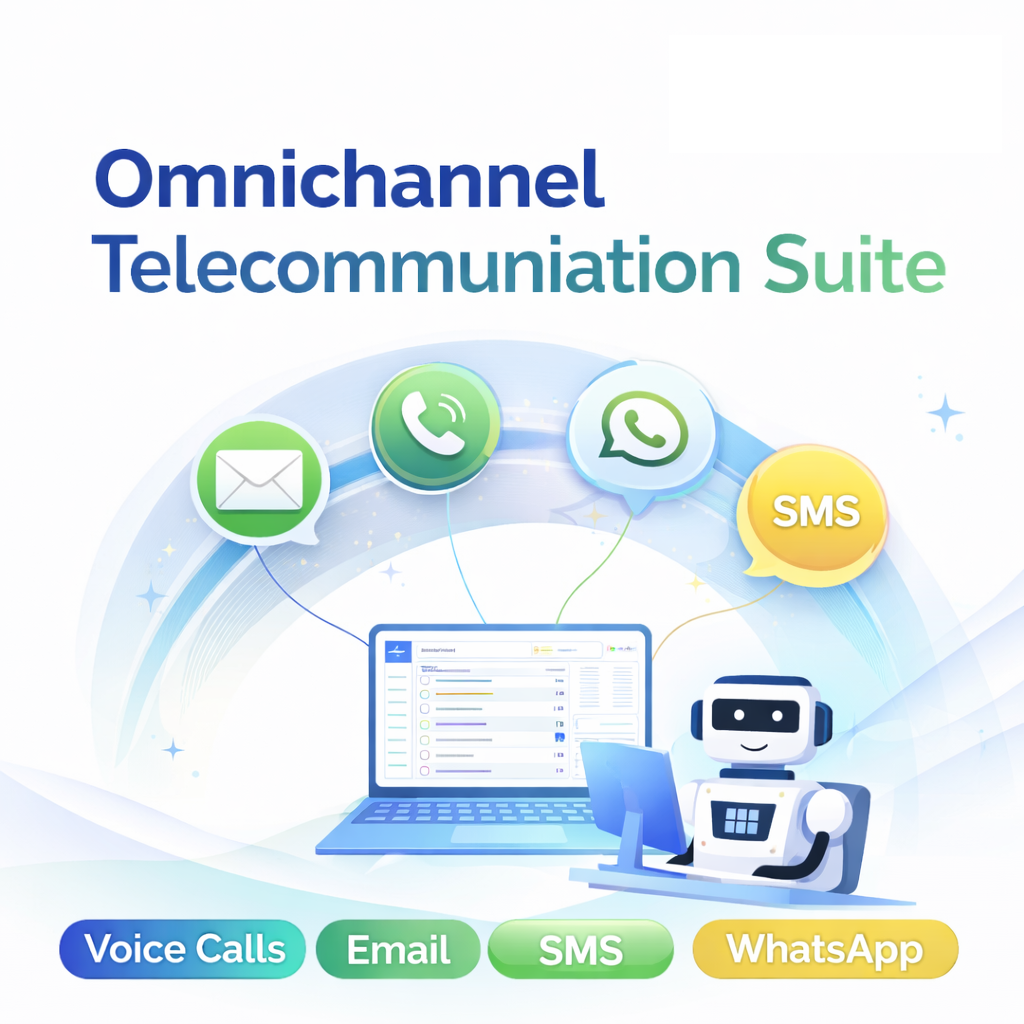
Open-source platform. Omnichannel product bringing together WhatsApp, SMS, email, and telecom workflows. This page brings together setup guidance, open documentation direction, feature overview, MYLINEHUB demo videos, implementation context, and telecom workflow understanding in one place.
Experience the AI telephone demo
This demo uses the ChatGPT Real-Time API and can reduce calling cost by 60–80%, to approximately ₹2 per minute. If your team can build and optimize custom models, the cost can drop even further. We also help you set up the complete telecom infrastructure in-house based on your requirements.
Install Mylinehub AI Communication / Autodialer - Do It Yourself Guide
On-Premise Setup Roadmap. Learn Asterisk first, configure FreePBX next, finalize router/firewall, then install MYLINEHUB.
Training focuses on implementation decisions, AI calling architecture, WhatsApp automation workflows, white-labeling, scaling, and India telecom compliance. Docs remain open so your team can execute step-by-step after training. GSM gateway or else SIP trunk connection process depends on vendor / hareware you choose.
Step 1 — Learn the Asterisk Base Layer
Start with the telecom engine first so the rest of the stack makes practical sense.
Many beginner tutorials online are based on legacy SIP (chan_sip). MYLINEHUB documentation is aligned with modern PJSIP architecture, helping you move from basic PBX learning to real production telecom deployments.
View Asterisk series checklist
- Asterisk Dialplan: Asterisk dialplan intro (Latest Versions) • 7 min
- Asterisk Dialplan: Asterisk dial application (Latest Versions) • 9 min
- Asterisk Dialplan: Dialplan shortcuts (Latest Versions) • 9 min
- Asterisk Dialplan: Playback Application (Latest Versions) • 9 min
- Asterisk Dialplan: Incoming Call Simulation (Latest Versions) • 9 min
- Asterisk Dialplan: Another Context Outgoing Call (Latest Versions) • 9 min
- Asterisk Dialplan: Regular Expressions (Latest Versions) • 9 min
- Asterisk Dialplan: Variables (Latest Versions) • 9 min
- Asterisk Dialplan: Time Conditions (Latest Versions) • 10 min
- Asterisk Dialplan: Subroutines (Latest Versions) • 9 min
- Asterisk Call Center: Call Distribution Intro (Latest Versions) • 7 min
- Asterisk Call Center: Intro to call Queuing (Latest Versions) • 7 min
- Asterisk Call Center: Queuing Strategies (Latest Versions) • 10 min
- Asterisk Call Center: Dynamic Queue Members (Latest Versions) • 10 min
- Asterisk Call Center: Music On Hold (Latest Versions) • 9 min
- Asterisk Call Center: Dynamic Queue Agents (Latest Versions) • 10 min
- Asterisk IVR: IVR and Custom Prompt Intro (Latest Versions) • 7 min
- Asterisk Dialplan: Installing Custom Prompts (Latest Versions) • 9 min
- Asterisk IVR: IVR Guidance Link (Latest Versions) • 7 min
- Asterisk IVR: Basic IVR Configuration (Latest Versions) • 9 min
- Asterisk IVR: Advance IVR Asterisk (Latest Versions) • 10 min
- Asterisk IVR: Looping IVR menu (Latest Versions) • 9 min
- Asterisk PJSIP: SIP Providers Intro (Latest Versions) • 7 min
- Asterisk PJSIP: Registratiom SIP Providers (Latest Versions) • 10 min
- Asterisk PJSIP: Adding SIP Provider Peer (Latest Versions) • 10 min
- Asterisk PJSIP: Provider Inbound Call (Latest Versions) • 9 min
- Asterisk PJSIP: Provider Outbound Call (Latest Versions) • 9 min
- Asterisk PJSIP: Provider Caller ID (Latest Versions) • 9 min
- Asterisk PJSIP: Provider Caller ID (Advanced / P-Asserted-Identity) (Latest Versions) • 10 min
- Asterisk PJSIP: Endpoint Identify & Match (Fix 401/No Matching Endpoint) (Latest Versions) • 10 min
- Asterisk PJSIP: Registration Auth Failures (403/401) and How to Fix (Latest Versions) • 10 min
- Asterisk Troubleshooting: One-Way Audio (PJSIP/RTP) Root Causes (Latest Versions) • 10 min
- Asterisk Dialplan: Advanced Dialplan Pattern Matching (X., _9NXX, etc.) (Latest Versions) • 10 min
- Asterisk Call Center: Dynamic Queue Membership Using Asterisk DB (ASTDB) (Latest Versions) • 10 min
- Asterisk Call Center: Queue Strategies (ringall, leastrecent, fewestcalls, linear) (Latest Versions) • 10 min
Step 2 — Configure FreePBX Properly
Move into extensions, trunks, IVR, queues, and business-ready PBX configuration.
If you don’t want to write dialplan or manage raw Asterisk configs, FreePBX lets you control your PBX through a UI. These tutorials are written for FreePBX 16/17 with PJSIP (modern SIP), and every guide includes step-by-step screenshots so you can configure safely.
Recommended routing order: Trunks → Inbound Routes → Outbound Routes (so calls can enter, route correctly, and exit).
View FreePBX series checklist (15 guides)
- FreePBX SysAdmin Module: Updates, Backups, and Security • 10 min
- FreePBX Certificate Management: HTTPS, PEM, and Renewals • 7 min
- FreePBX Advanced Settings (Asterisk 20): Secure and Correct Defaults • 10 min
- FreePBX Bulk Handler / Admin: Handling Bulk Updates Safely • 6 min
- FreePBX SIP Settings: NAT, RTP Ports, and Codec Choices • 10 min
- Reset Network for SIP in FreePBX: Fix NAT, RTP, and One-Way Audio • 6 min
- FreePBX Firewall: Trusted Networks, Ports, and ARI/AMI Access • 10 min
- FreePBX Trunks: SIP Provider Setup, Registration, and Identify/Match • 9 min
- FreePBX Inbound Routes: DID Mapping, Time Conditions, and Destinations • 11 min
- FreePBX Outbound Routes: Patterns, Trunks, and CallerID • 7 min
- FreePBX Extensions: PJSIP Extensions and Common Pitfalls • 10 min
- FreePBX IVR: Menus, Prompts, and Clean Customer Journeys • 10 min
- FreePBX Queues: Strategies, Agents, and Monitoring • 10 min
- FreePBX Conference: MeetMe/ConfBridge Setup Basics • 6 min
- FreePBX Dynamic Routes: Build Smart Routing Logic • 7 min
Step 3 — Add GSM Gateway or SIM-Based Calling
Use mobile-number connectivity where the business use case requires SIM-based telecom routing.
Explore how a GSM gateway bridges SIM-based mobile calling with IP telephony systems. This guide covers SIM status, SIP / VoIP endpoint setup, client, server, and IP-based registration modes, routing rules, and practical integration with FreePBX, Asterisk, and similar telecom platforms.
Step 4 — Finalize Router, NAT, Firewall, and Media Flow
Fix networking cleanly so calls register correctly and audio flows properly in real deployments.
Before blaming trunks or codecs, fix networking first. This guide explains NAT, port forwarding, RTP ranges, and the common reasons for one-way audio and registration failures.
Step 5 — Install and Connect MYLINEHUB
Complete the rollout by connecting the application layer on top of the telephony foundation.
View installation checklist
- Install MYLINEHUB on Ubuntu Server (Complete Production Guide)
- Install PostgreSQL and PGVector for MYLINEHUB AI Features
- Configure SSL Using Let’s Encrypt for MYLINEHUB
- Nginx Reverse Proxy Configuration for MYLINEHUB Services
- Create systemd Service for MYLINEHUB VoiceBridge
- How to Load Initial Telecom Data Safely in MYLINEHUB (Organization, AMI, SSH, Users, IVR, Queue)
- VoiceBridge DB-Driven Configuration: stasis_app_config + Instructions (Safe Initial Data)
- Fetch & Clear Backend Service Logs (MYLINEHUB Debugging Guide)
- Monitor Spring Boot JMX Over SSH for MYLINEHUB
- Increase Linux ulimit for MYLINEHUB (Fix Too Many Open Files)
- Troubleshoot HTTP Connection Reset Issues in MYLINEHUB
- Reset Database for New Customer in MYLINEHUB
- Setup Gitea Git Server for MYLINEHUB Open-Source
- Reset Angular Setup for MYLINEHUB UI (Clean Rebuild & Fix Broken Builds)
Premium Open-Source Telecom Features Unlimited power to personalize
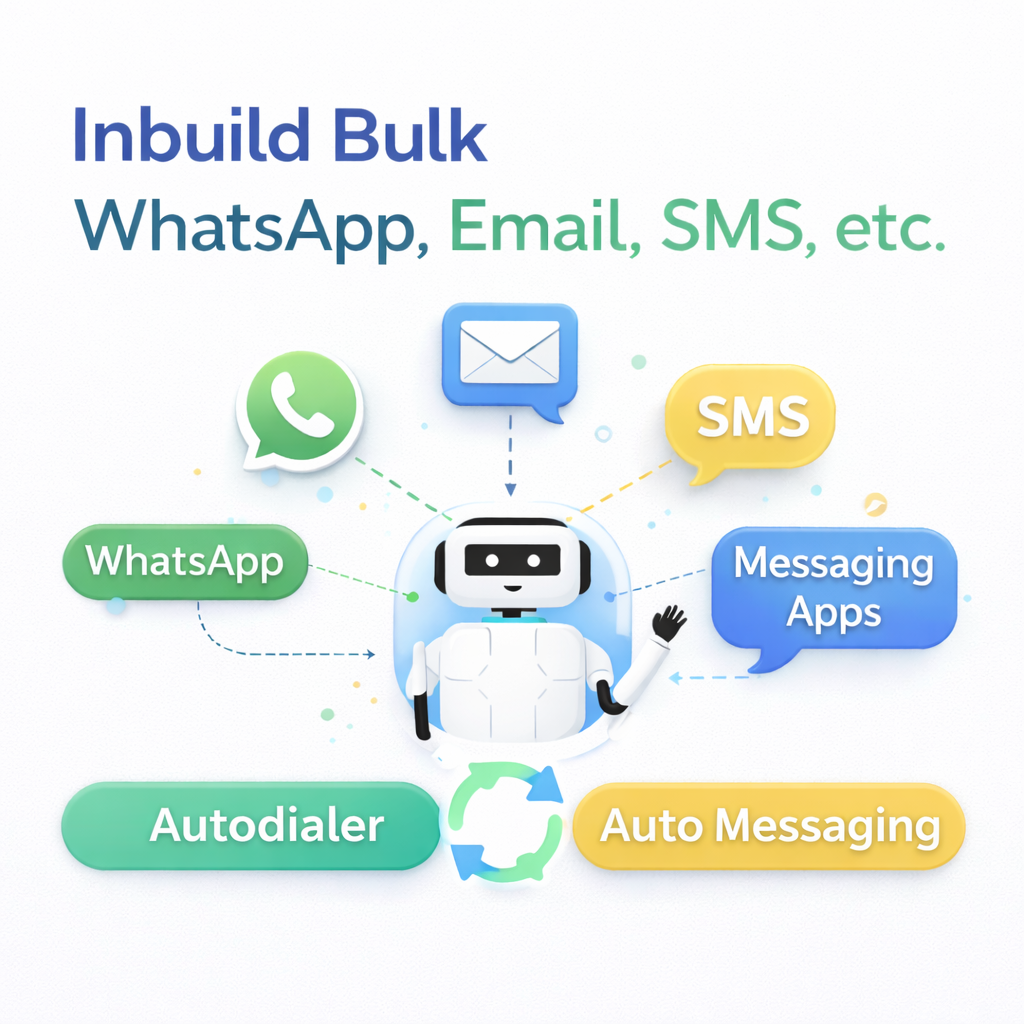
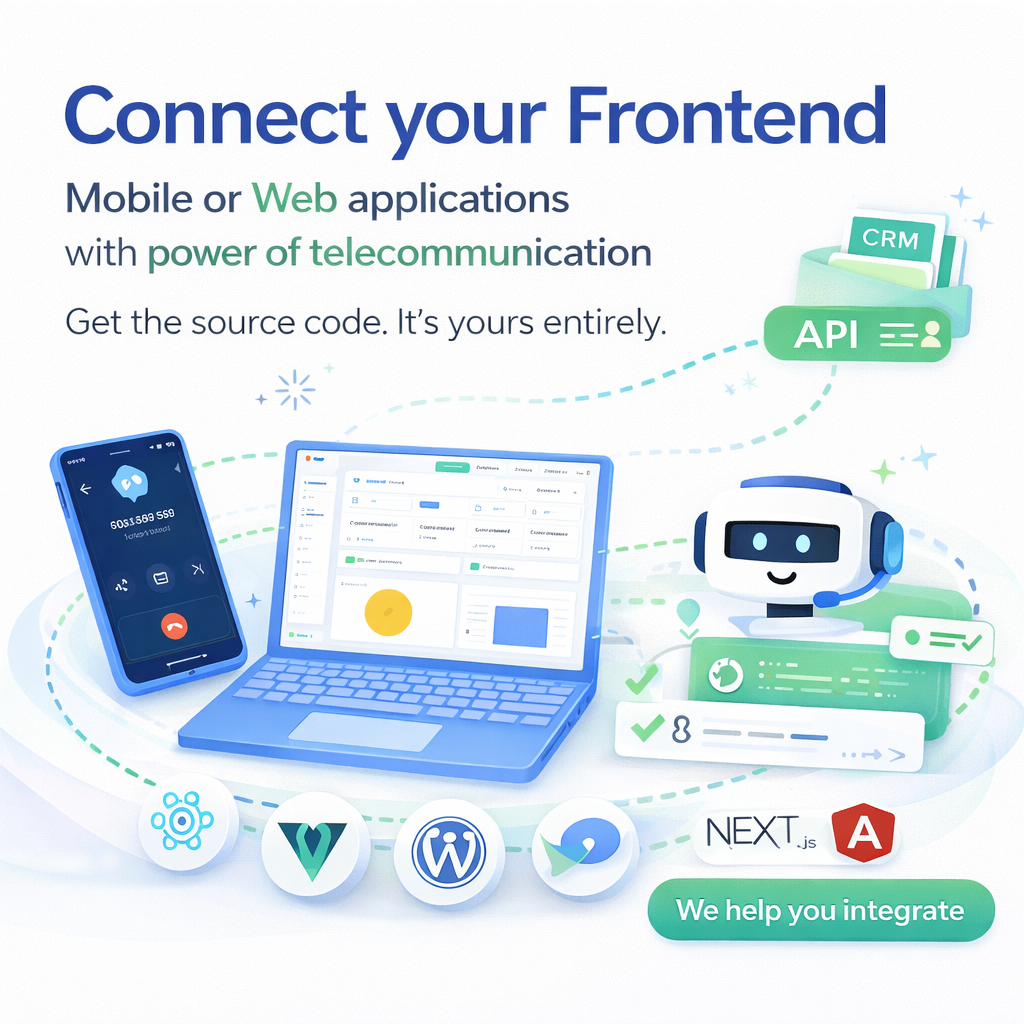
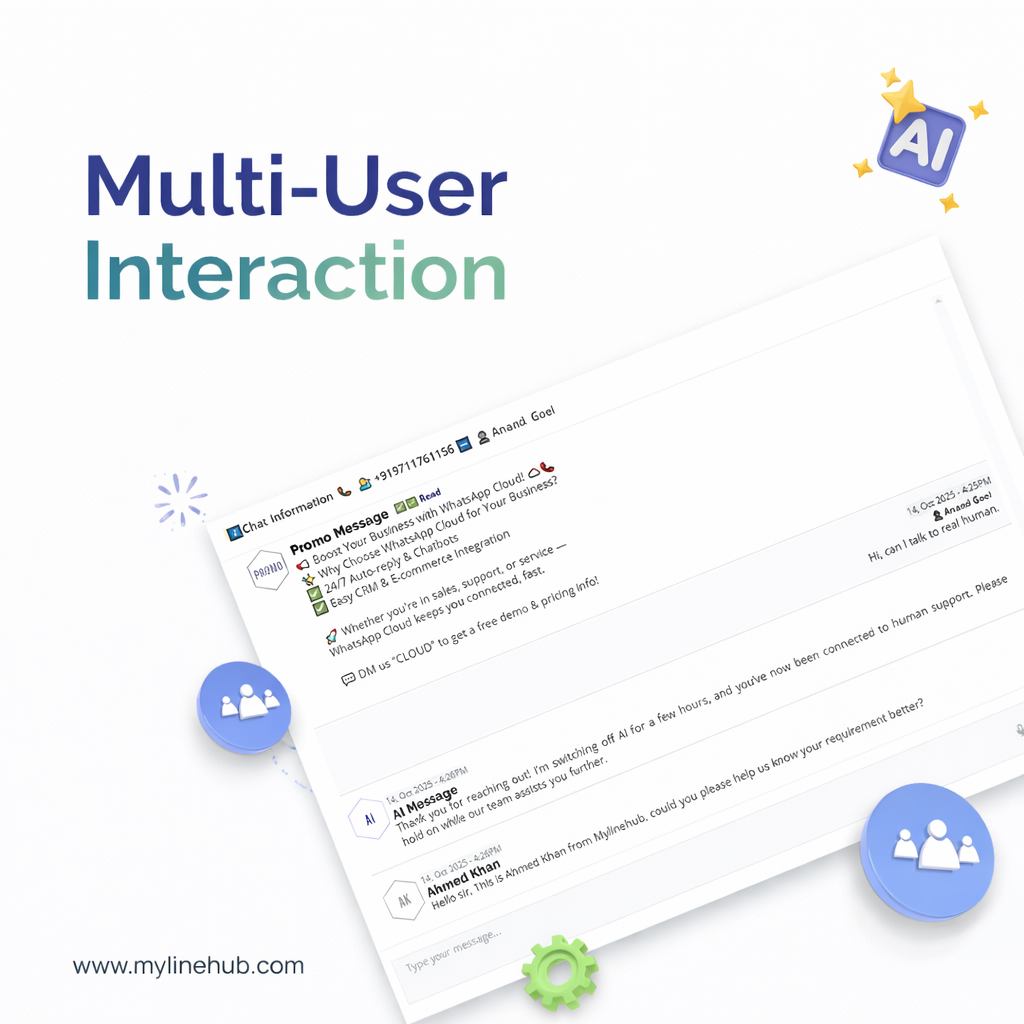
Explore real product features and implementation patterns — dialer, CRM workflows, AI calling, automation, reporting, roles, and white-label UI.


- Call centers / BPOs with in-house PBX/telecom
- Businesses wanting WhatsApp CRM under their own brand
- CRM resellers / agencies building white-label offerings
- Founders / tech leads tired of vendor lock-in
- Teams who want their own API layer + data ownership
- Total beginners with zero telecom context
- People who want “done-for-you SaaS cloud”
- Anyone expecting Asterisk installation training




Product Videos - Open Source Premium CRM + Autodialer


Best Return on Investment Deal + Fabulous Features
- 🚀 Launch Campaign
- 📩 Customer WhatsApp Message
- 🤖 AI-Powered Instant Reply
- 📅 AI-Assisted Call Schedule
- 📊 Insightful Performance Reports
- 💡 Expert Support & Guidance
Our Solutions
🤖 TRY WHATSAPP BOT
Empower your business with smart, AI-driven solutions.
🤖 WhatsApp AI Bot
Engage customers automatically via WhatsApp.
📡 Telecom Solutions
Integrate voice, SMS, and WhatsApp seamlessly.
📊 CRM Integration
Create unified sales workflows.
⚙️ Business Automation
Automate repetitive workflows.